Task and context: what should change
It is better to start this kind of project with the expected change rather than a product list: build a functional kit for hybrid work without unnecessary cables or incompatible devices. This article will be useful to the HR team and corporate gifts manager. This keeps the discussion concrete even with a wide choice. A good set is built around one use case rather than the maximum number of items.
Before requesting a price, acknowledge the main challenge: the user already owns some equipment, while connectors, power requirements, and workspace dimensions vary. The product's role, its use environment, and the signs of a successful outcome are recorded as one decision: “design the kit around one function and specify each device's compatibility in advance.” The items, packaging, and handover moment are designed together so every element supports the shared task.

Questions that resolve uncertainty
A good question should affect the decision; everything else can be clarified after the initial selection. The outcome is the ability to make the decision “design the kit around one function and specify each device's compatibility in advance.” After this preparation, the estimate reflects the project's actual configuration.
- Which devices are charged?check power standards.
- Is a power outlet available?reduce the number of units.
- Is lighting needed?provide for cable storage.
- How is the set stored after unboxing?keep the work surface clear.
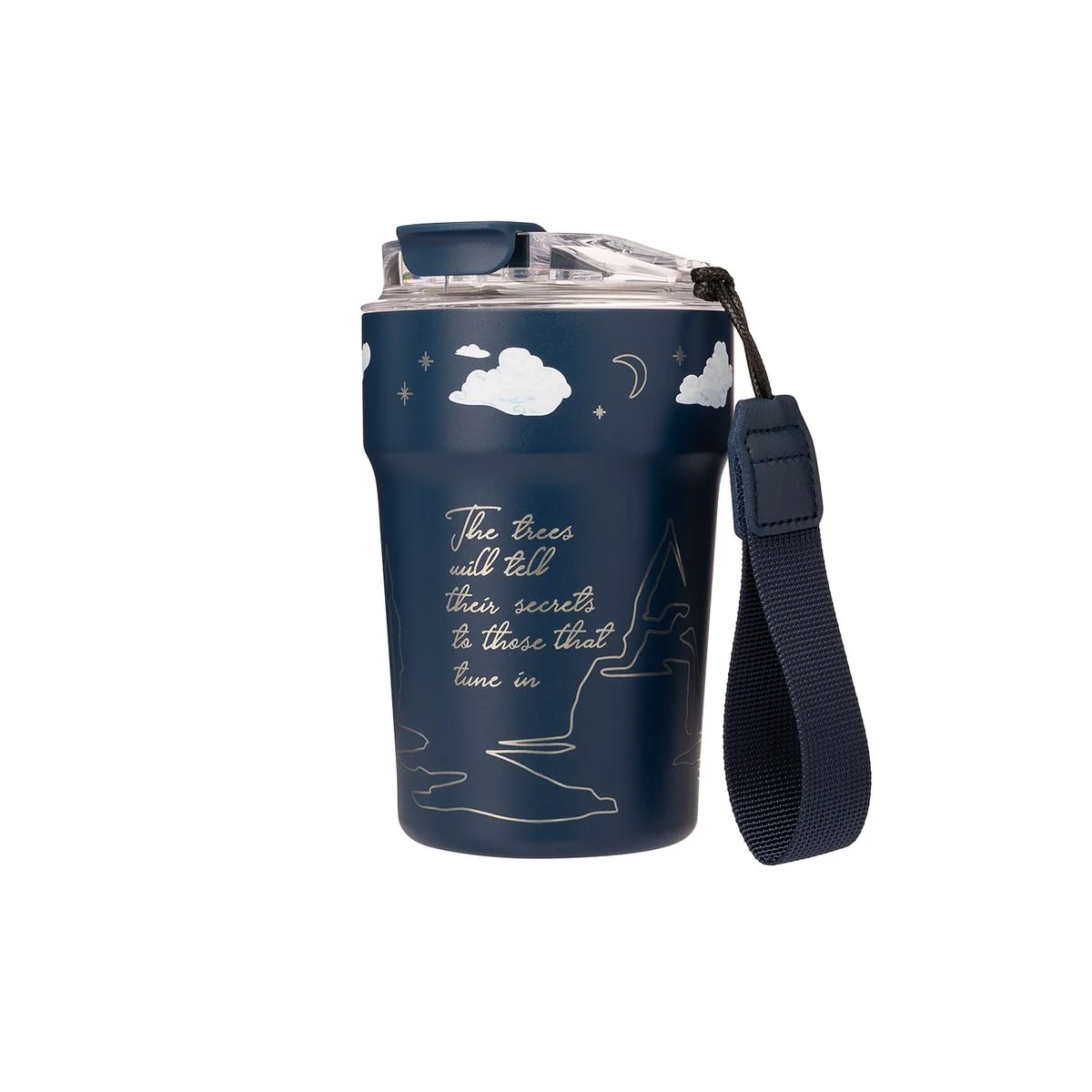
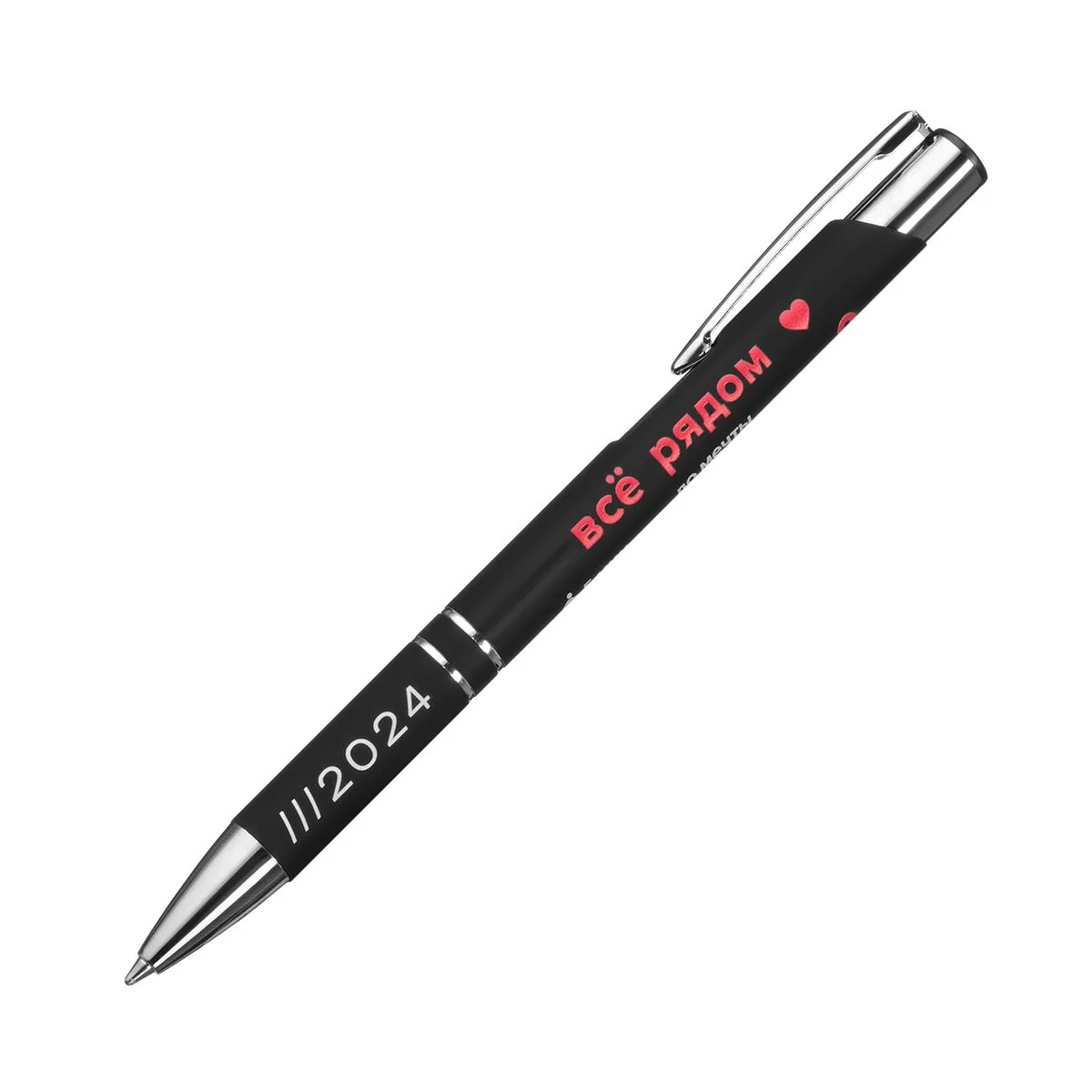
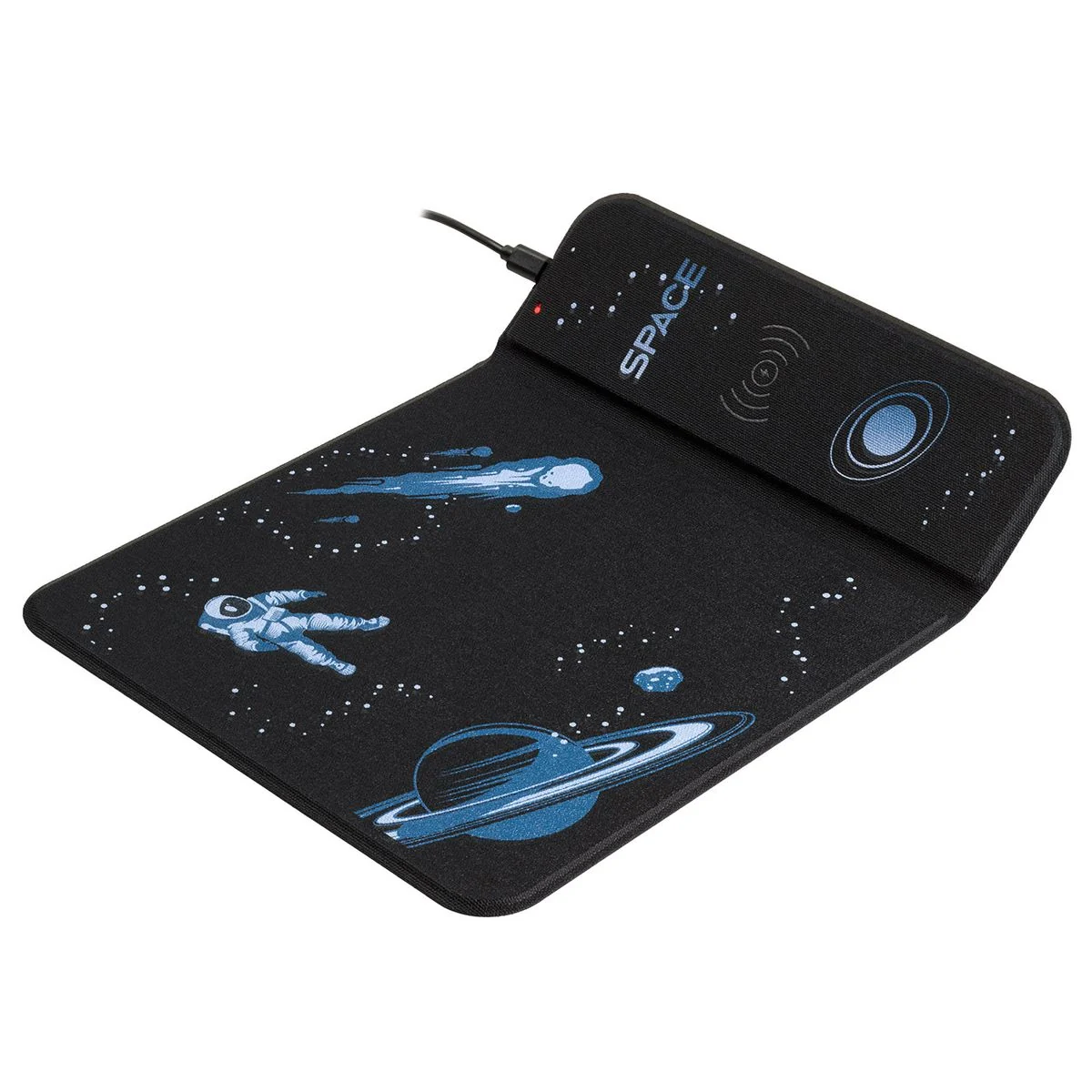
Working decision matrix
| Goal | build a functional kit for hybrid work without unnecessary cables or incompatible devices |
|---|---|
| Audience | to the HR team and corporate gifts manager |
| Solution | design the kit around one function and specify each device's compatibility in advance |
| Techniques | UV printing, Laser engraving |
| Main risk | the user already owns some equipment, while connectors, power requirements, and workspace dimensions vary |
| Metric | compatibility, frequency of use, tidy cable management, and safety |
Parameters are considered together because a compromise in one row changes the entire project. In this project, the priority metric is “compatibility, frequency of use, tidy cable management, and safety.” It helps distinguish an acceptable compromise from a hidden downgrade.
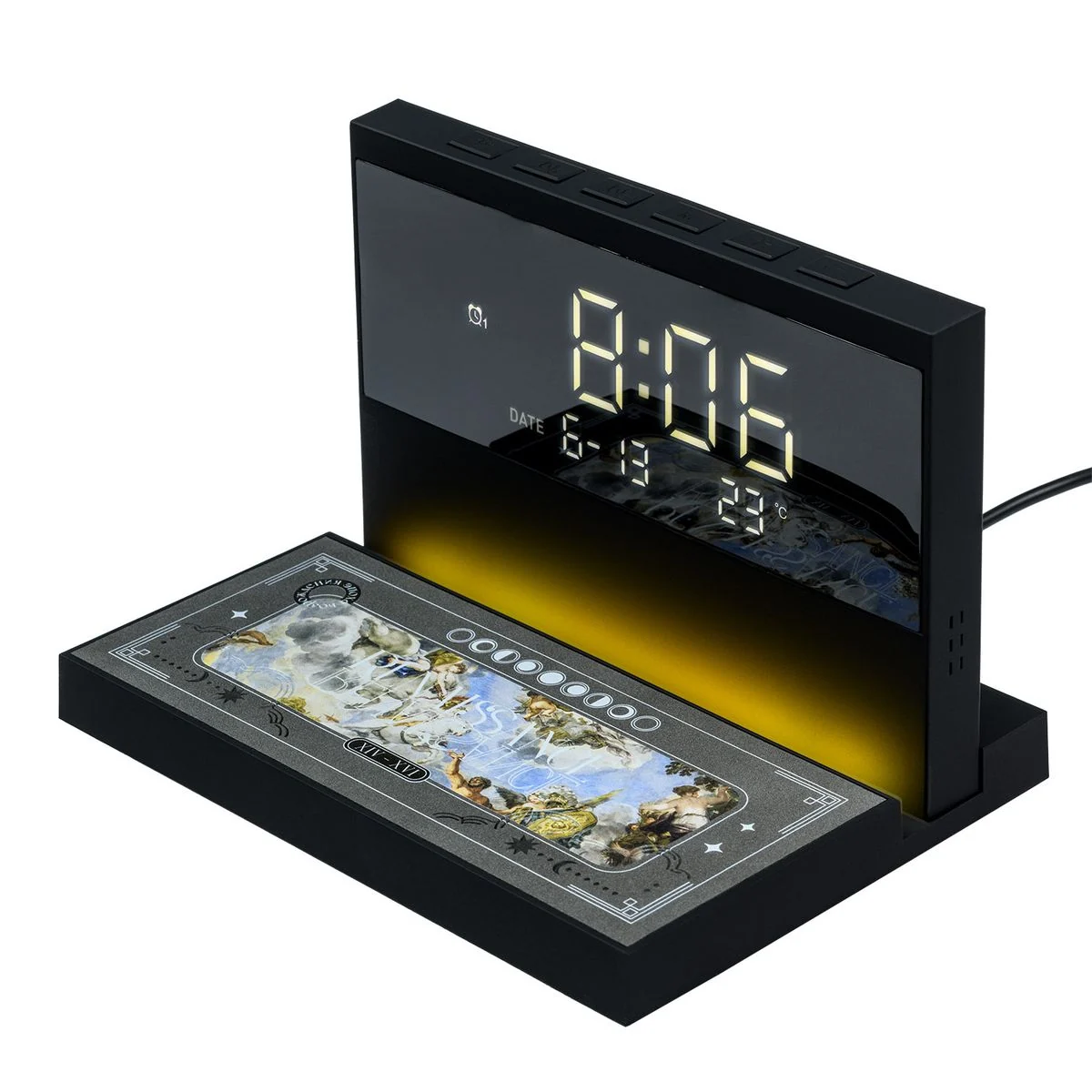
Use cases, products, and visual logic
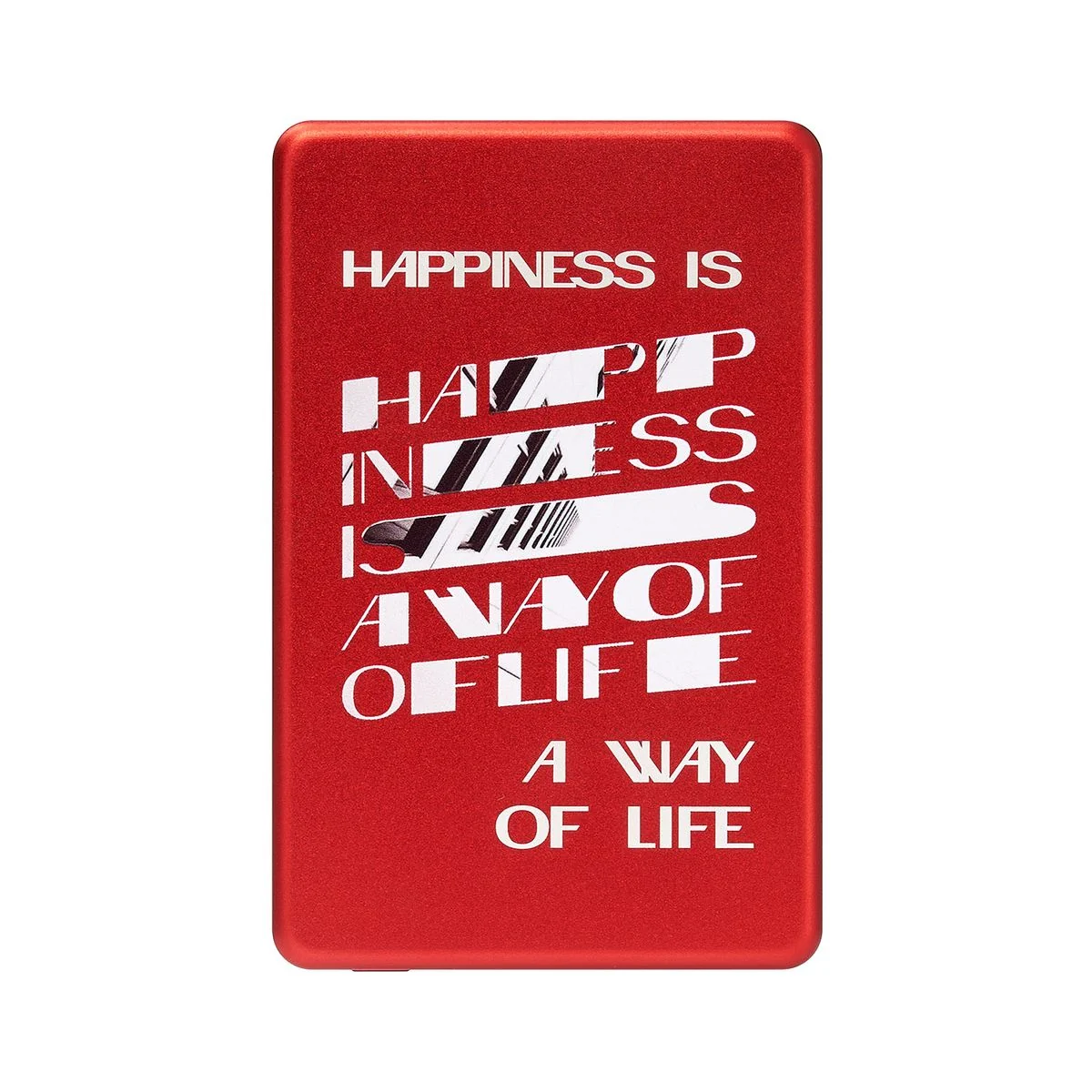
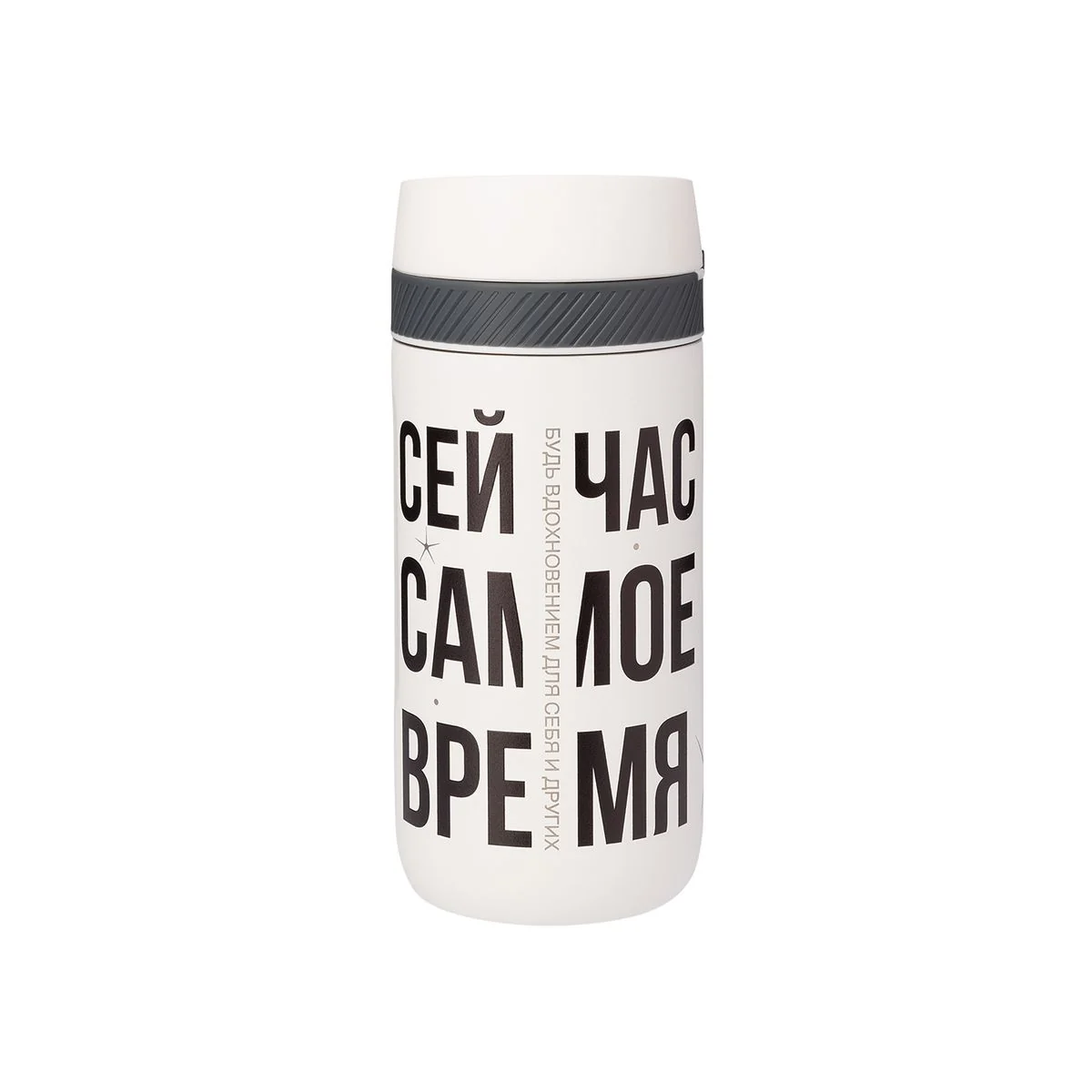
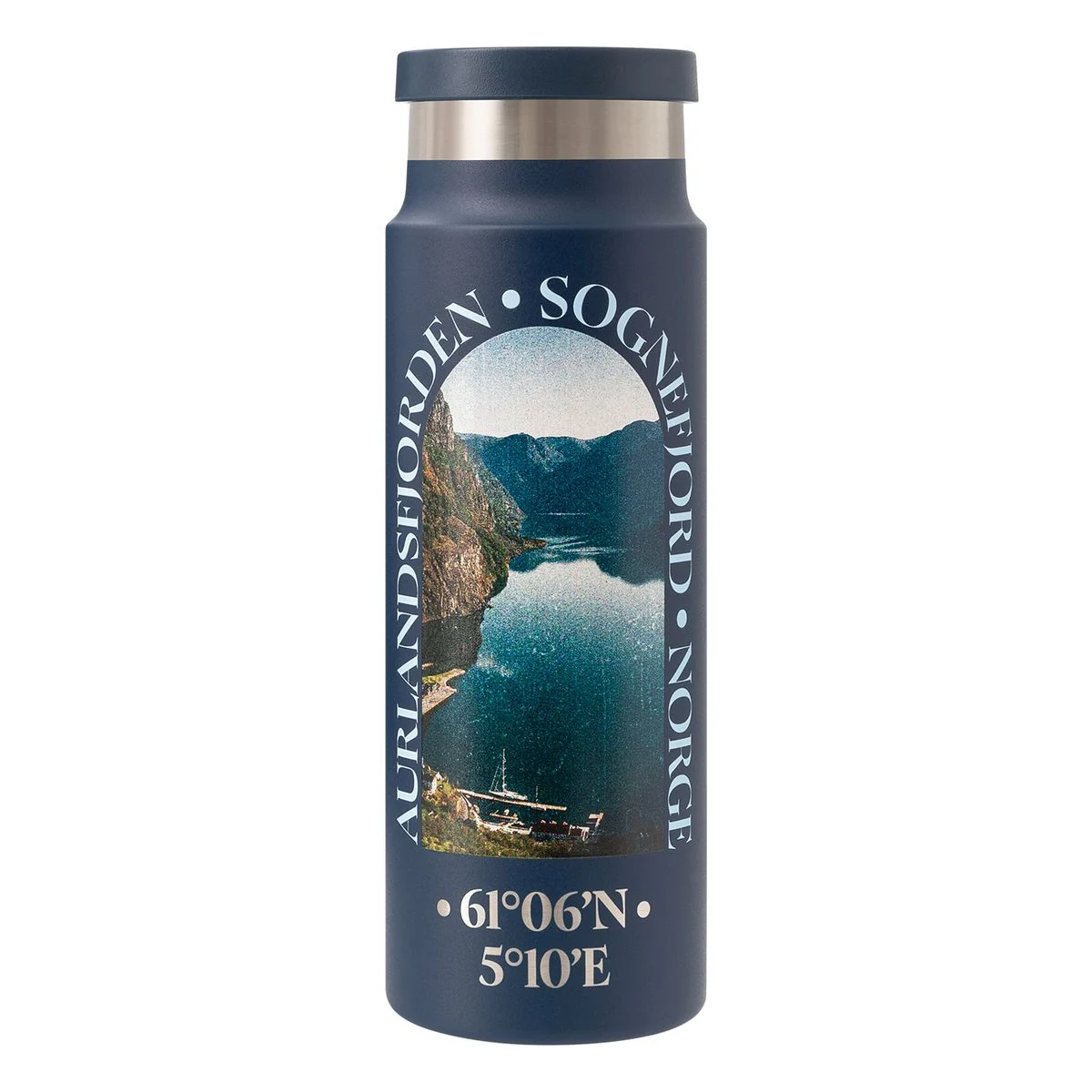
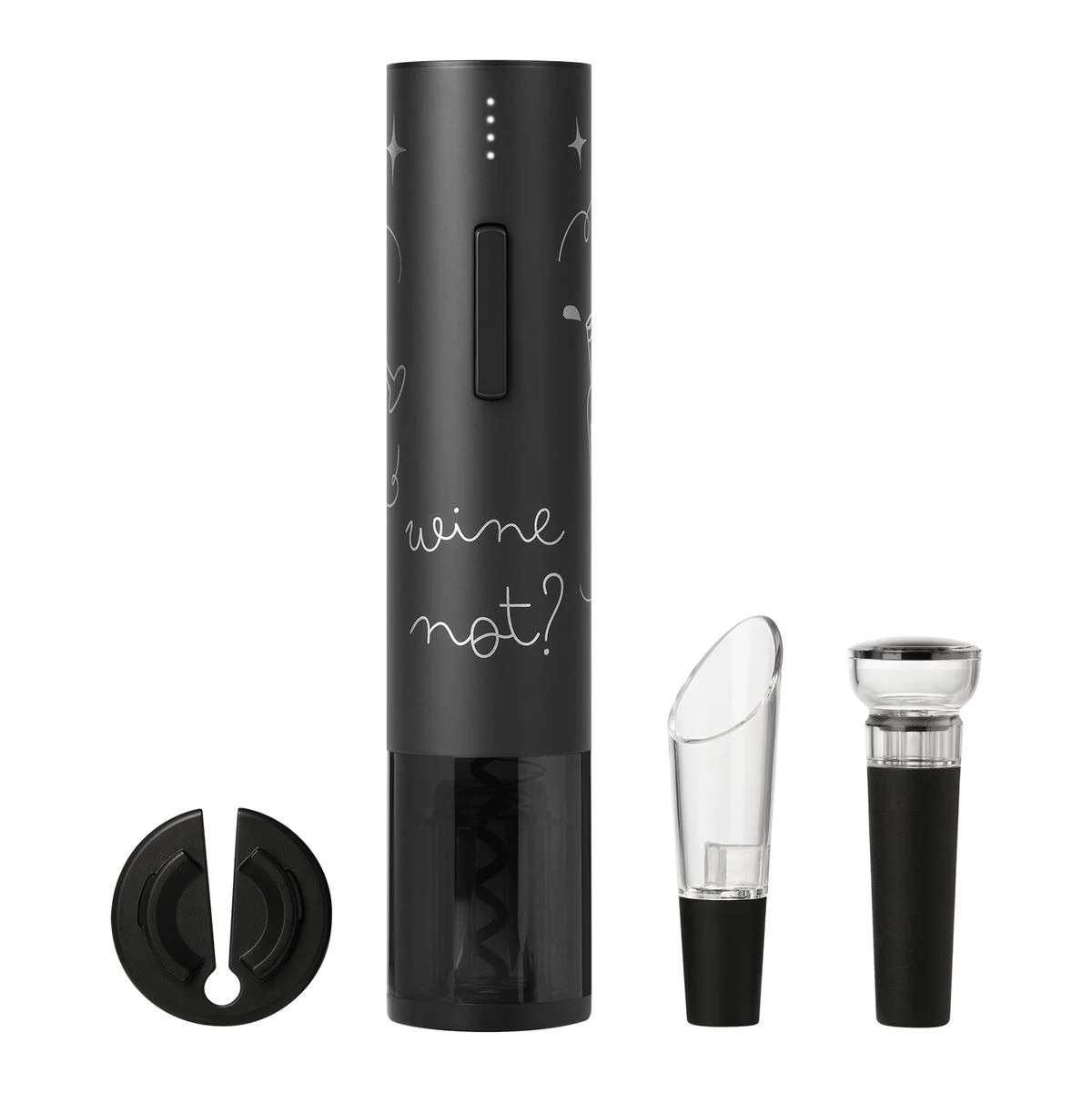
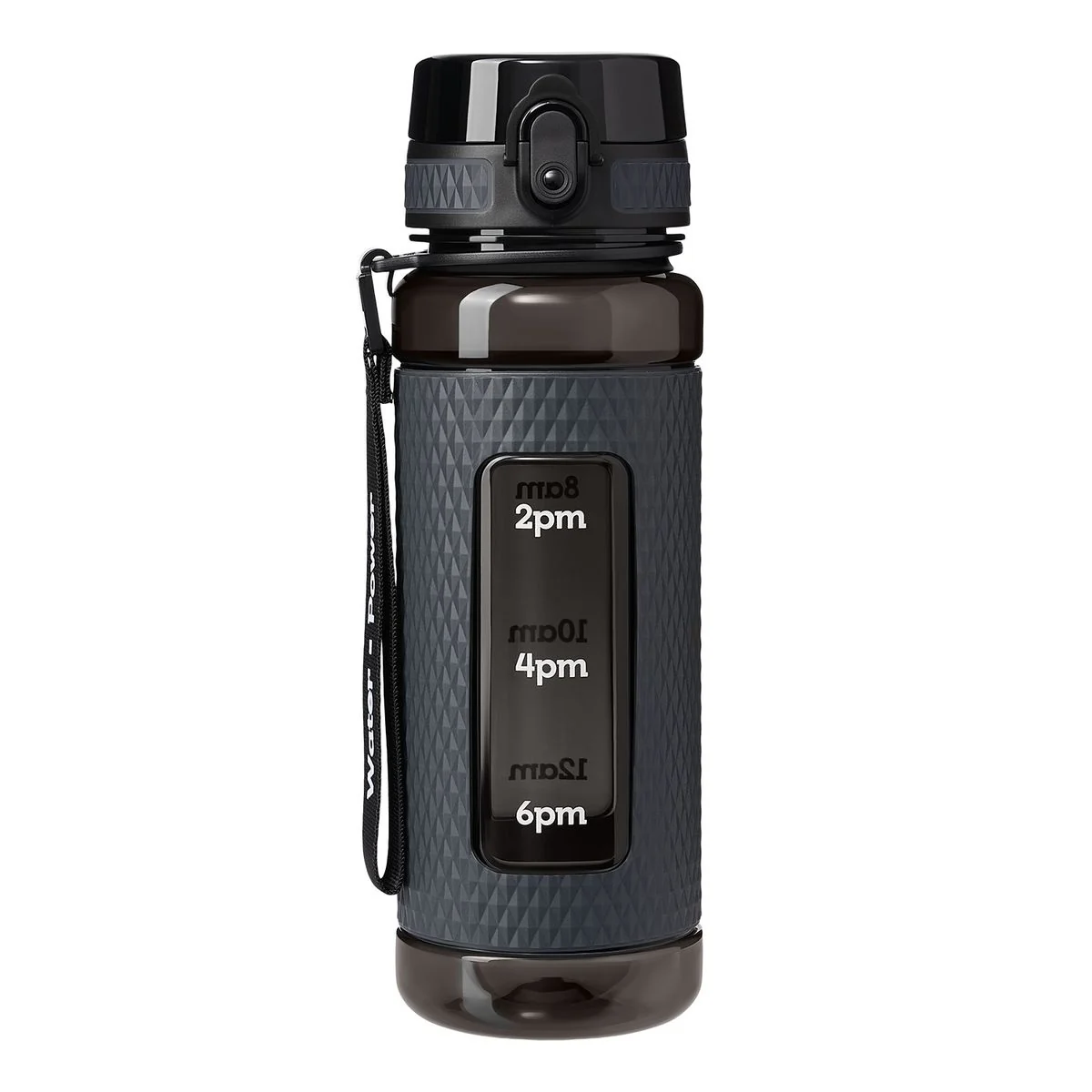
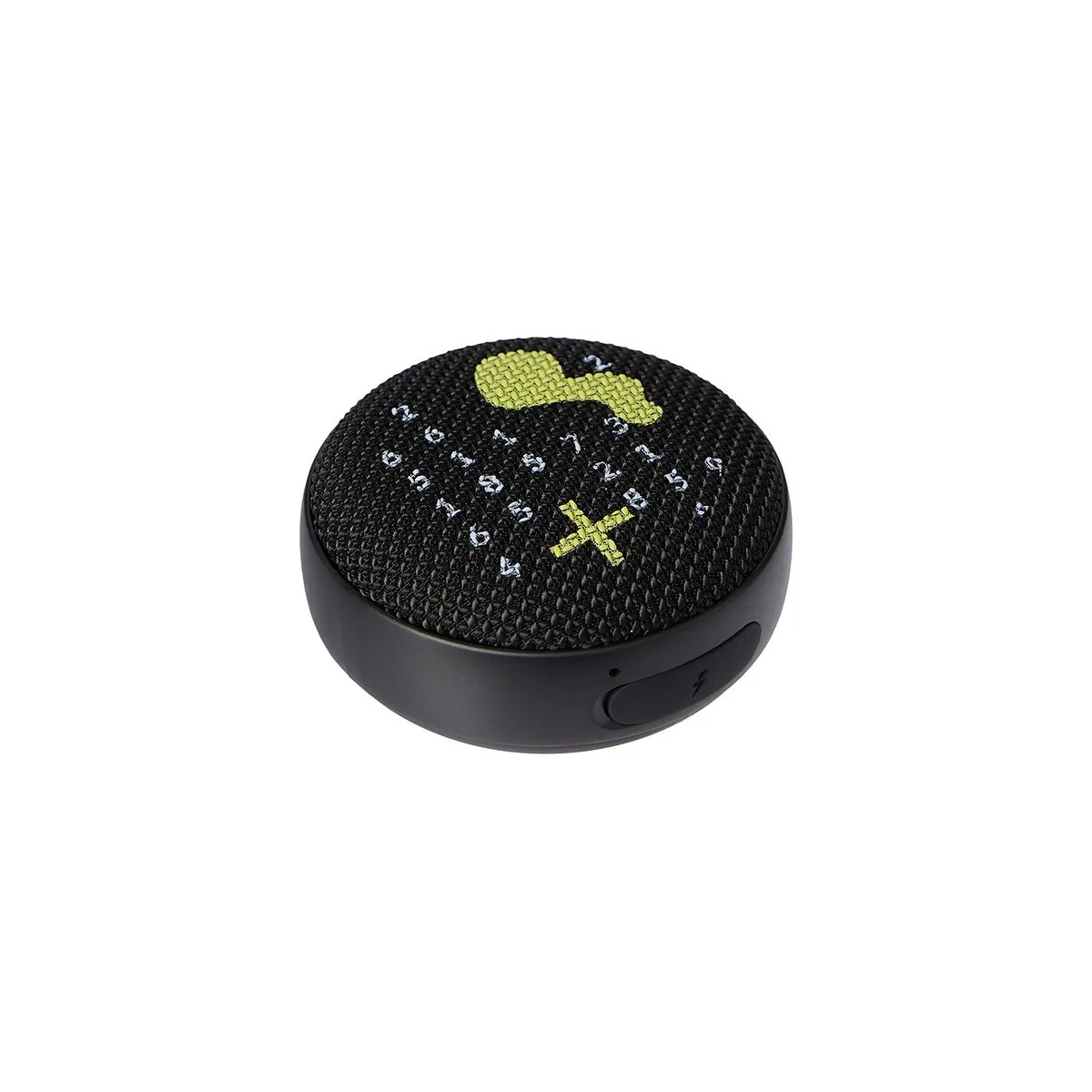
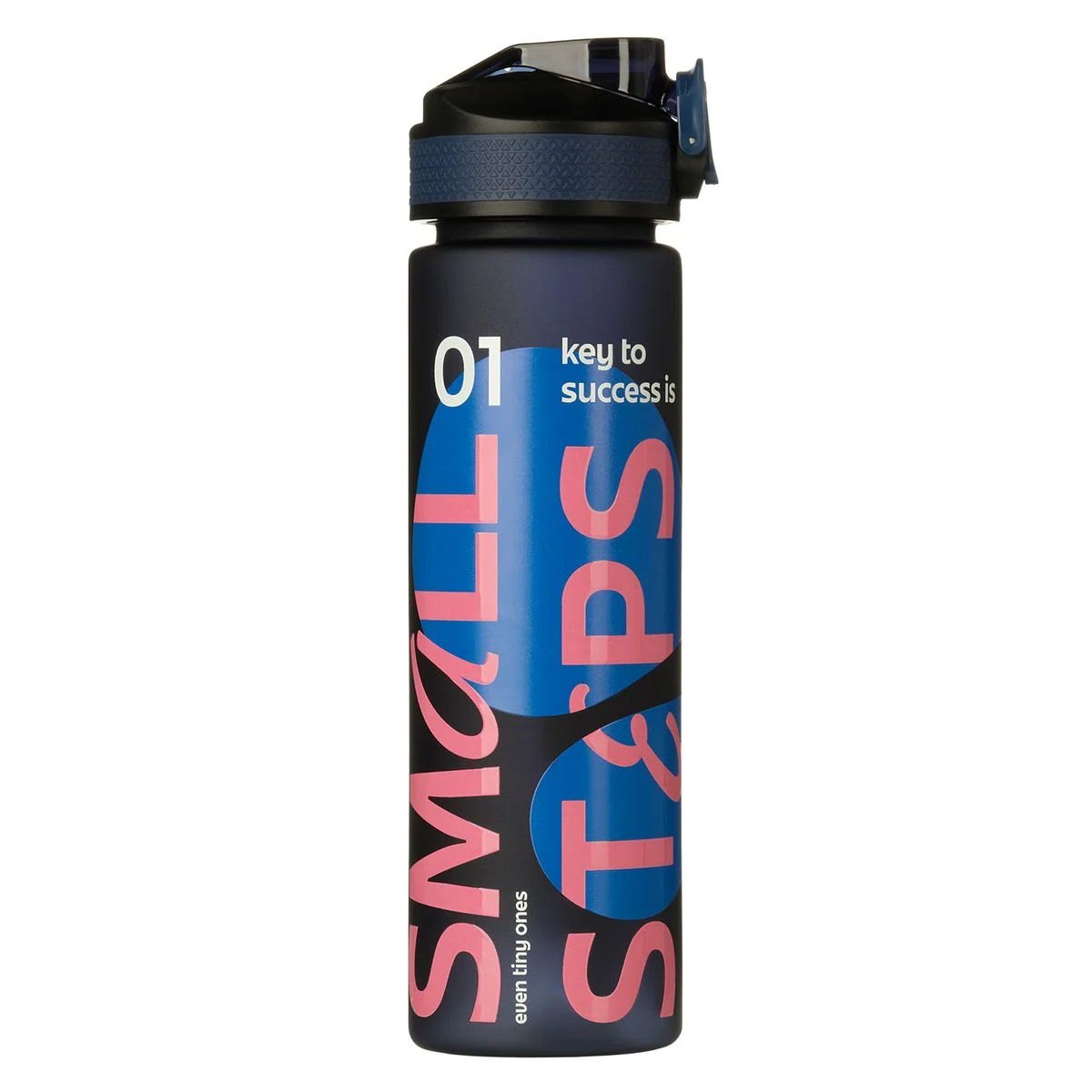
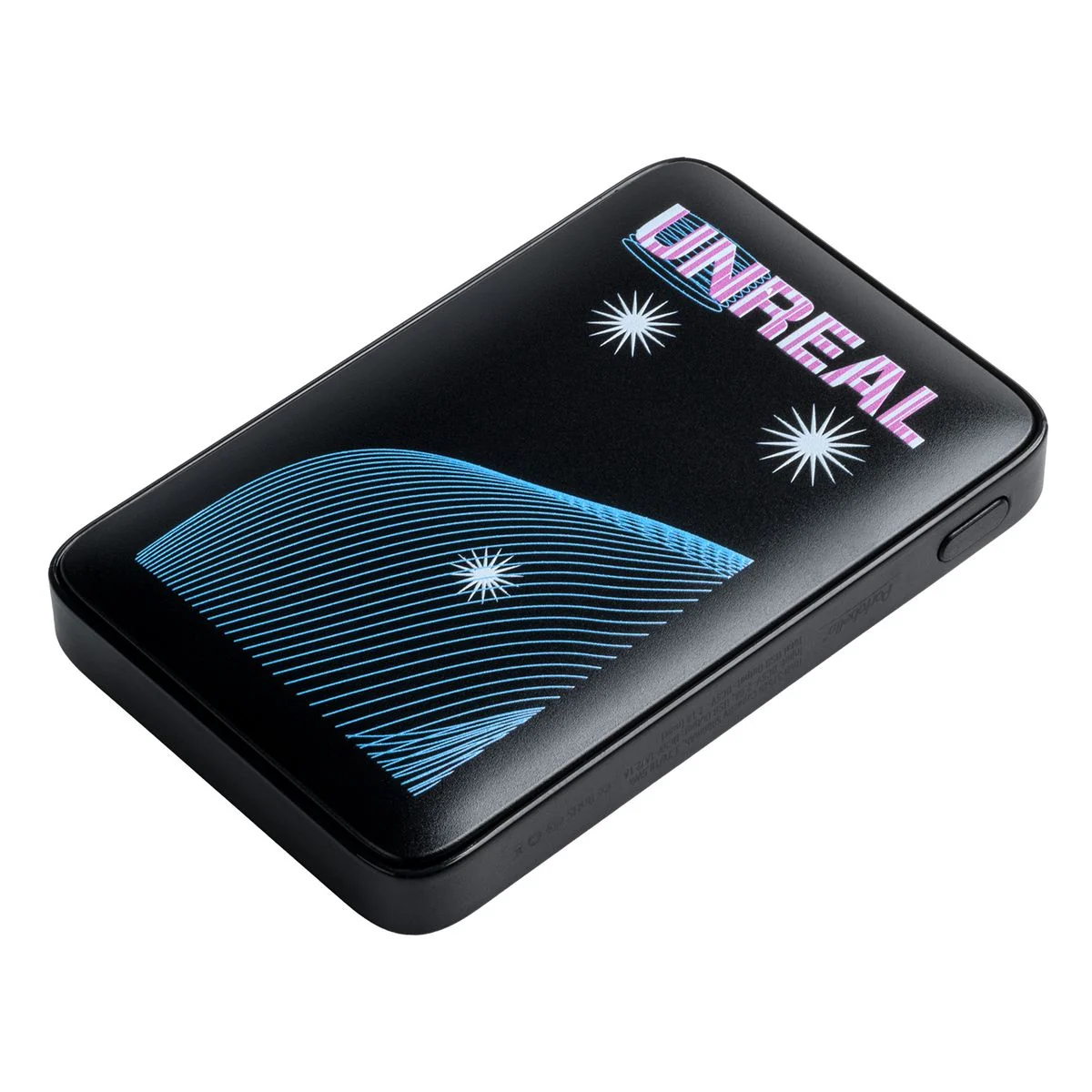
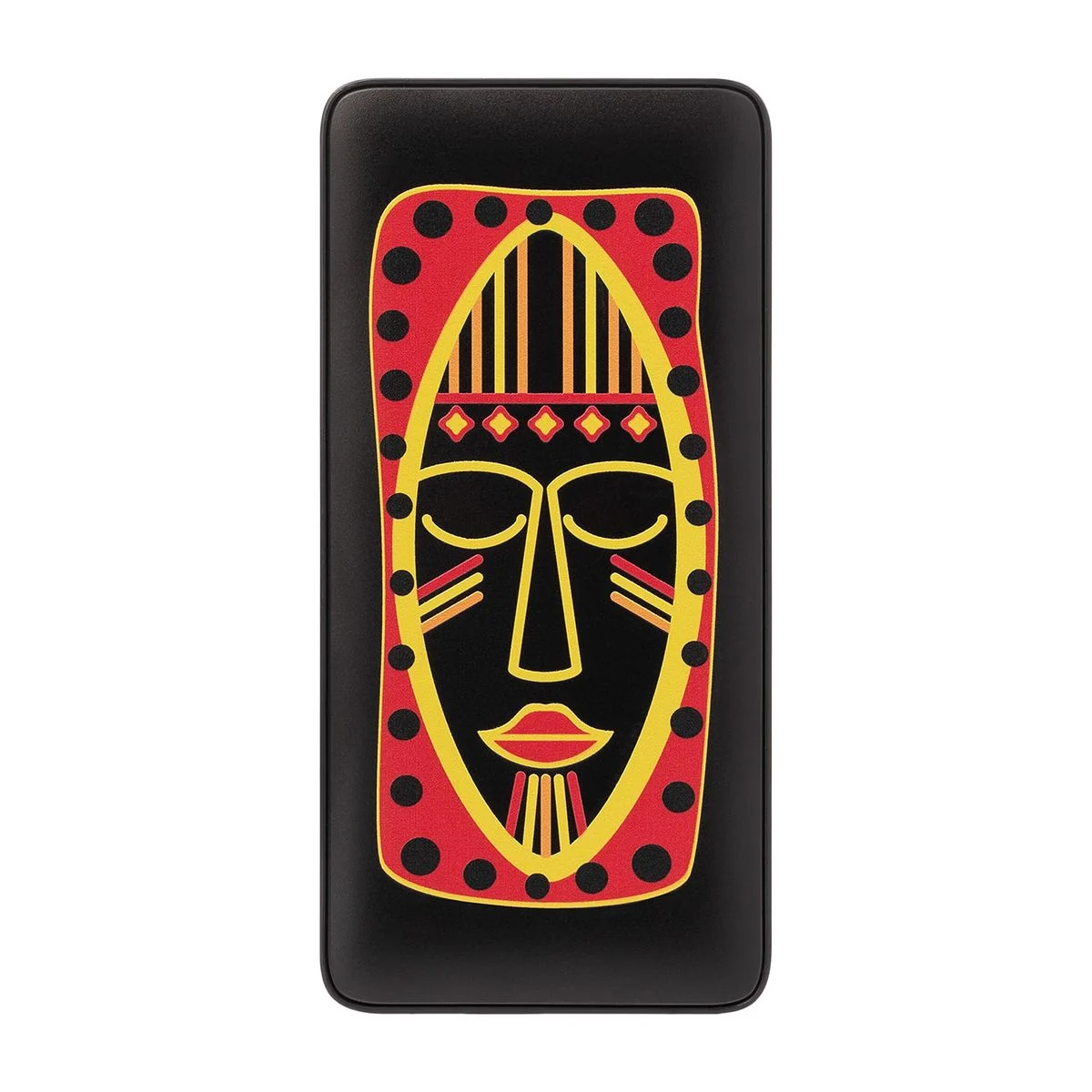
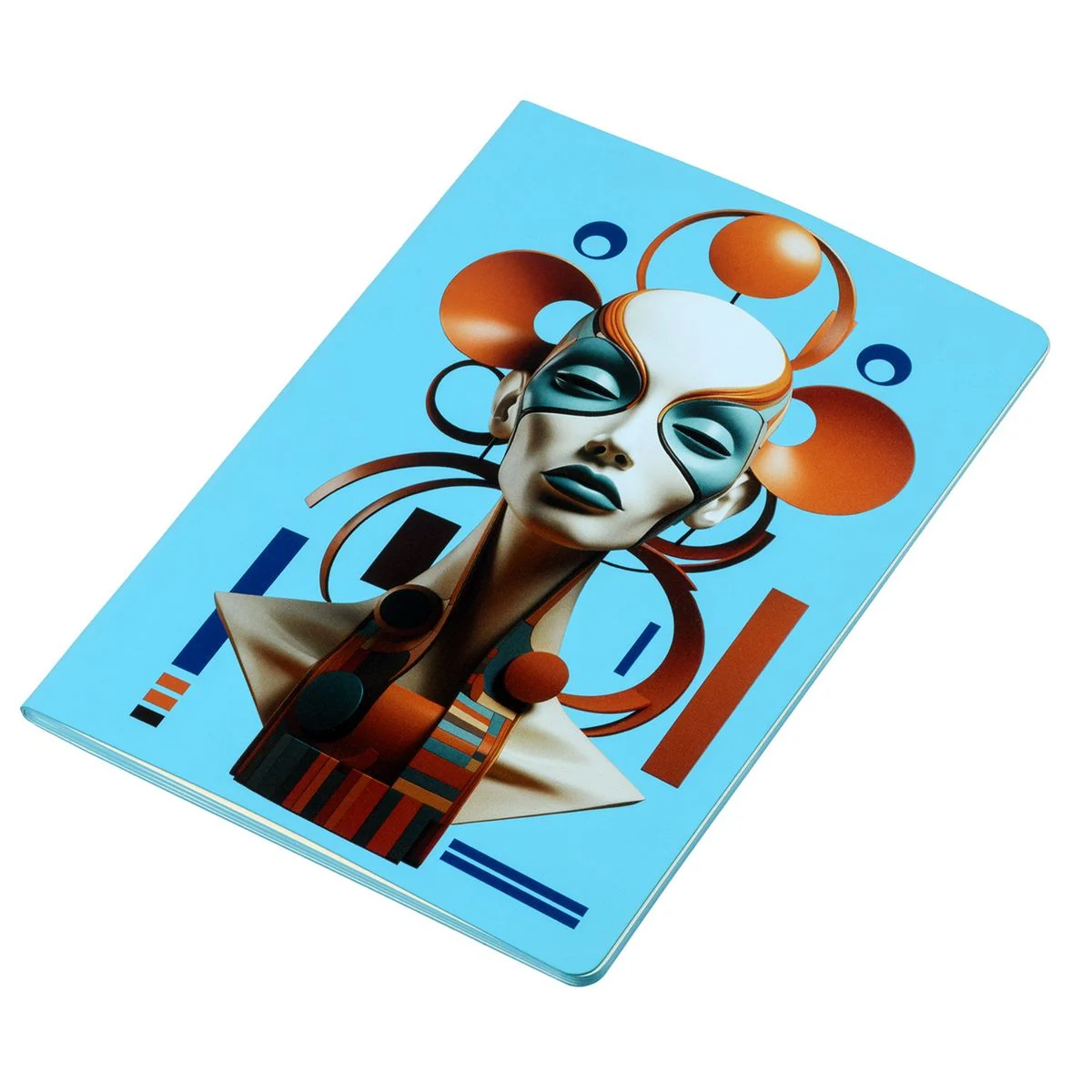
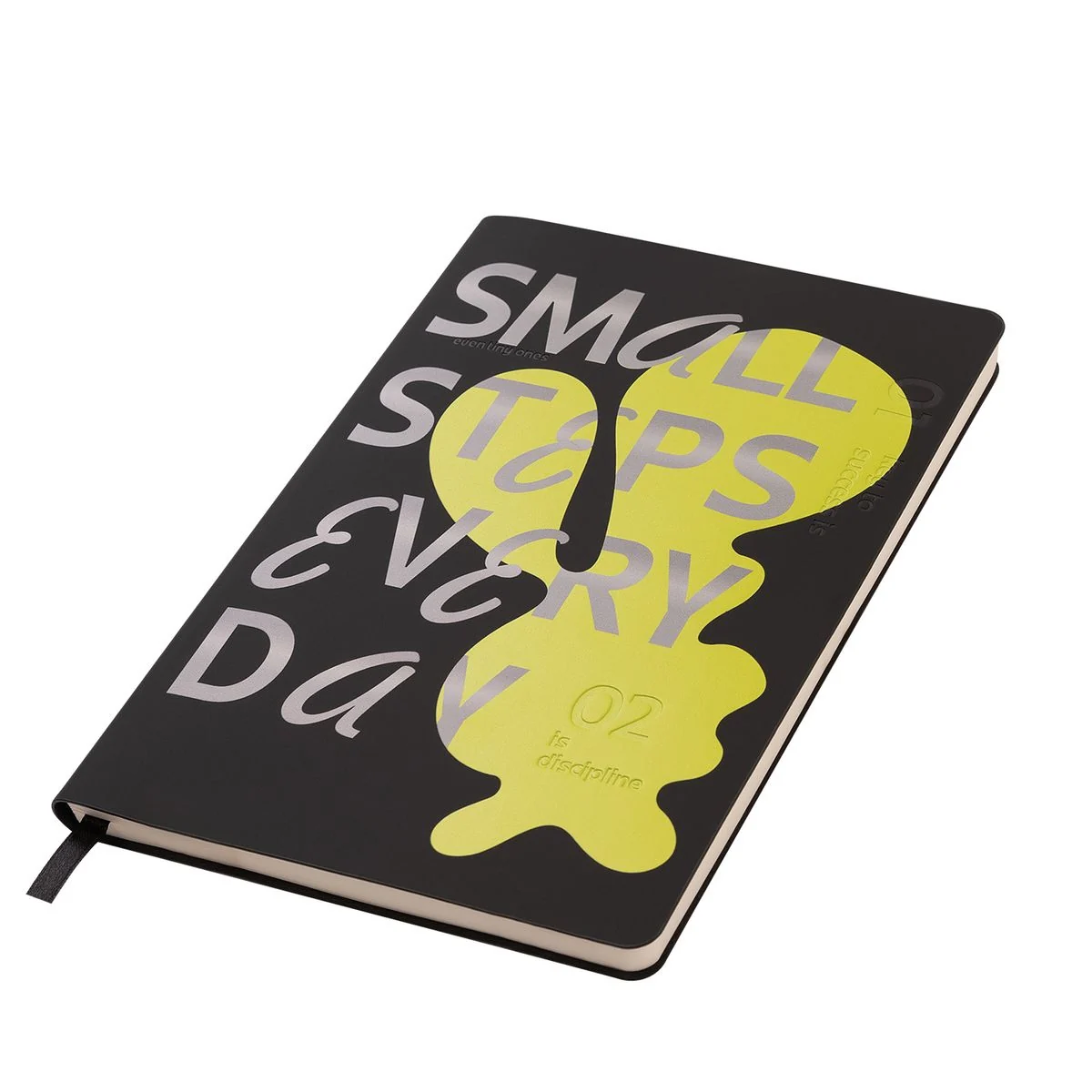
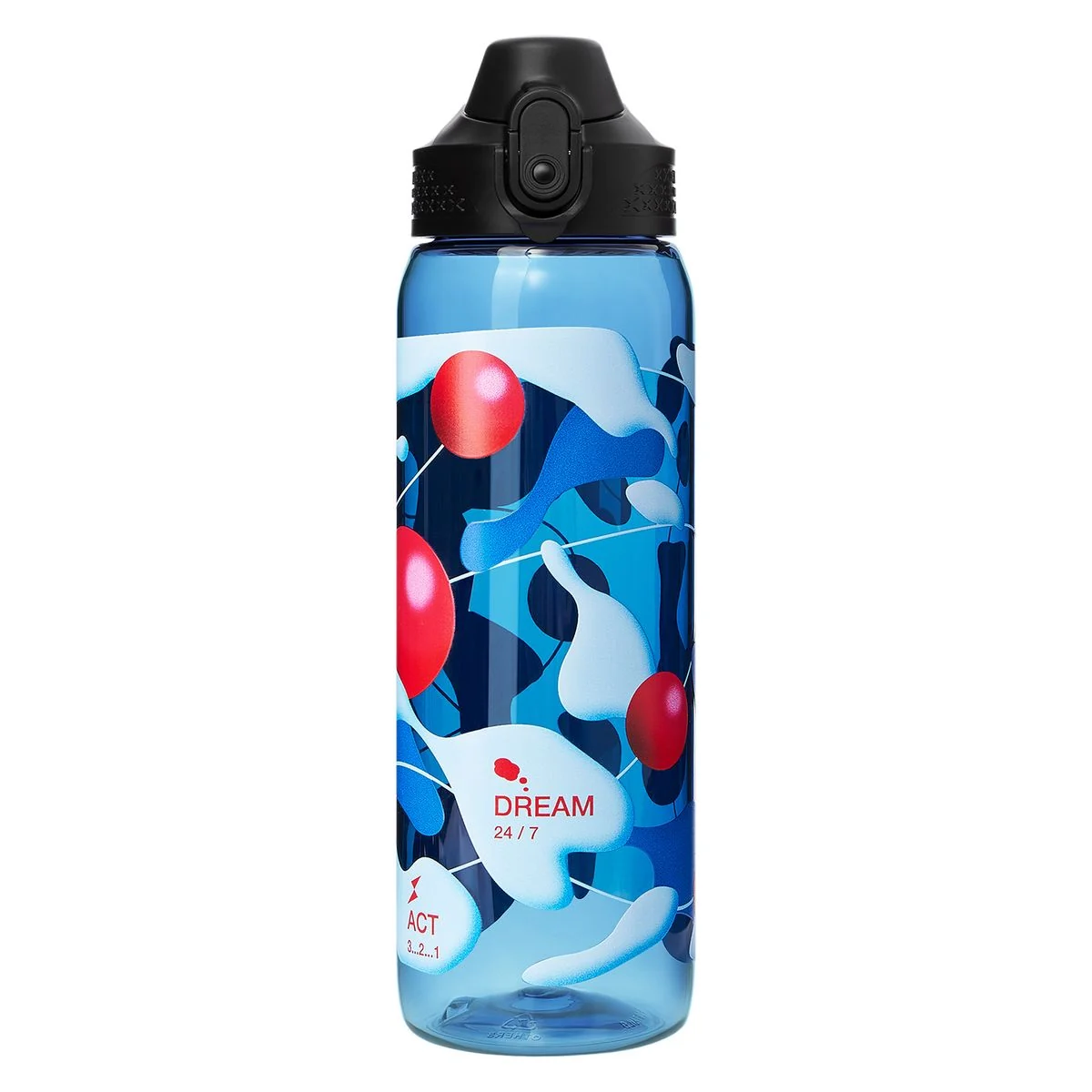
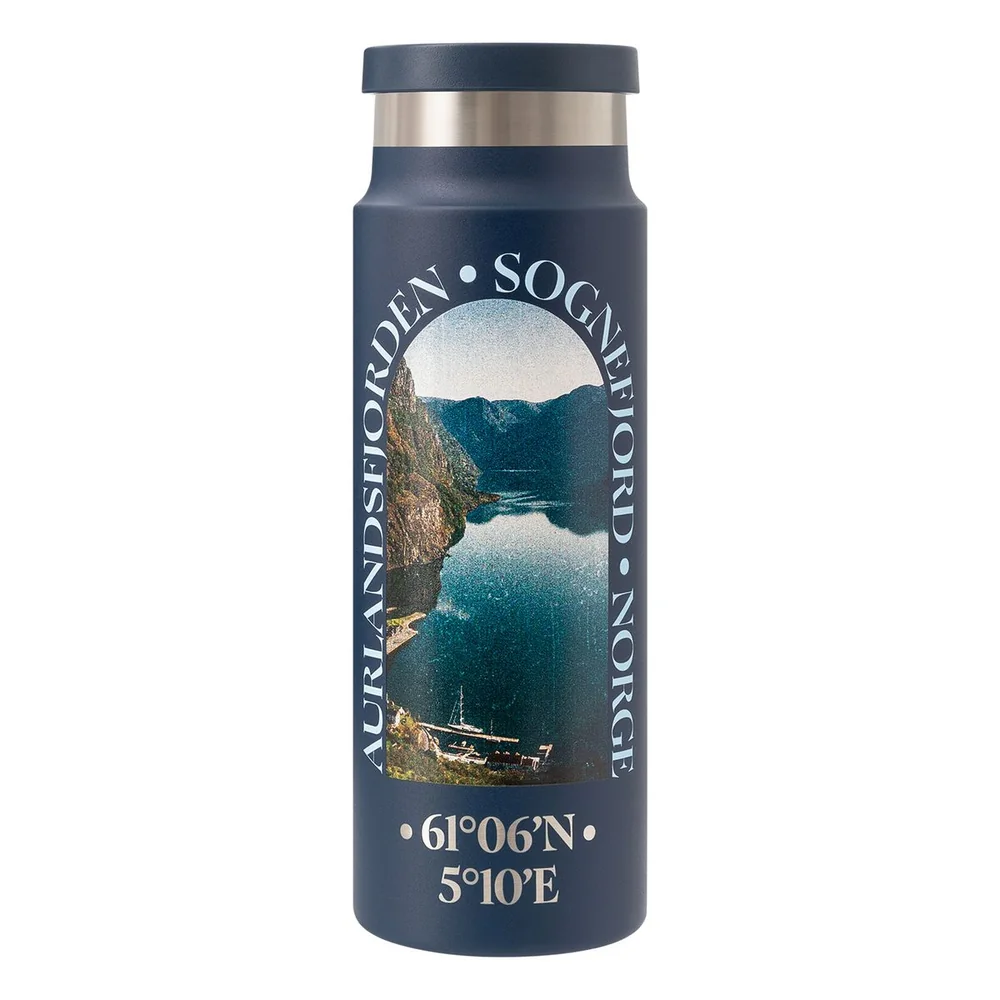
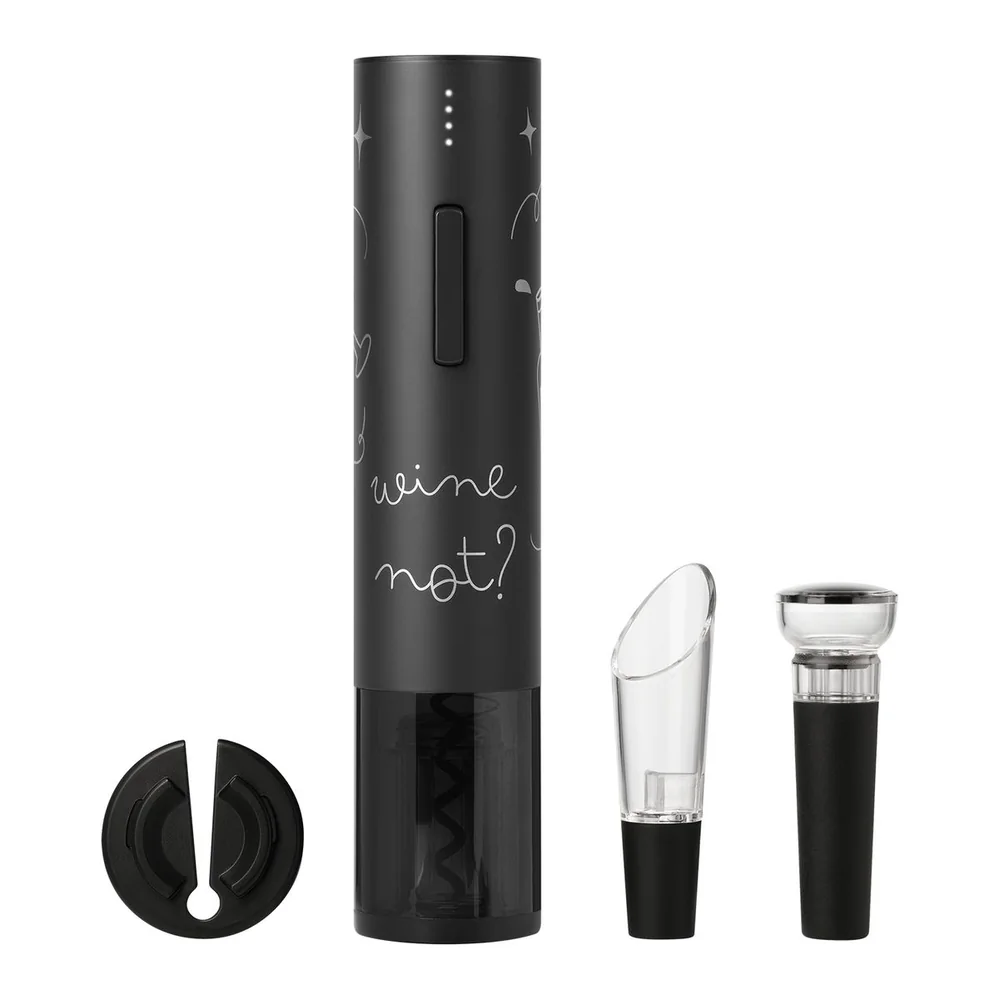
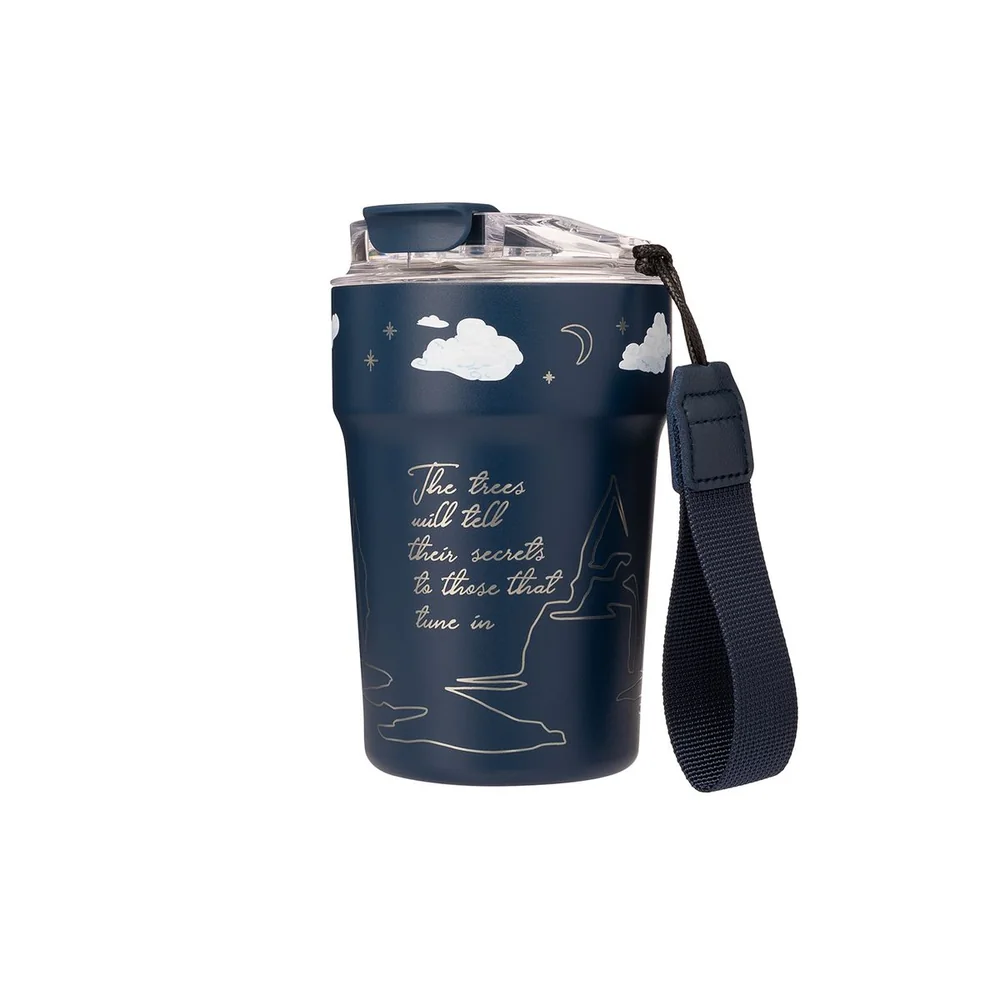
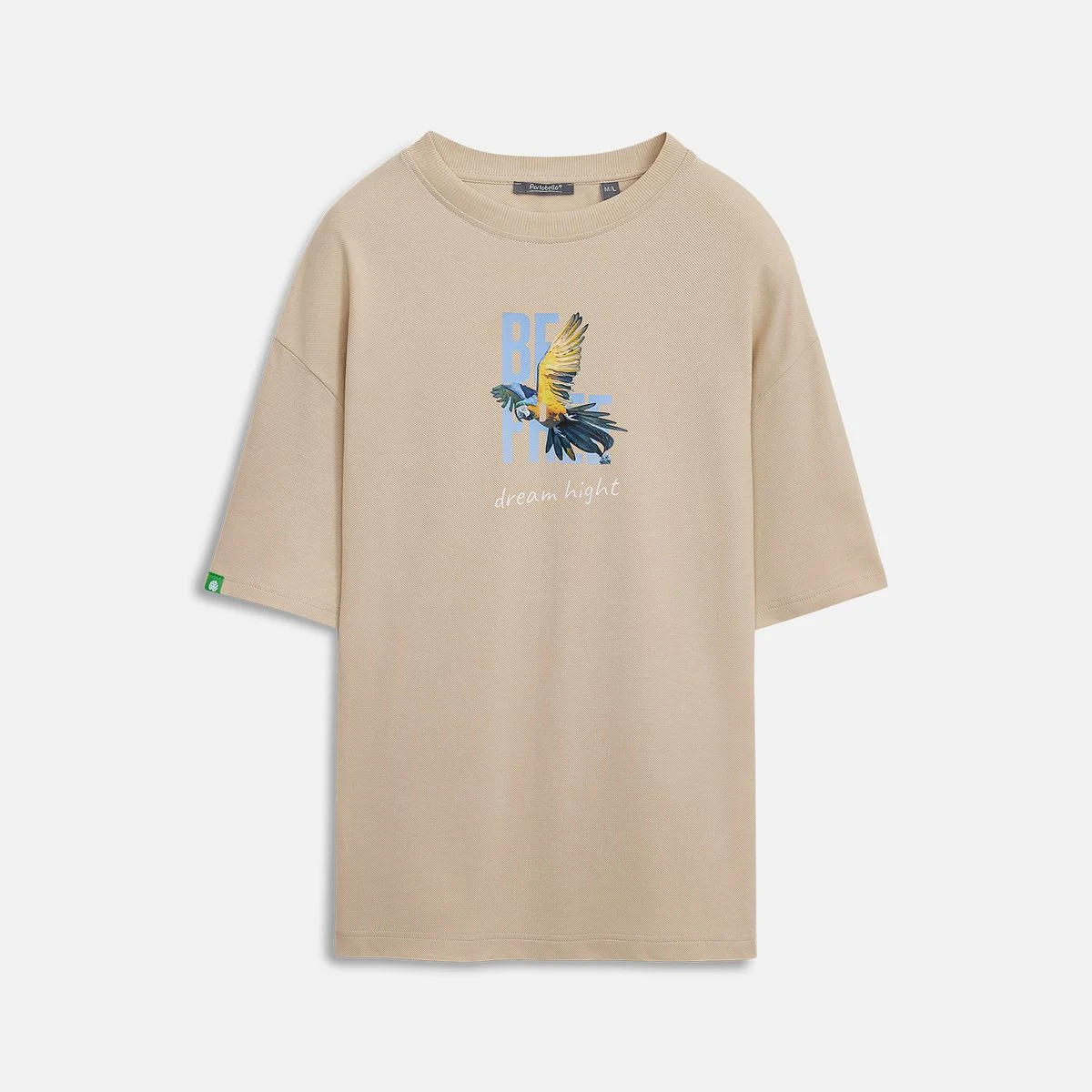
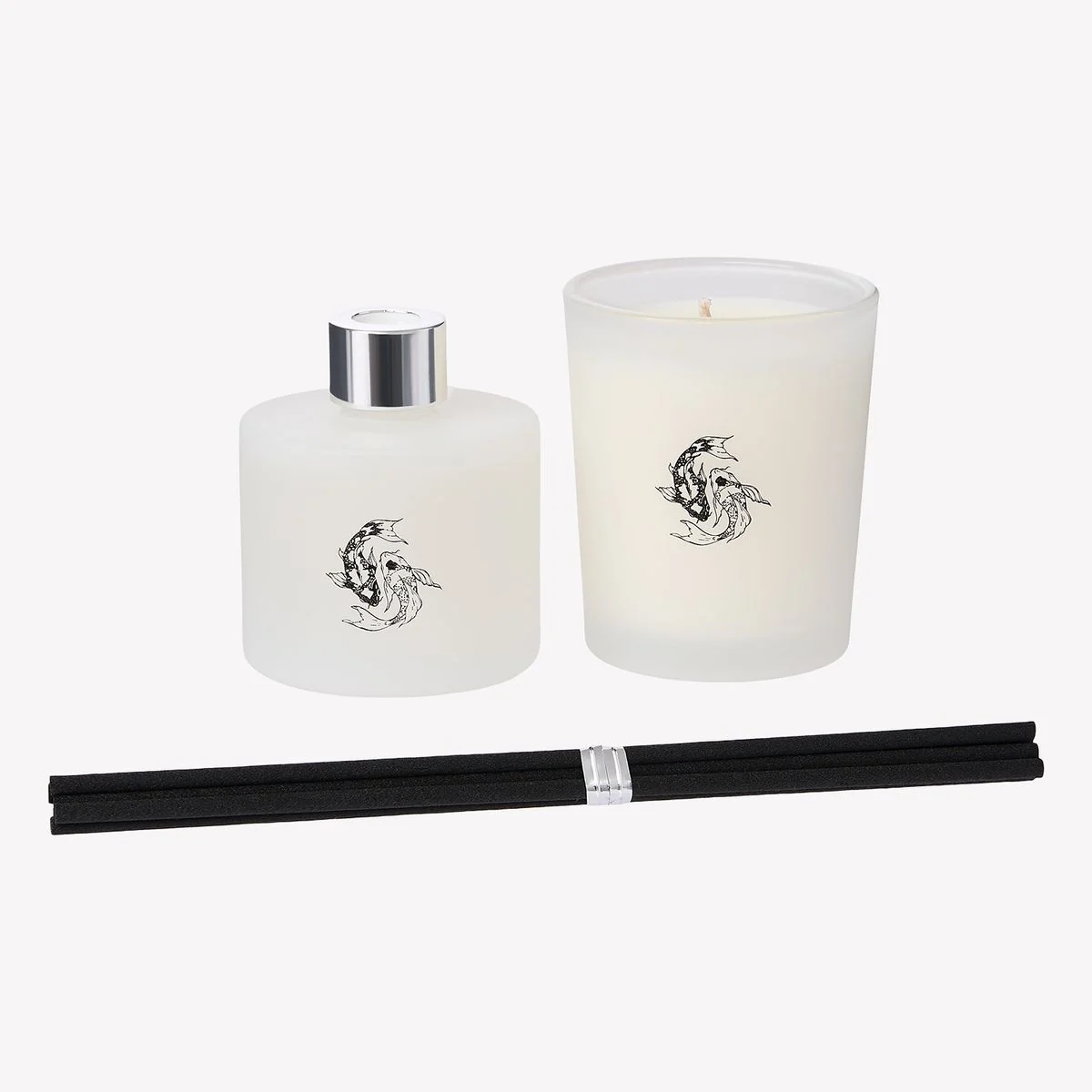
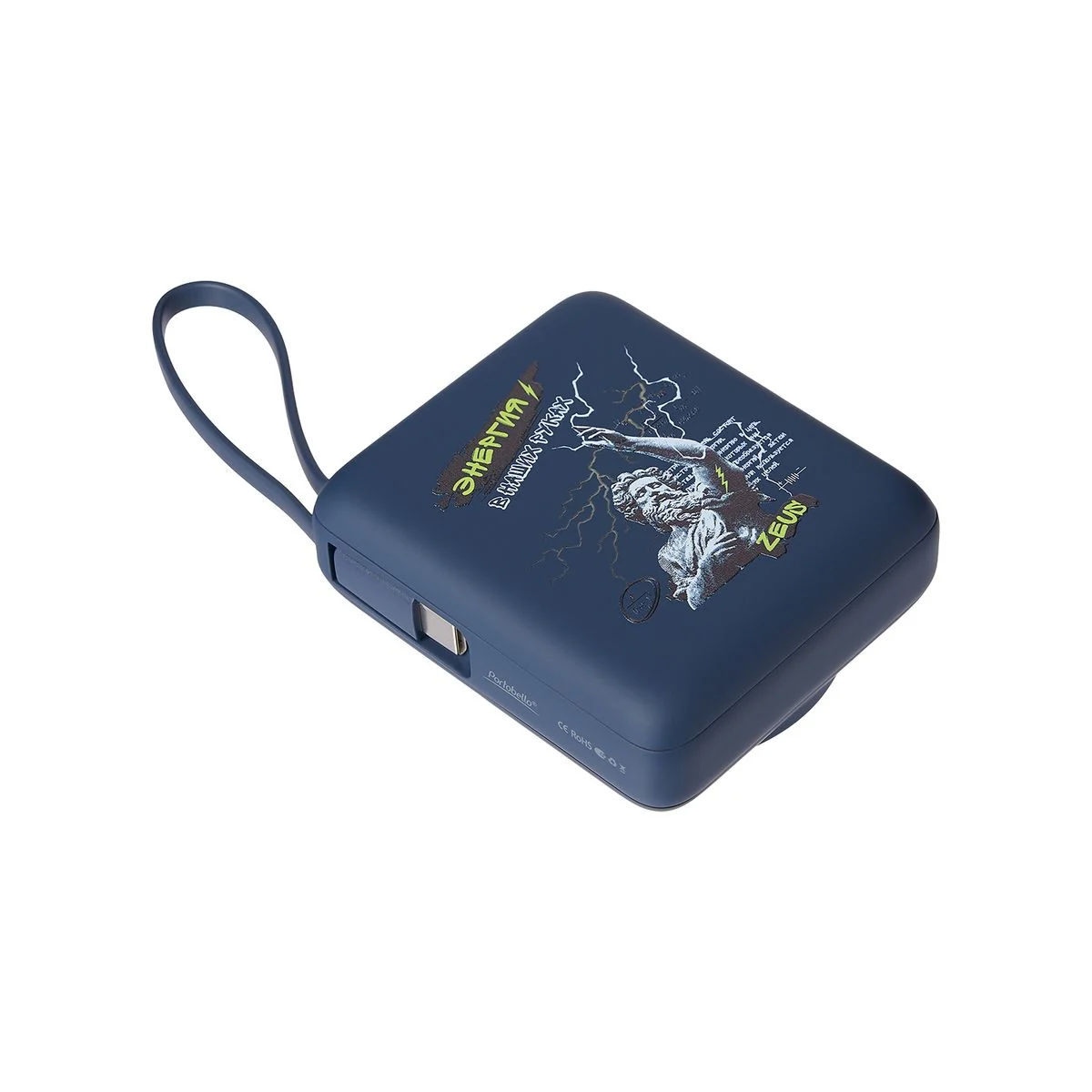
Treat the photos as a collection of techniques rather than a ready-made answer. They are reconfigured for the brand, base product, and order quantity according to this rule: design the kit around one function and specify each device's compatibility in advance.
- Check power standards.
- Reduce the number of units.
- Provide for cable storage.
- Keep the work surface clear.
The final choice is checked in the hand, in motion, and at a normal working distance. The finished solution should support the task: build a functional kit for hybrid work without unnecessary cables or incompatible devices.
The process from brief to finished set
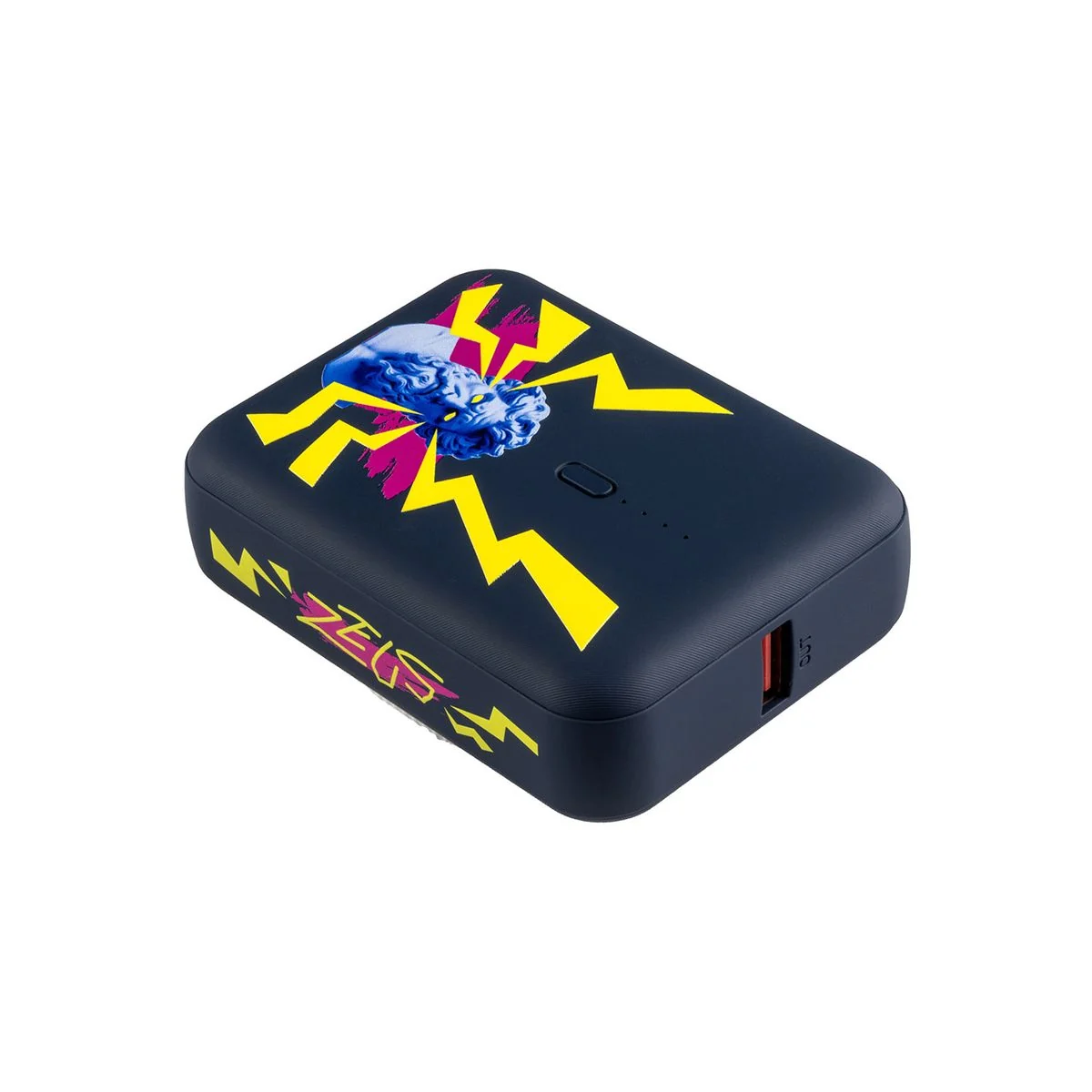
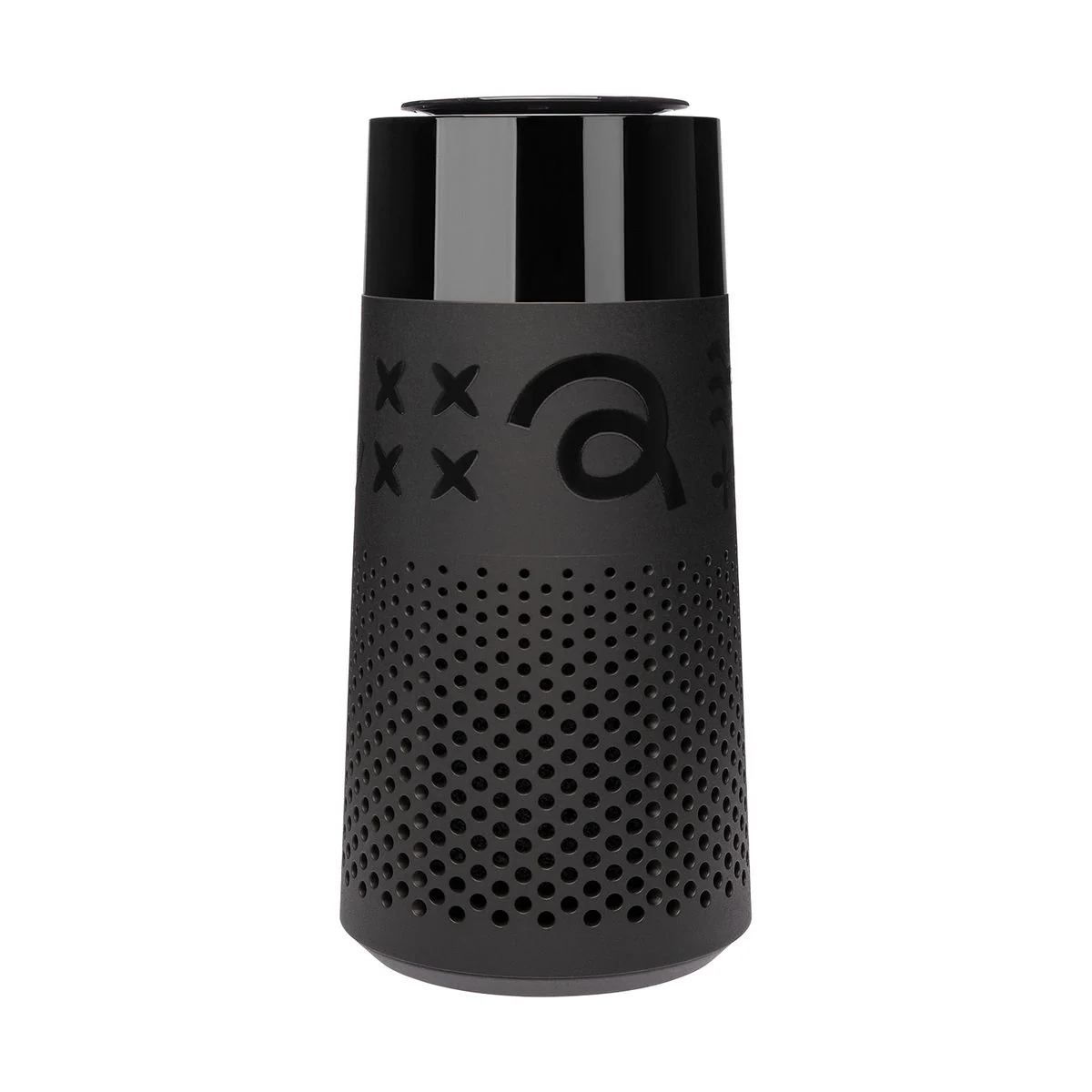
The process stays short when every handoff includes a specific file or sample. The guiding decision for checks is: design the kit around one function and specify each device's compatibility in advance.
- 1
Define the project goal: build a functional kit for hybrid work without unnecessary cables or incompatible devices.
- 2
Resolve the brief's questions and record the main risk in your own words: the user already owns some equipment, while connectors, power requirements, and workspace dimensions vary.
- 3
Match the product use cases to UV printing and Laser engraving methods; eliminate options where function conflicts with branding.
- 4
Prepare artwork and specifications for the solution “design the kit around one function and specify each device's compatibility in advance,” including the material, packaging, and variable printing data.
- 5
Recreate the real use situation with the sample and check the item “provide for cable storage.”
- 6
At the start of the batch, compare it with the approved reference sample and collect data for the criterion “compatibility, frequency of use, tidy cable management, and safety.”

Outcome checks and acceptance criteria
Acceptance criteria must be understandable to someone who was not involved in development. At acceptance, check the material, placement, completeness, and working function together.
- Check whether the goal has been achieved: build a functional kit for hybrid work without unnecessary cables or incompatible devices.
- Compare the production run with the approved solution: design the kit around one function and specify each device's compatibility in advance.
- Recreate the risk separately: the user already owns some equipment, while connectors, power requirements, and workspace dimensions vary.
- Record the project metric: compatibility, frequency of use, tidy cable management, and safety.
- Keep photos, artwork, product codes, branding coordinates, and notes for a repeat order.
It is useful to classify all deviations as isolated, systematic, or acceptable. Record separately which solutions to repeat, where manual work was needed, and what spare quantities were required for the goal “build a functional kit for hybrid work without unnecessary cables or incompatible devices.”
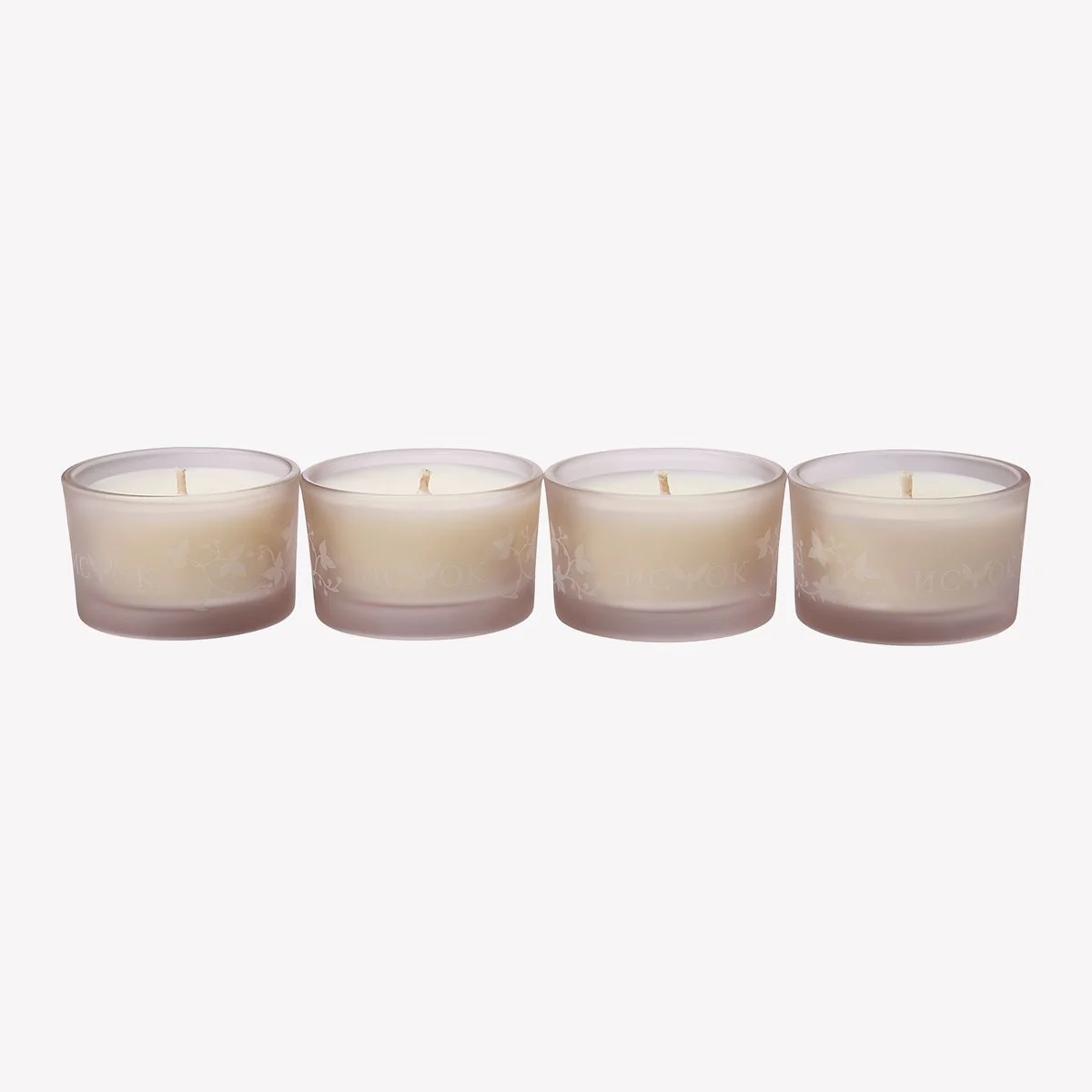
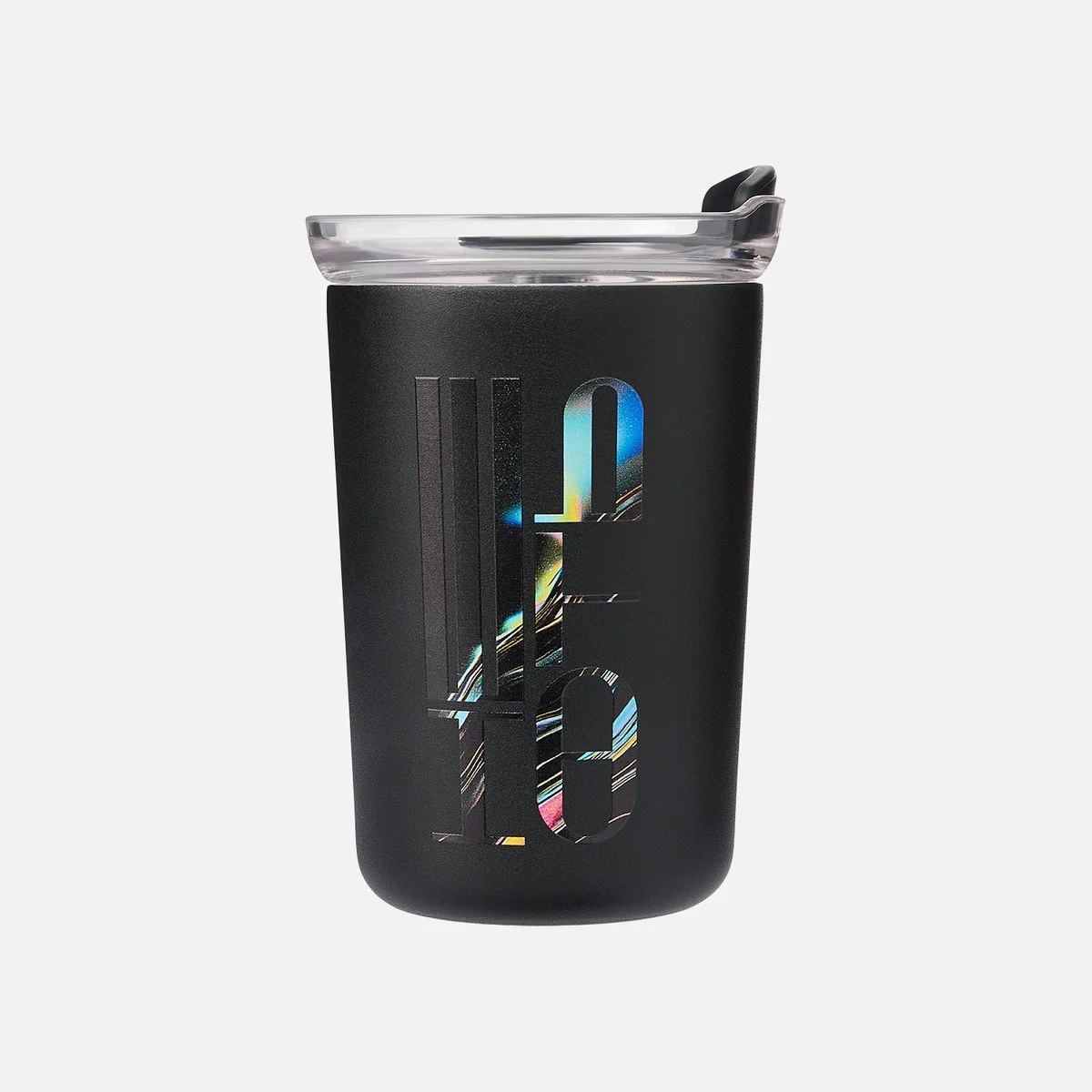
Items to start your selection with
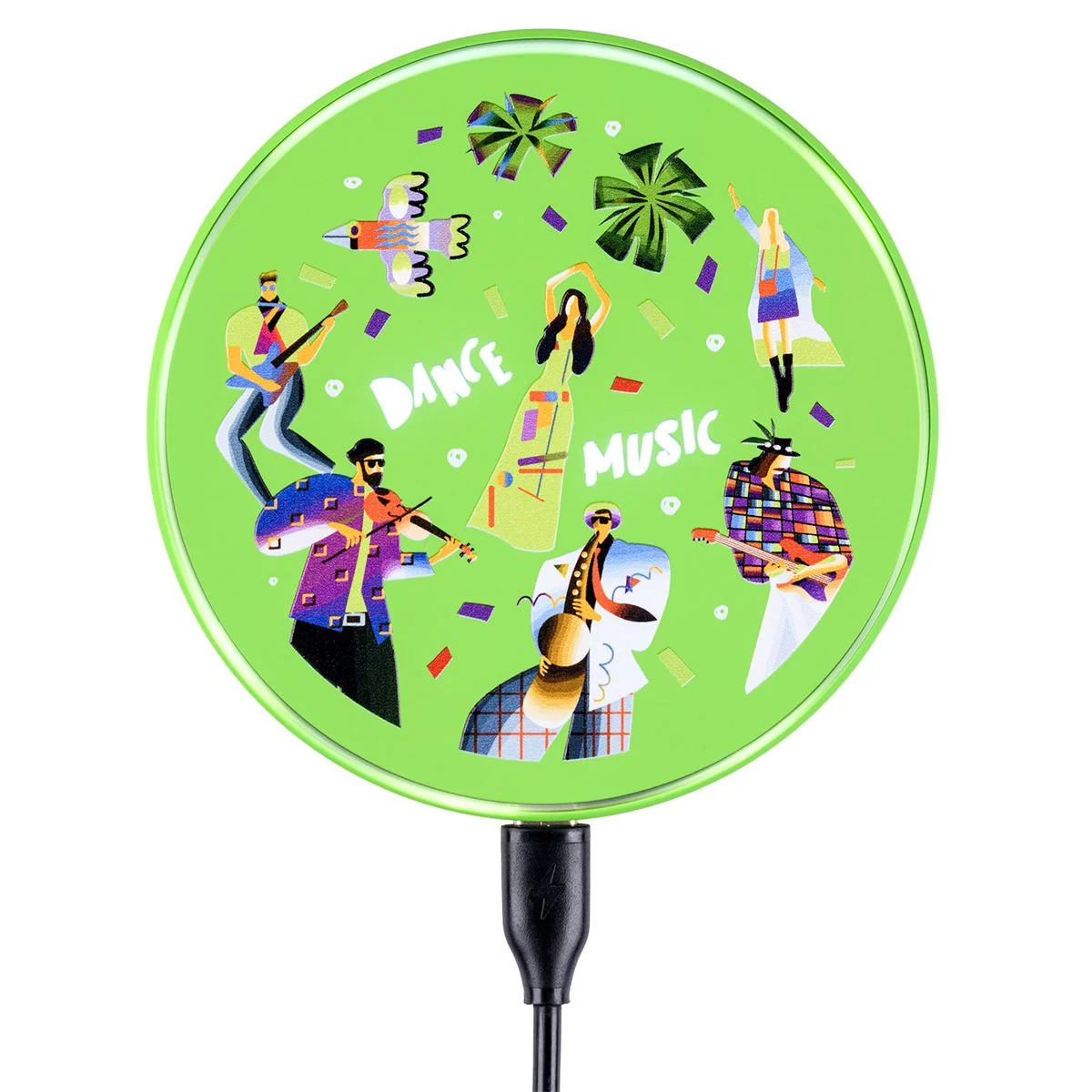
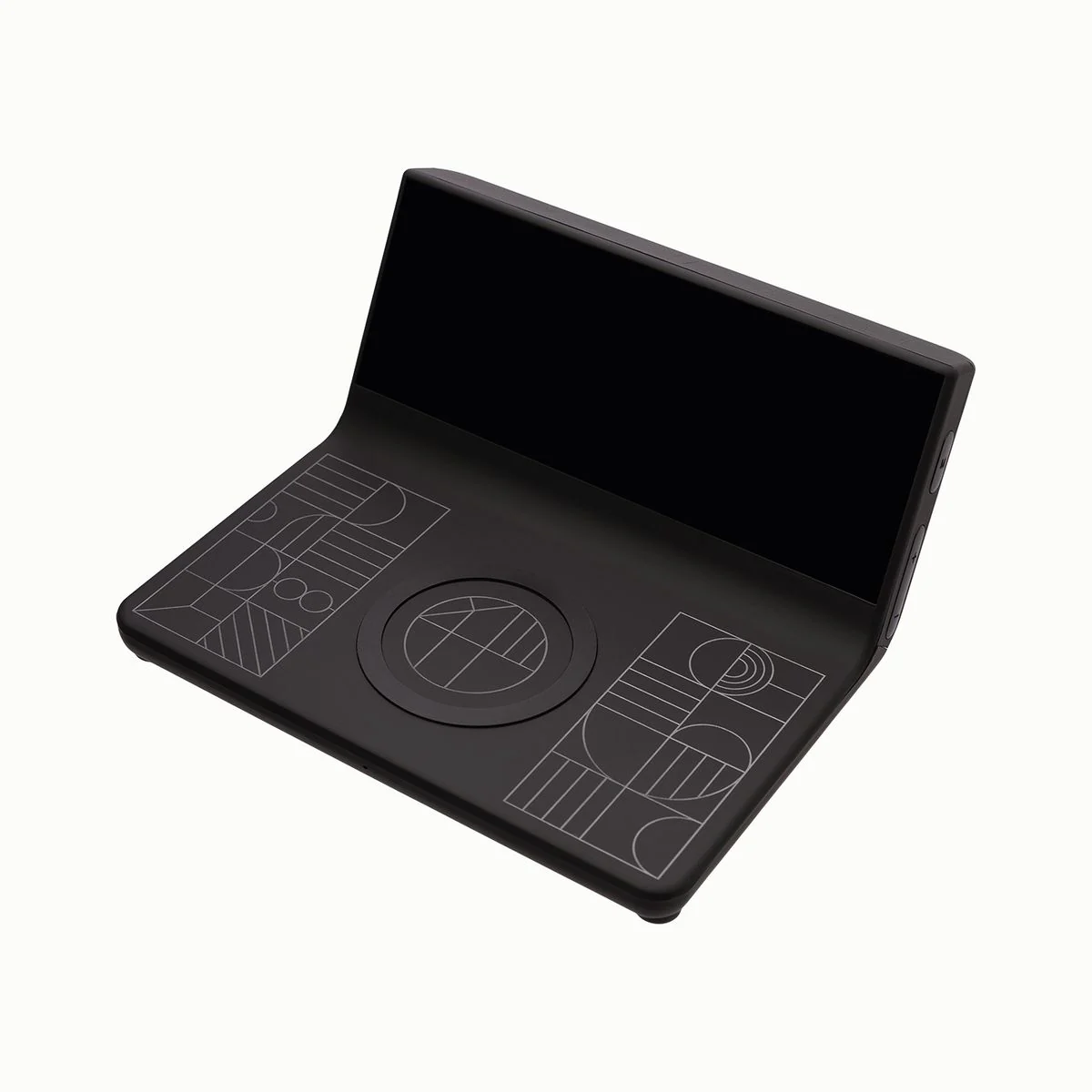
The cards link to the current catalog. Availability, color, and branding compatibility are checked for the selected option and order quantity.
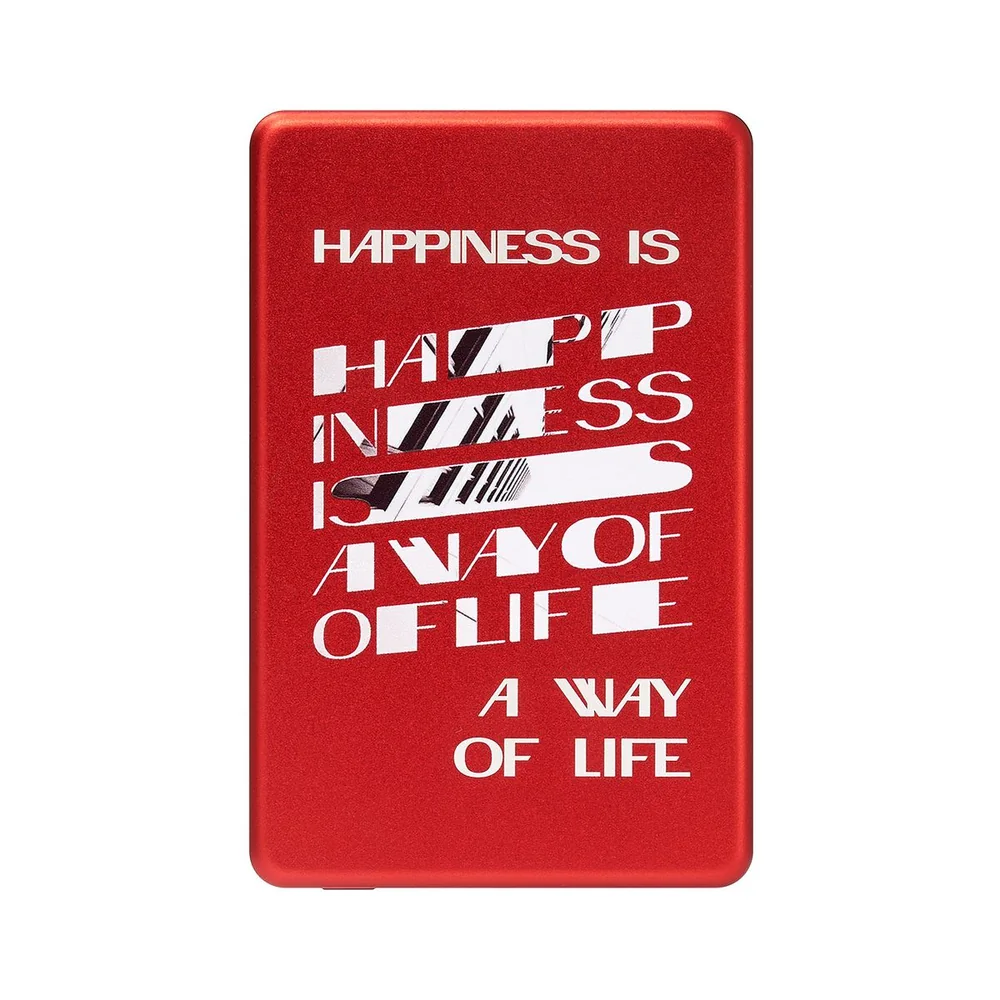
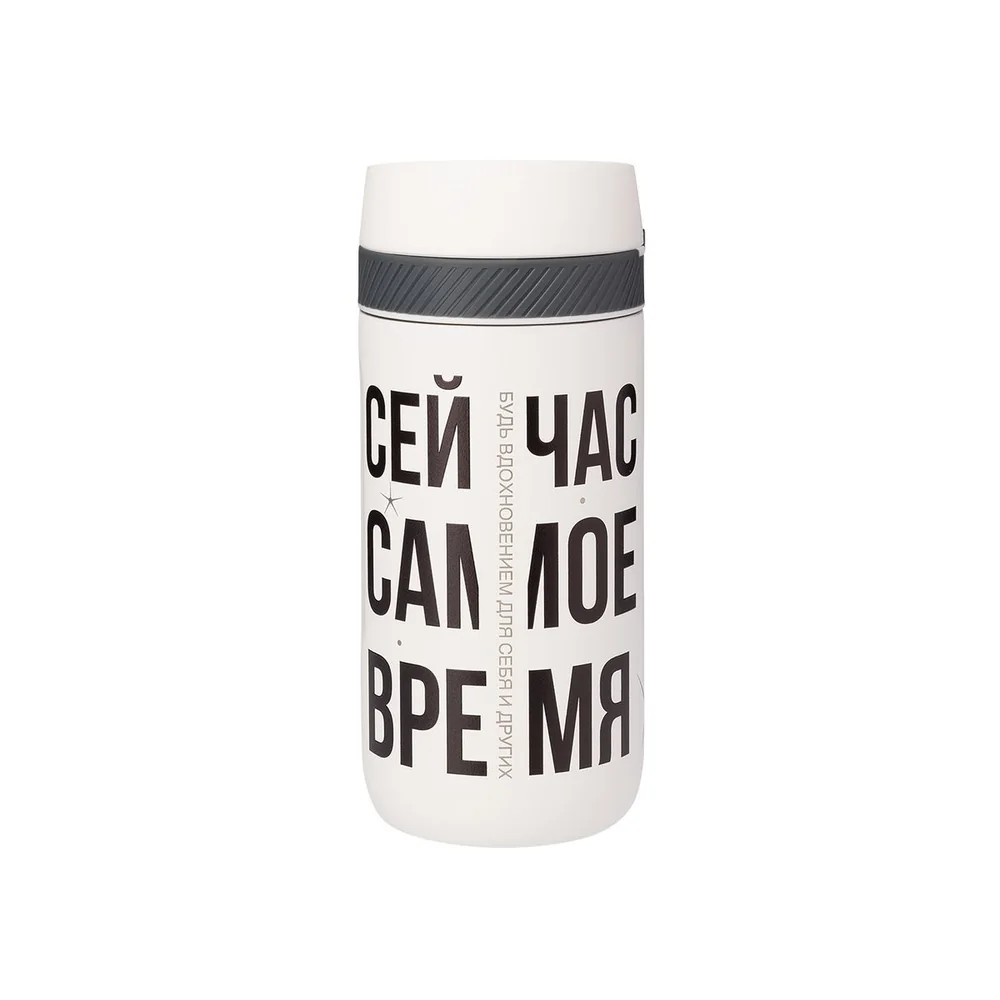

Frequently asked questions
Where should this type of project begin?
Define the outcome: build a functional kit for hybrid work without unnecessary cables or incompatible devices — and only then move on to products, technology, and budget.
Is a physical sample needed?
Yes, if the result is affected by the material, color, fit, construction, or manual assembly. The sample should specifically test the risk: the user already owns some equipment, while connectors, power requirements, and workspace dimensions vary.
How do you compare two proposals?
Compare the same specifications: material, model, branding method, packaging, spare quantities, and inspection. The main metric here is compatibility, frequency of use, tidy cable management, and safety.
What must be kept after the production run?
Final artwork, photos of the approved reference sample, product codes and colors, branding coordinates, personalization parameters, inspection notes, and remaining packaging.
Related reading
Discuss your project
We will develop a solution for your task, deadline, and order quantity
Send the project details, logo, and date. We will suggest products, explain the limitations, and establish the sample criteria.
Get a selection of ideas