HR and events
Welcome Boxes for Employees: what to include in a company welcome kit
We explain how to put together a solution for the audience “new hires in office-based and remote teams” and the use case “onboarding,” while accounting in advance for the project's main constraint: distinguish useful items from decorative additions. We show the contents, branding options, packaging, order costing, and sample checks before production. The main topic is “what to put in a welcome box.”
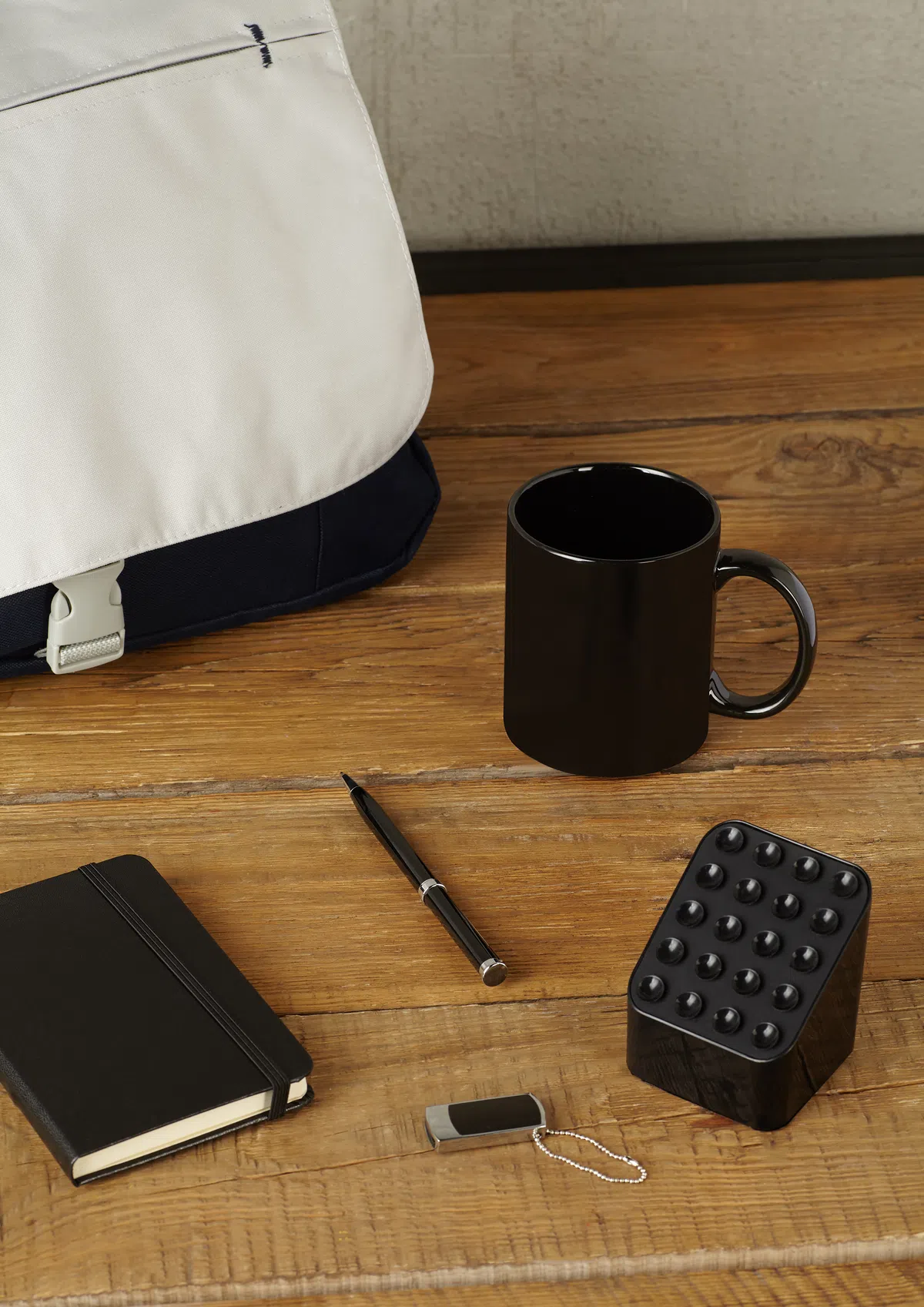
What to put in a welcome box: task and recipient
When a company needs to put together “what to put in a welcome box,” the first step is to define the task for the audience “new hires in office-based and remote teams.” In the “what to put in a welcome box” project, first define when the item will be used, how it will be handed over, and the action it should support after receipt.
For the “onboarding” use case, assess the link to the first work activity, clarity of distribution, availability of sizes and colors, and ability to replenish stock. For the use case “onboarding,” this selection becomes precise: every item supports a real situation rather than simply filling the box.
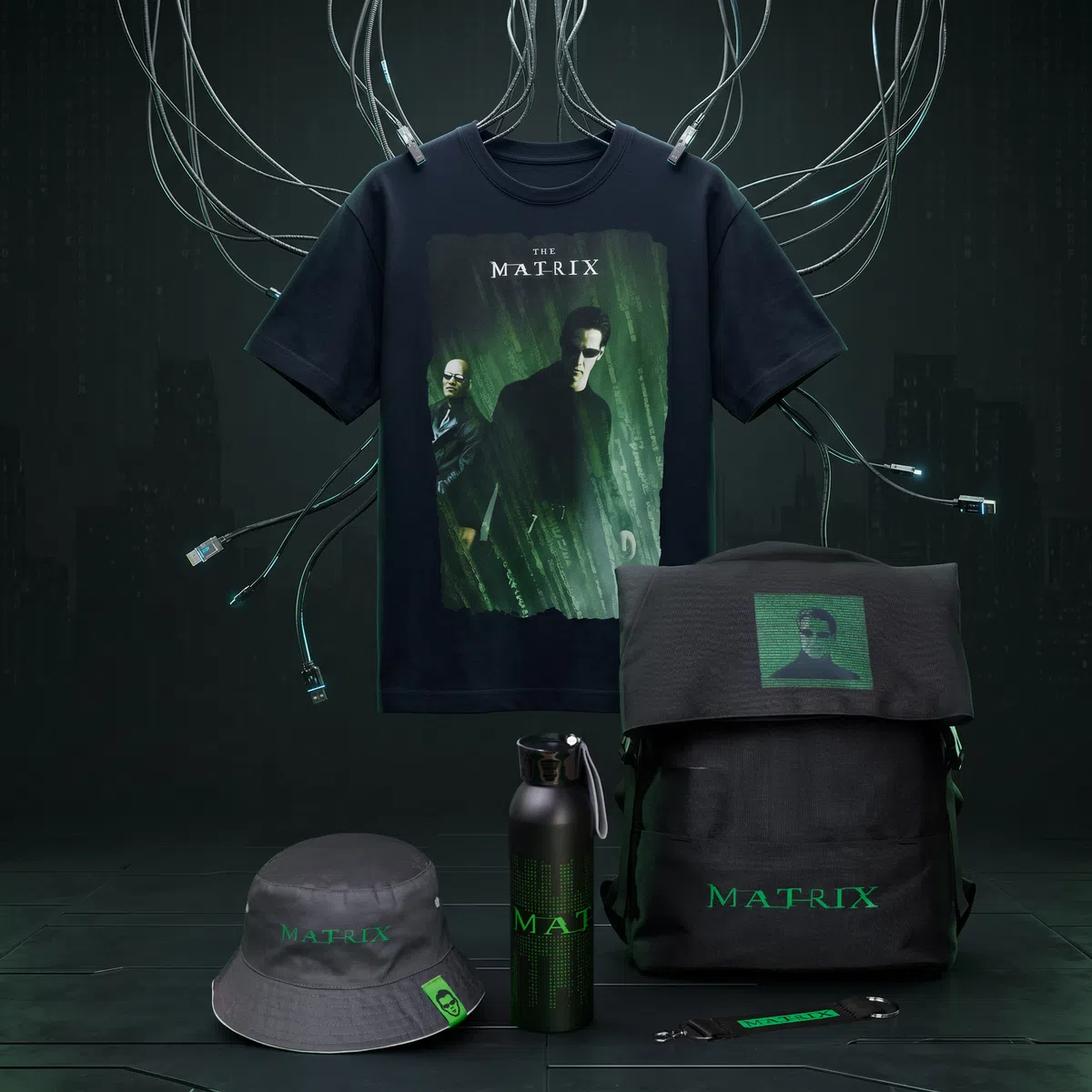
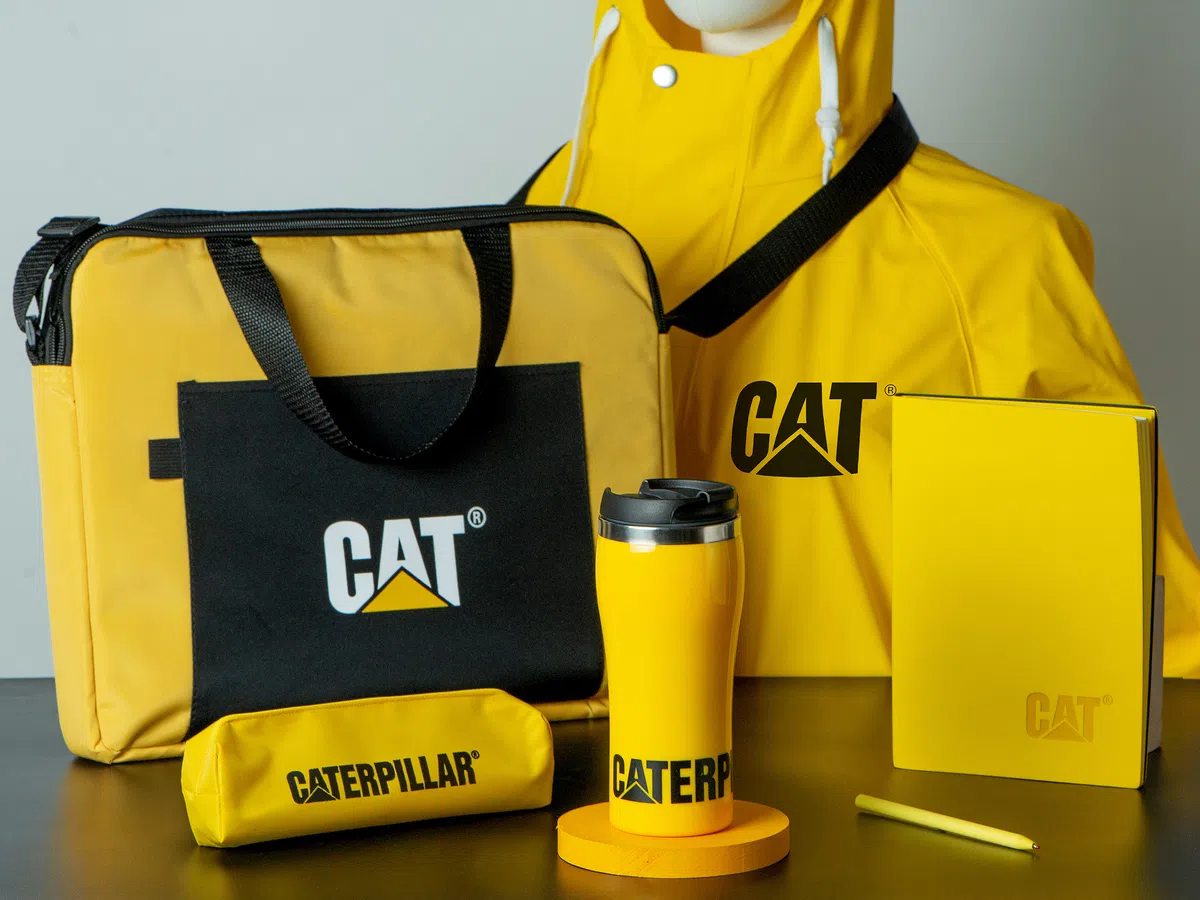
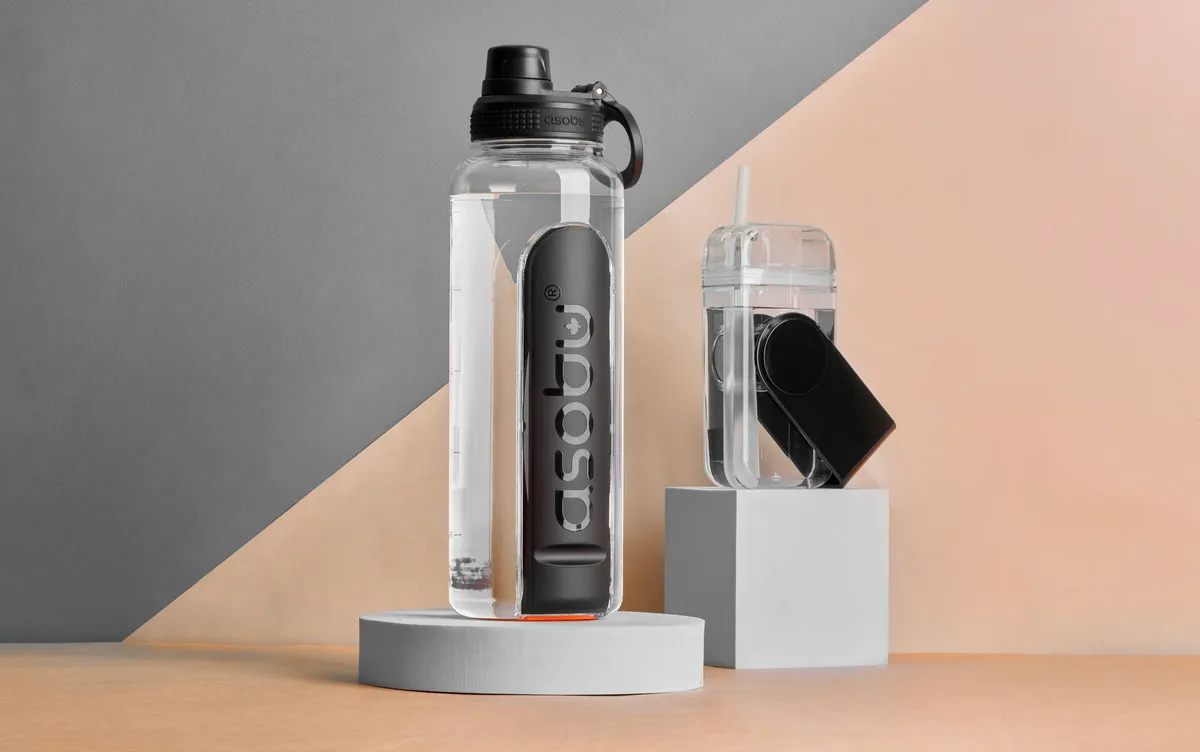
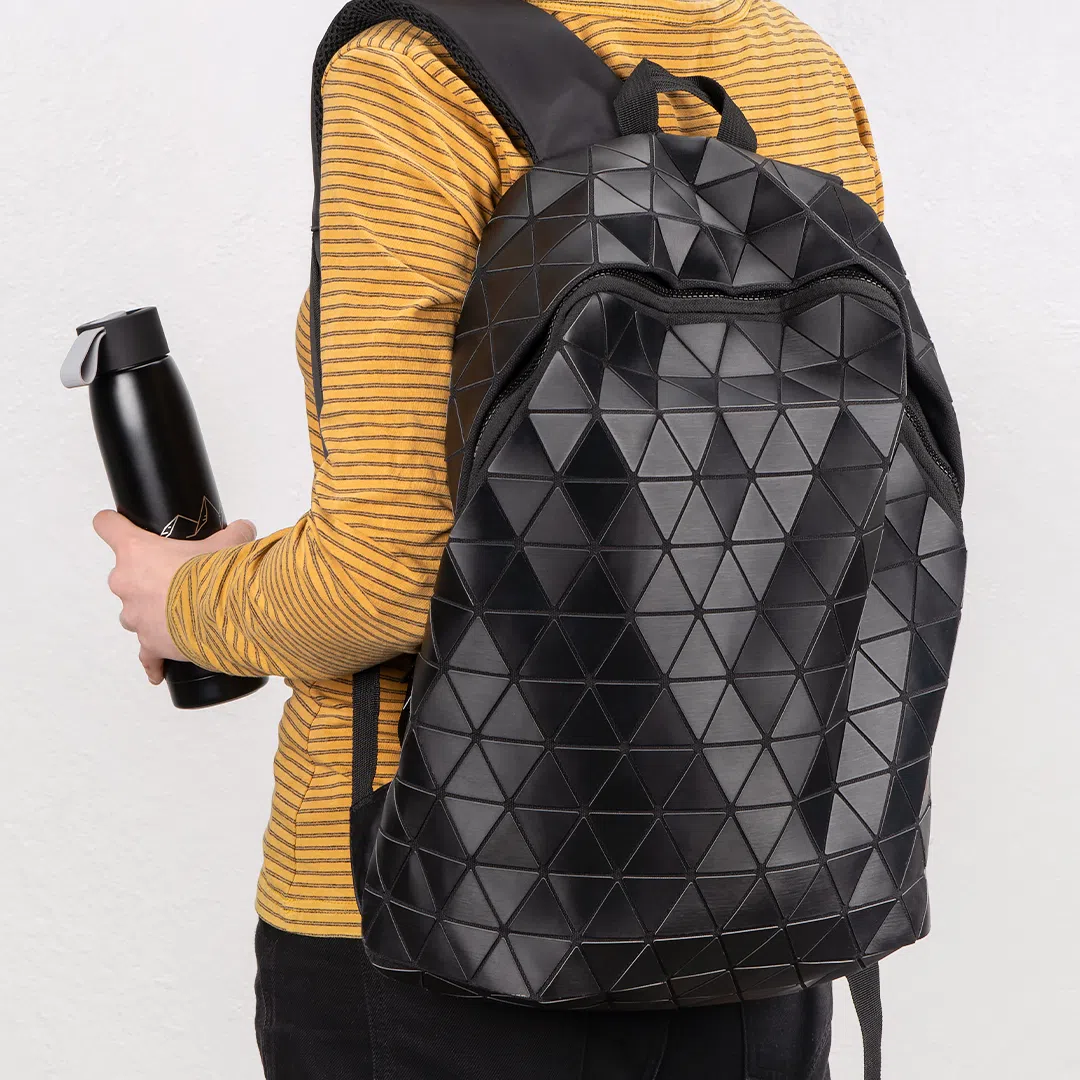
Solution Components: Mug, Notebook, Pen, and Letter from the Team
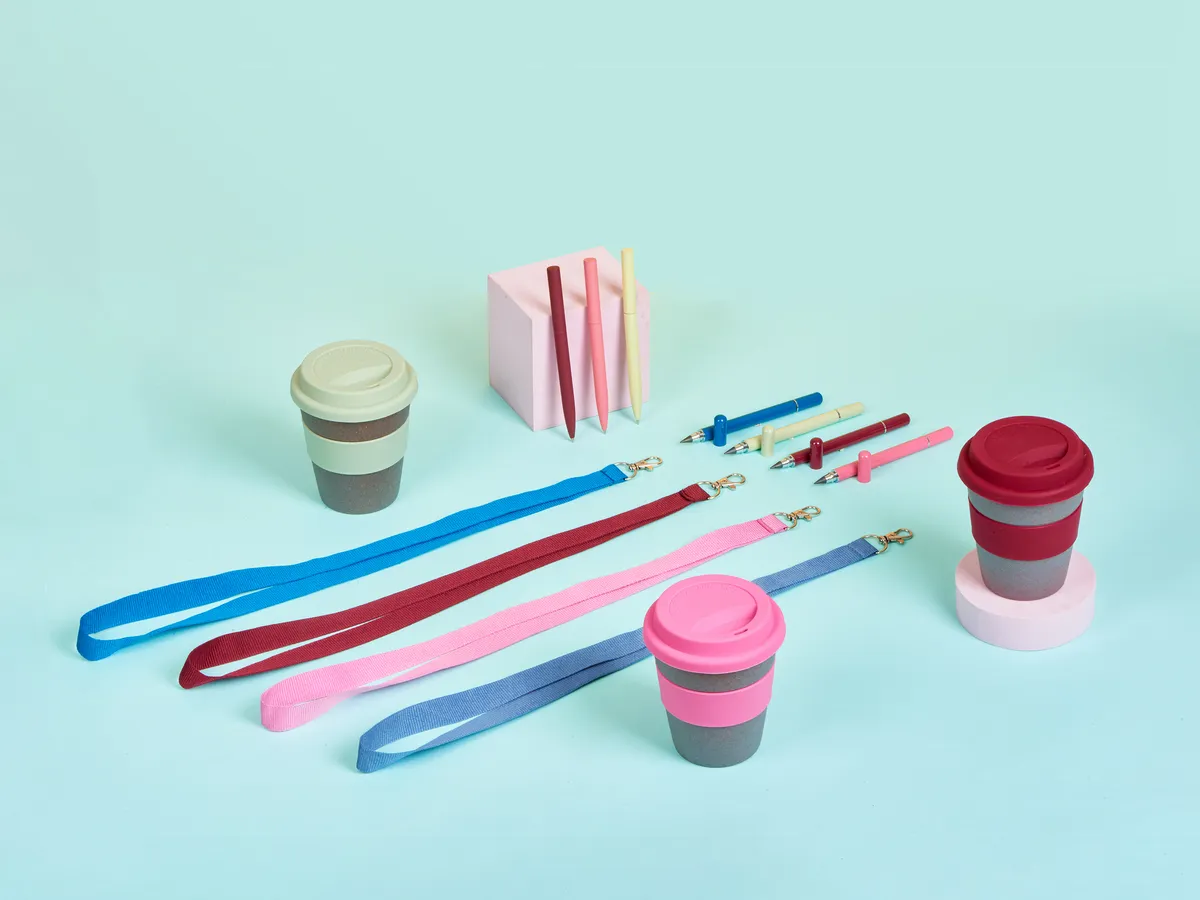
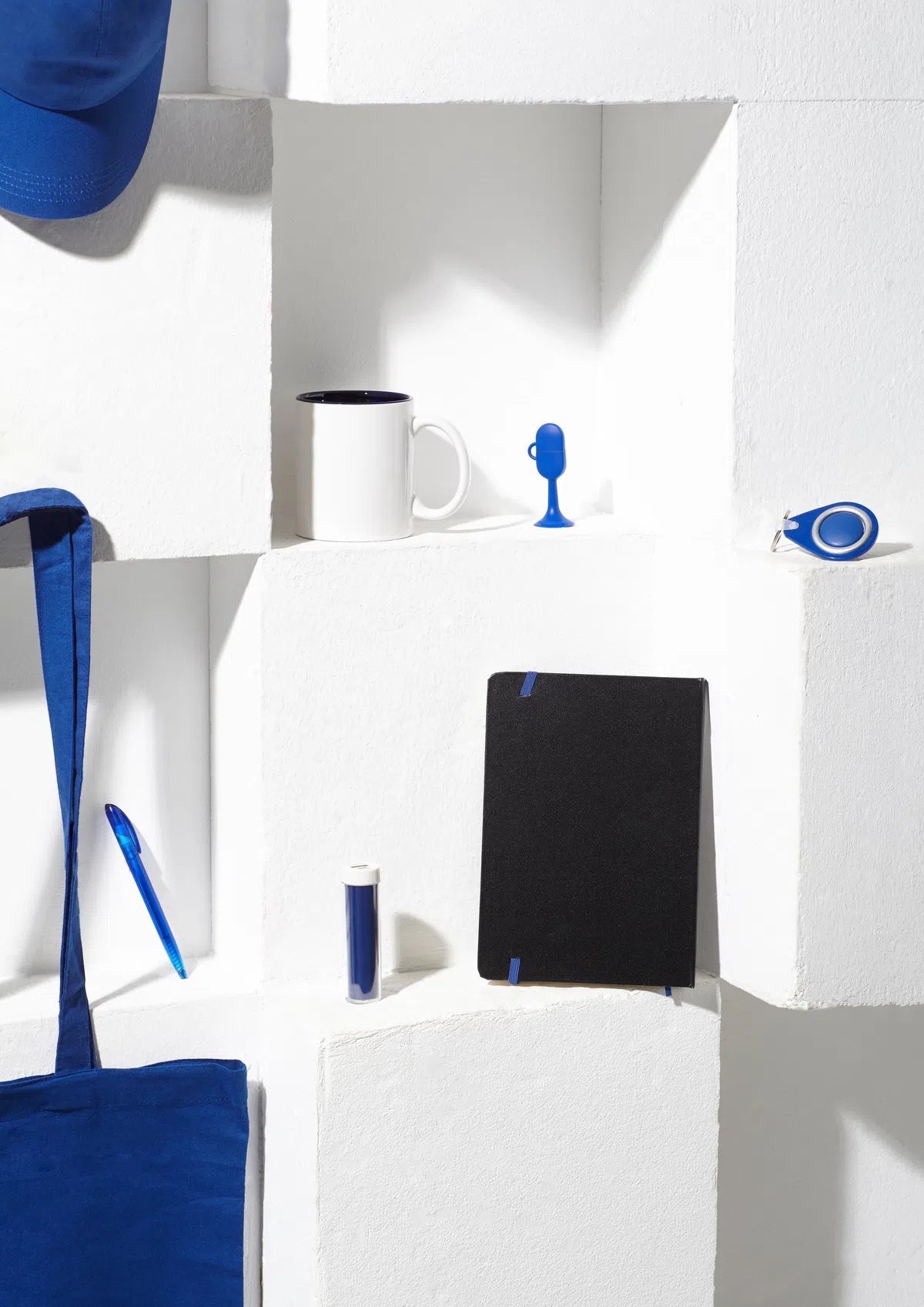
The basic components are a mug, notebook, pen, and letter from the team. The mug provides the core value, the notebook supports everyday use, and the remaining elements help express the idea or neatly complete the set. Each item should be understandable without explanations from the manager.
Before selecting product codes, specify the order quantity, date, geography, budget range, and acceptable substitutions. Record the constraint as a separate item: distinguish useful items from decorative additions. For the topic “what to put in a welcome box,” this makes it possible to compare options with the same function, rather than proposals containing different numbers of items.
- Connection to the first work activity: how will this show up in actual use?
- Clear distribution: does the solution suit the entire audience?
- Availability of sizes and colors: what needs to be checked before production?
- Ability to replenish stock: can the order be repeated a few months later?


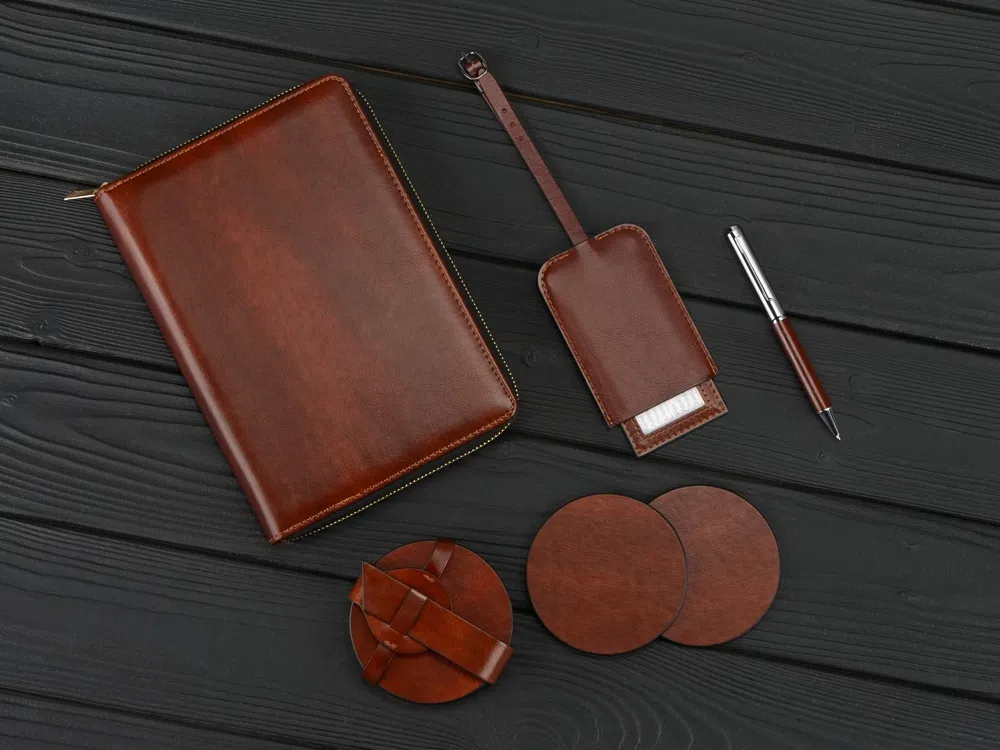
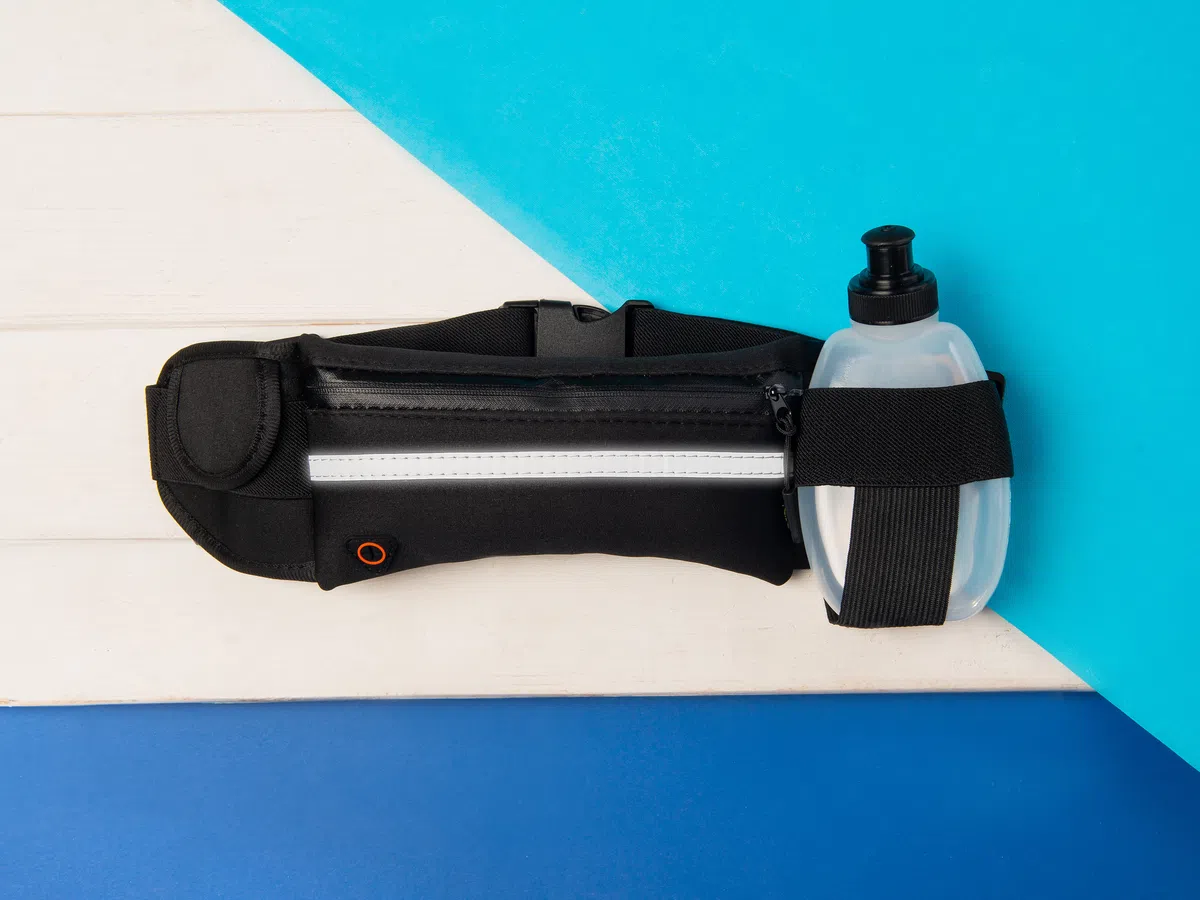
How to connect the items for the use case “onboarding”
In the use case “onboarding,” the items are connected by a shared logic rather than identical logos. In the “what to put in a welcome box” solution, one item can be the centerpiece, the second practical, the third emotional, and the fourth part of the packaging. For the audience “new hires in office-based and remote teams,” this hierarchy makes the set more understated and useful.
Build the color system around a neutral base, a brand accent, and a recurring graphic approach. If the mug, notebook, and pen have different textures, unify them through logo scale, the rhythm of the labels, a shared inscription, or a consistent unboxing approach.
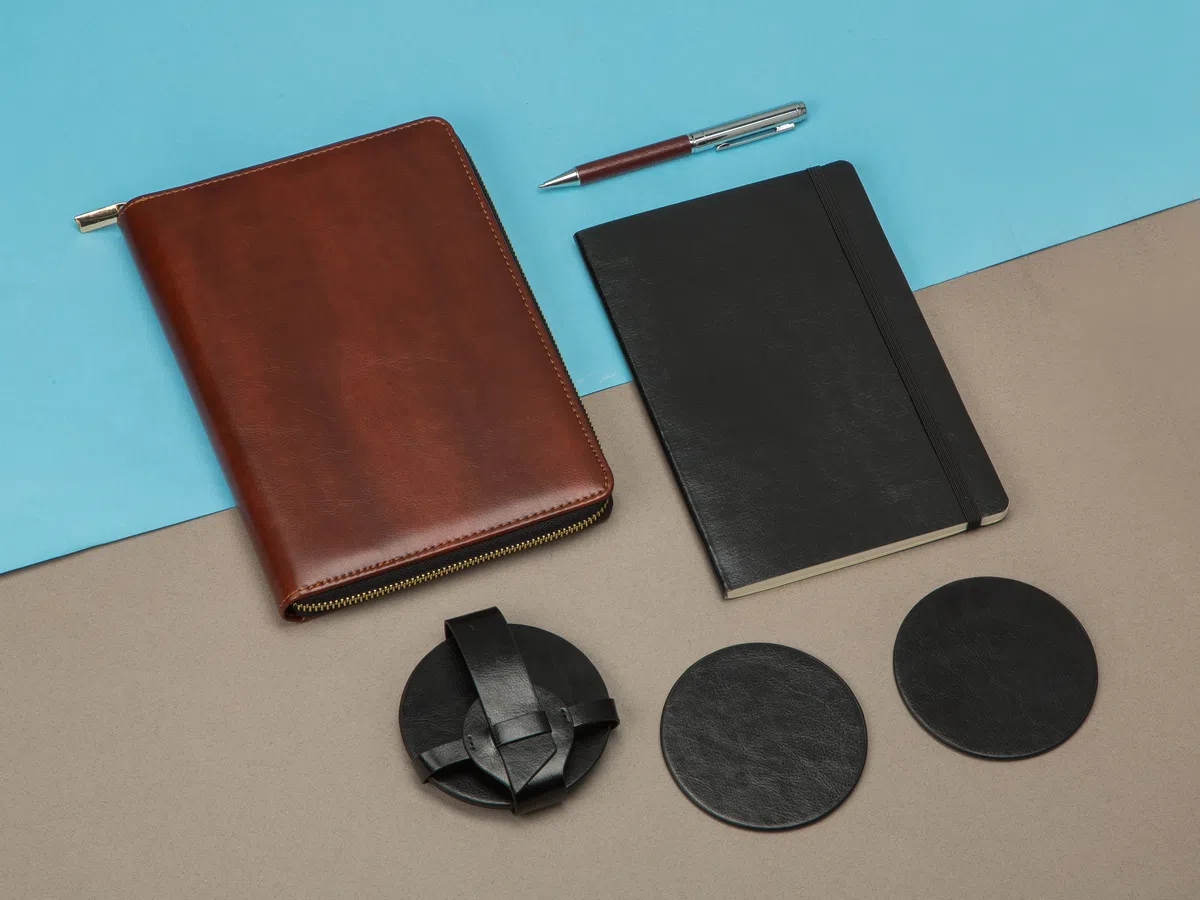

Logo and your design: mug, notebook, pen
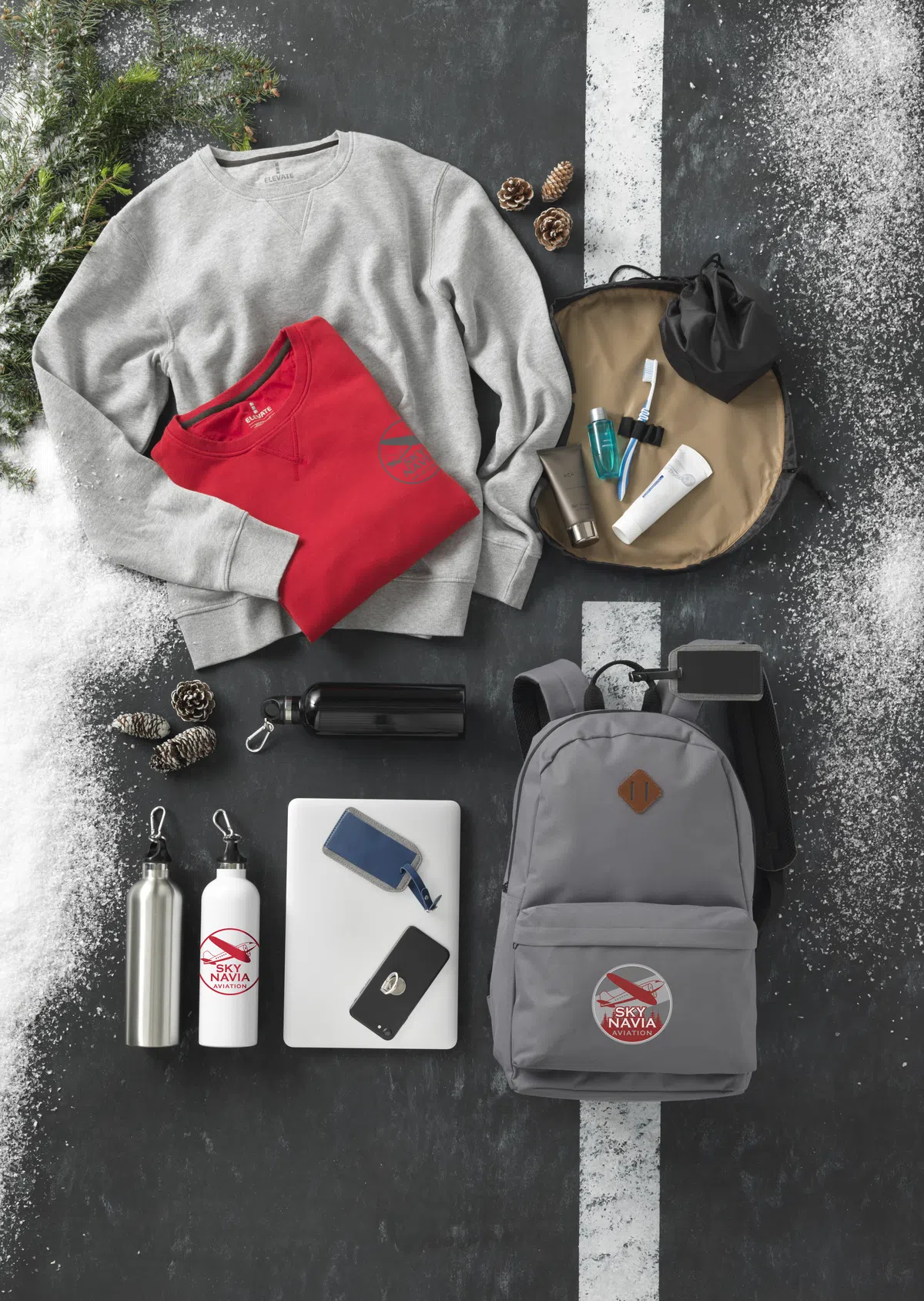
The same technique does not have to be repeated across the “mug, notebook, pen” items. For the “what to put in a welcome box” project, it is better to distribute the main mark across one prominent and several subtle surfaces: printing on packaging, embroidery on textiles, and engraving on a work accessory. For the request “what to put in a welcome box,” show the artwork on the specific color and at the actual size of the branding area.
Keep the main mark on one or two items. In the “what to put in a welcome box” project, the other items can feature a short phrase, a small symbol, a jacquard element, engraving, or a color accent. Before producing the “what to put in a welcome box” run, check contrast, fine details, image edges, feel, and how the surface behaves in normal use.


Corporate order quantity, estimate, and schedule
The estimate separates the items, branding, packaging, personalization, set assembly, and delivery. For the “what to put in a welcome box” project, show the reserve and replacement cost separately in case the selected model runs out before the order is confirmed. In the “what to put in a welcome box” estimate, the client can see what they are paying for and change the contents without undermining the idea.
Work backward from the handover date to plan the “what to put in a welcome box” project: delivery to individual addresses, set assembly, production, approval sample, artwork, and stock reservation. The most important schedule check concerns the condition “distinguish useful items from decorative additions,” so dedicated time is allocated to it before production starts.
Sample, packaging, and batch acceptance
Assemble the approval sample exactly as the audience “new hires in office-based and remote teams” will receive it. Check the mug, notebook, pen, and letter from the team, their arrangement, logo legibility, item protection, and how intuitive the unboxing is. A photograph cannot replace this check without actually opening the box.
Photograph the approved reference, label the product codes and colors, and retain the branding coordinates and assembly layout. During acceptance, open boxes from different parts of the batch. Accept the result if it matches the sample and meets the project's main condition: distinguish useful items from decorative additions.

Item selection
Continue in the catalog
Open the relevant section, add products to the project cart, and send the selection to the manager. We confirm availability, color, and branding method for the selected order quantity.
Key points at a glance
Frequently asked questions
What does the solution for the request “what to put in a welcome box” include?
The working foundation is a mug, notebook, pen, and letter from the team. Adjust the contents to onboarding, the budget, and the handover method, while keeping one clear role for each item.
Can the contents be changed while keeping the same visual idea?
Yes. First define each element's role, then choose a replacement with an equivalent function and quality level. The project's main check is— distinguish useful items from decorative additions.
How can you add a logo without overloading the items?
One item carries the main mark, while the others support it through color, small graphics, a label, or packaging. Confirm the technique on the material of the specific model.
What order quantity is needed for costing?
Specify the base quantity, possible reserve, and number of personalized variants for the audience “new hires in office-based and remote teams.” The manager will check availability, minimum branding quantities, and set assembly costs.
What should you send the manager for an accurate proposal?
You need the date, order quantity, city or address list, budget range, vector logo, preferences for the contents, and constraints: distinguish useful items from decorative additions.
Continue exploring
Related reading
Discuss your project
We will develop a solution for your task, deadline, and order quantity
Send the date, number of recipients, budget range, and logo. We will suggest items, branding options, and a production plan.