For an IT company, it is best to build the welcome pack around work: one item for daily tasks, one mobile accessory, clear printed materials, and a personal detail. The contents change for office and remote teams, while the design stays consistent.
An IT team is rarely homogeneous. A developer may work from home, a sales engineer may constantly travel to meetings, and a new manager may combine office work with business trips. If everyone receives the same kit without checking how it will be used, some items will remain in the box. That is why we start with a map of roles, geography, and the first month of work.
For Moscow and St. Petersburg, fast delivery to individual addresses and the ability to issue additional kits as people are hired are usually important. For a distributed team, shipment weight, address collection, carrier restrictions, and a replacement reserve also come into play. In Yerevan, part of the branding and assembly can be handled locally while maintaining the collection's overall design system.
Compact essentials for an IT welcome pack
First compare four products with one function, then four with a second function. Any item can be replaced without losing the set's logic.
Ready-made business gift sets
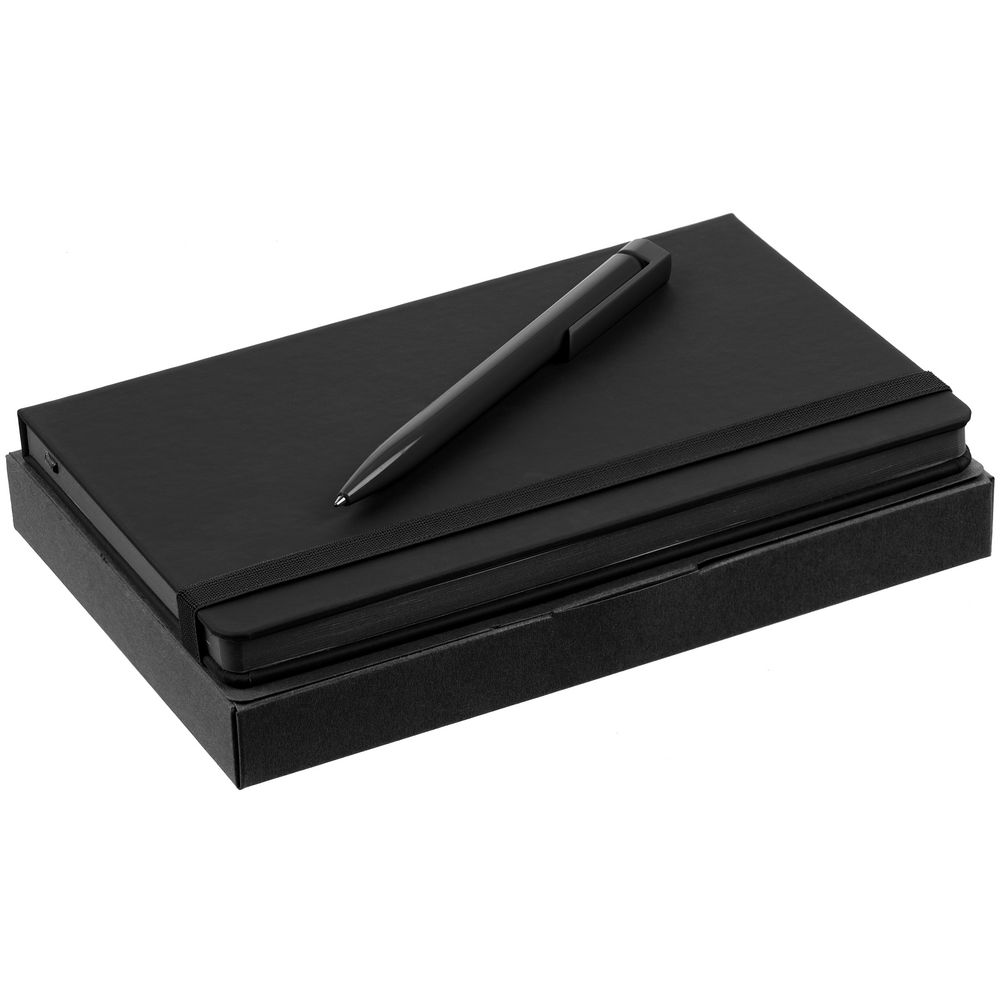 Ready-made business gift setsShall Color setSuitable for the “ready-made business gift sets” section; we will confirm branding and availability for the order quantity.Open in the catalog →
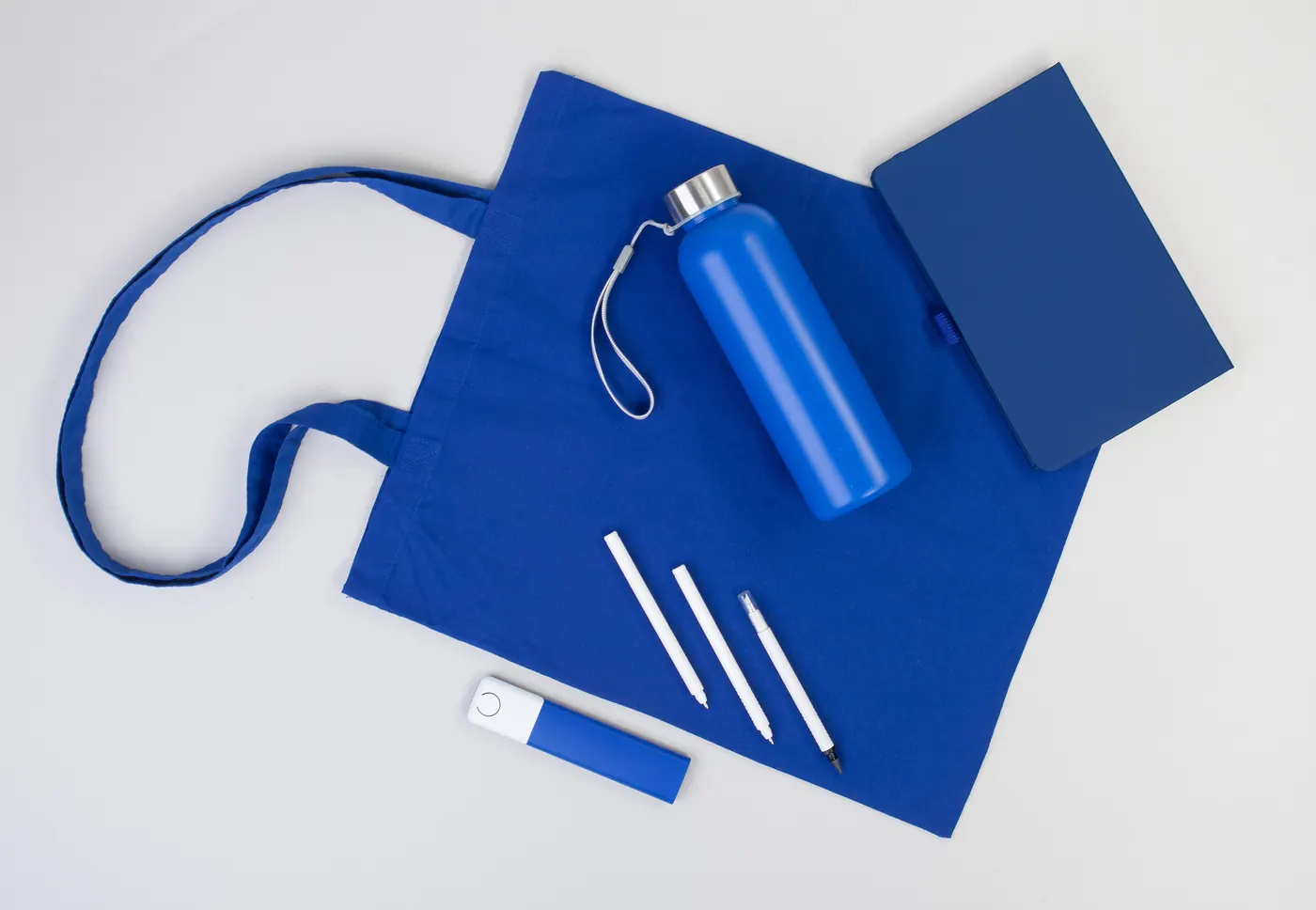 Ready-made business gift sets“Кит” setSuitable for the “ready-made business gift sets” section; we will confirm branding and availability for the order quantity.Open in the catalog →
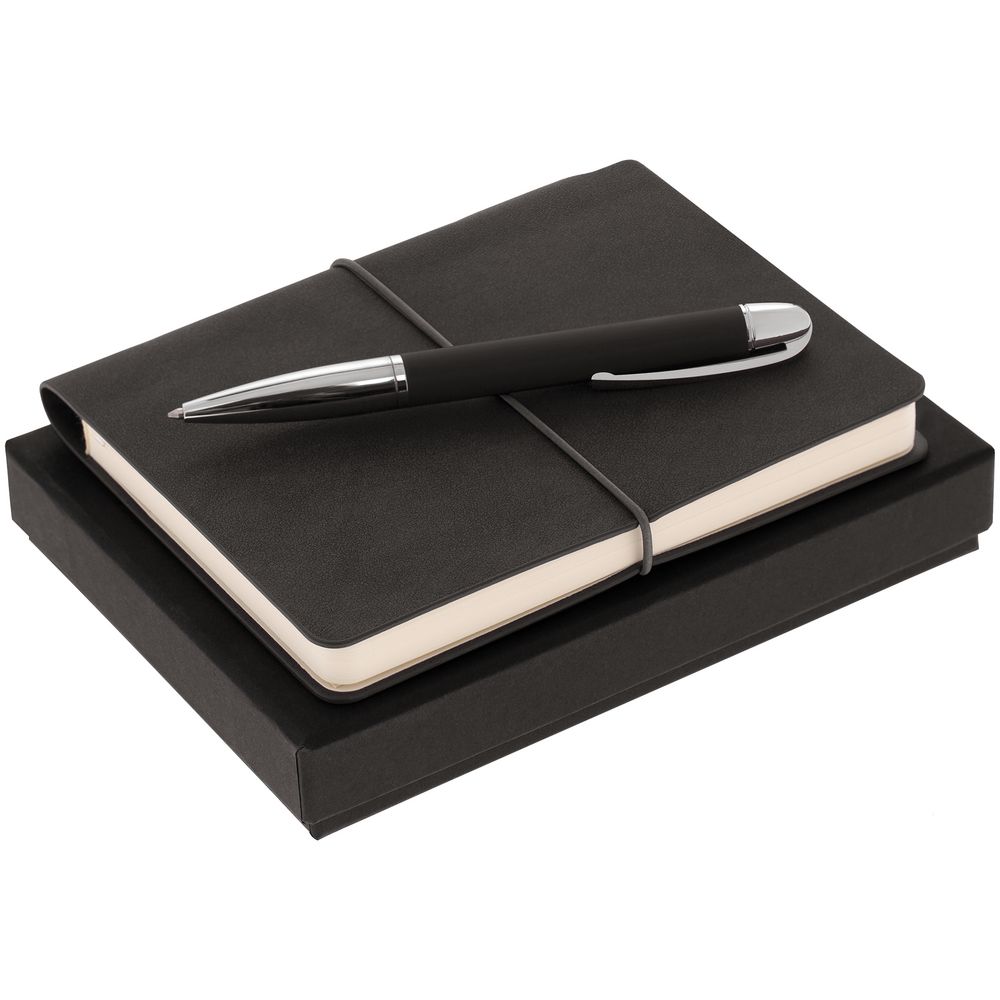 Ready-made business gift setsBusiness Diary Mini setSuitable for the “ready-made business gift sets” section; we will confirm branding and availability for the order quantity.Open in the catalog →
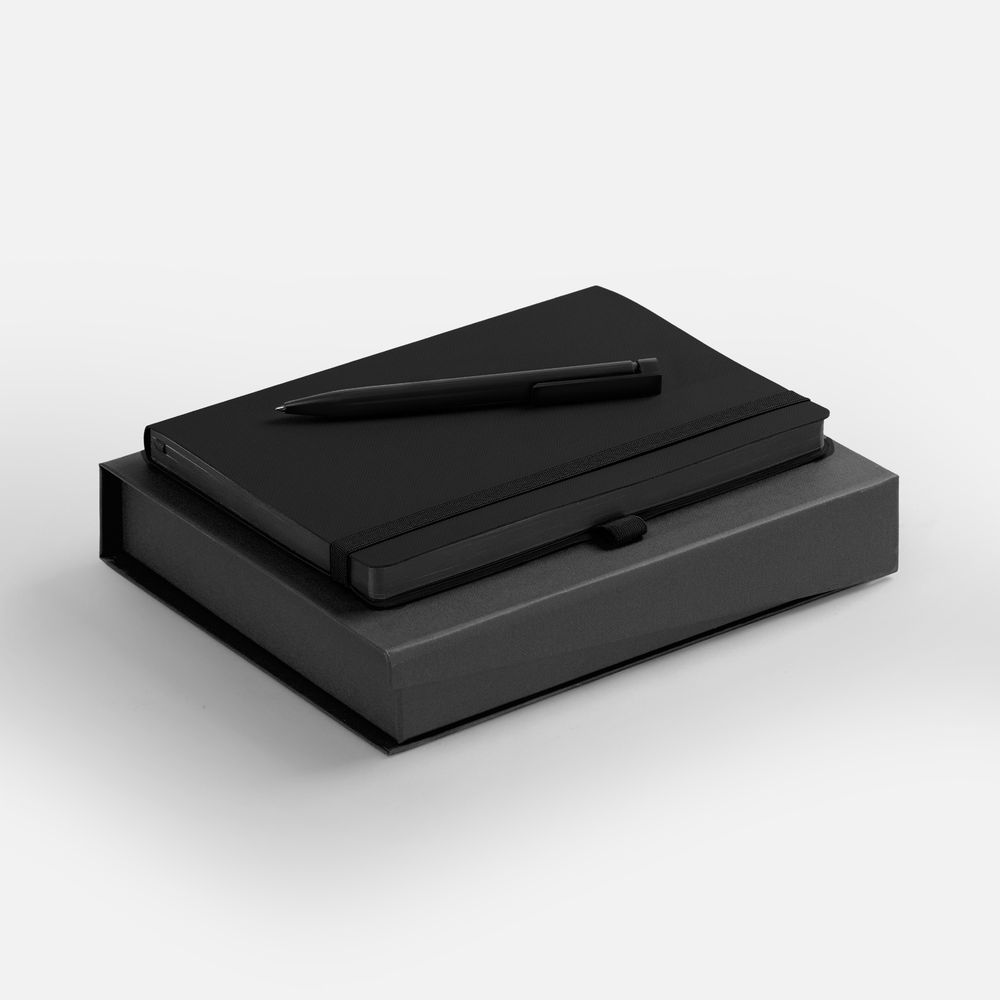 Ready-made business gift setsPeel Flex setSuitable for the “ready-made business gift sets” section; we will confirm branding and availability for the order quantity.Open in the catalog →
Useful electronics
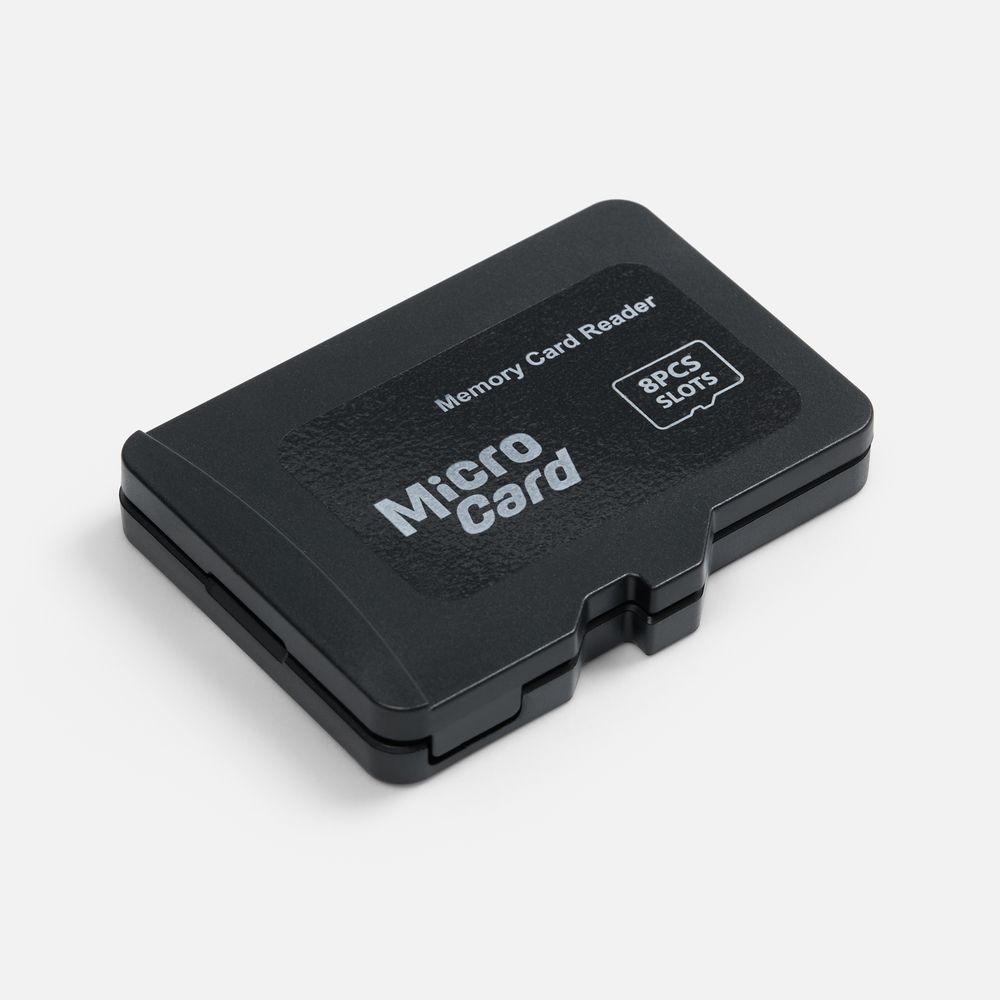 Useful electronicsMultitask memory card and SIM organizer with card readerSuitable for the “useful electronics” section; we will confirm branding and availability for the order quantity.Open in the catalog →
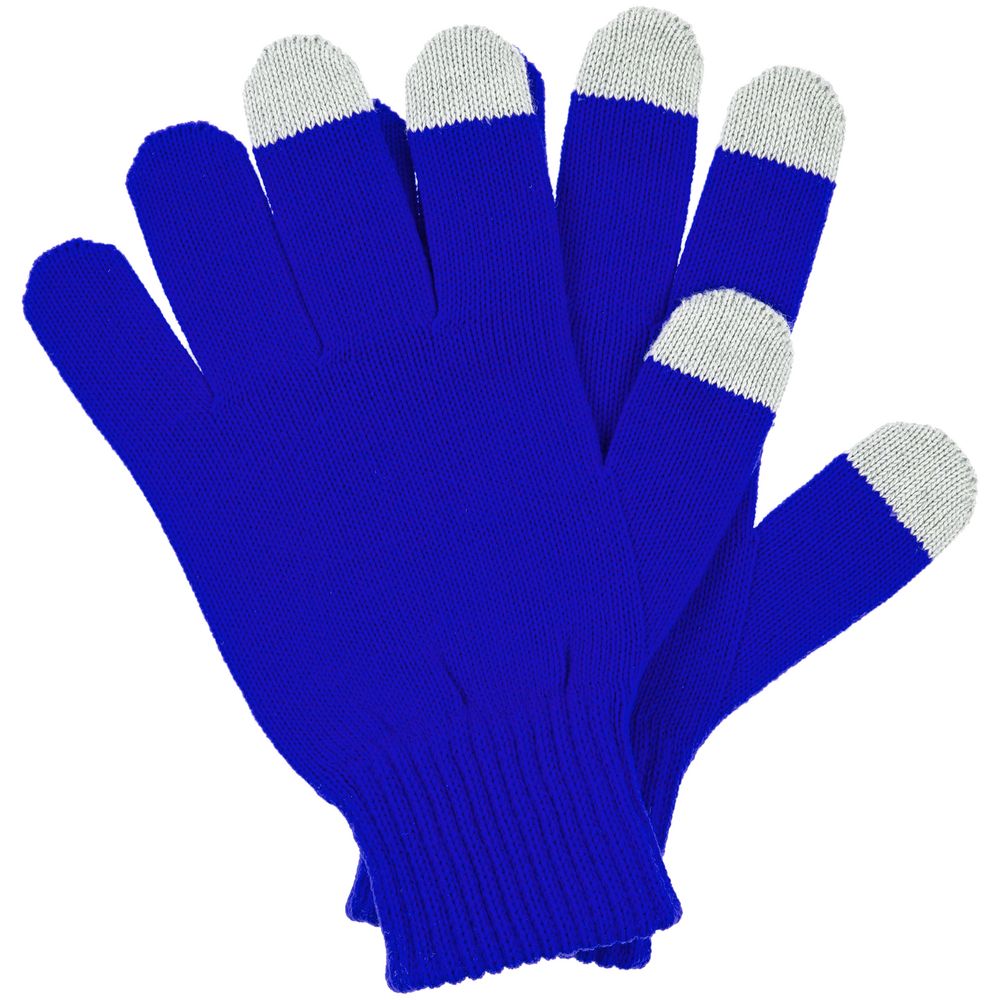 Useful electronicsReal Talk touchscreen glovesSuitable for the “useful electronics” section; we will confirm branding and availability for the order quantity.Open in the catalog →
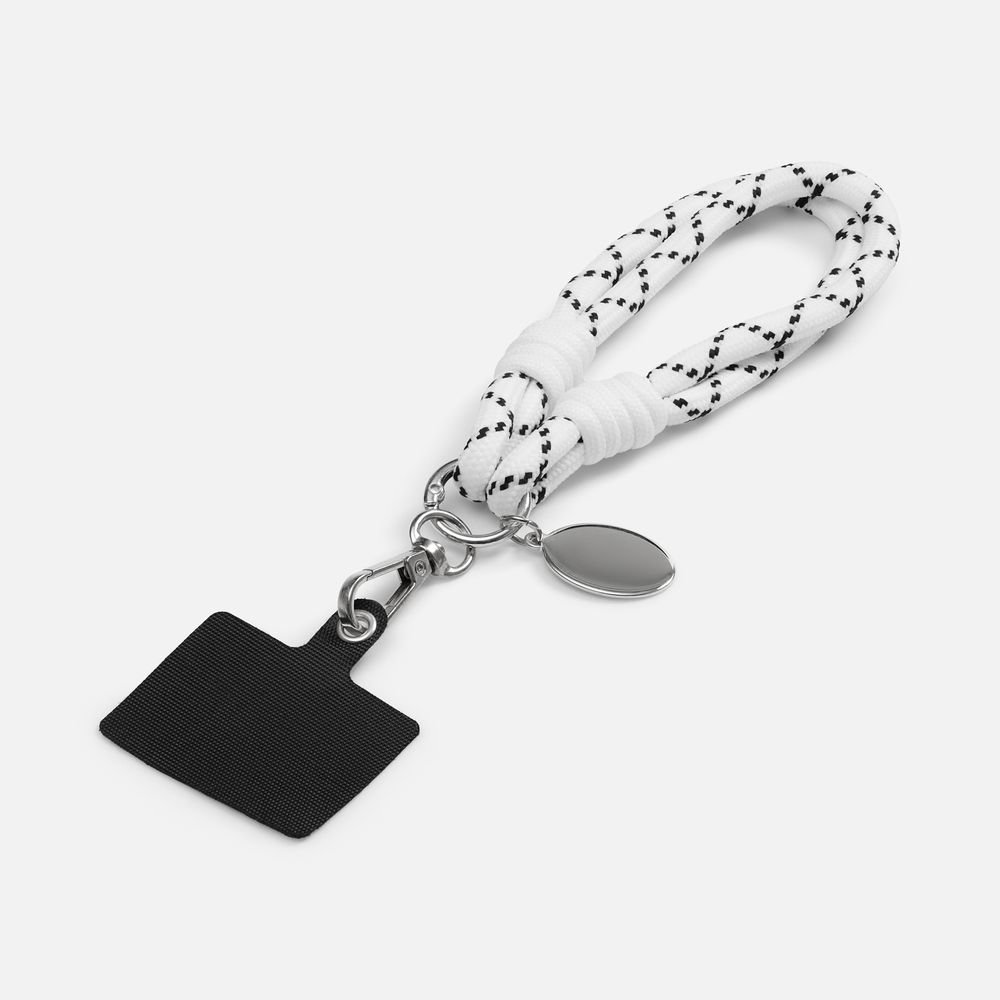 Useful electronicsSolmu bracelet keyring with phone holderSuitable for the “useful electronics” section; we will confirm branding and availability for the order quantity.Open in the catalog →
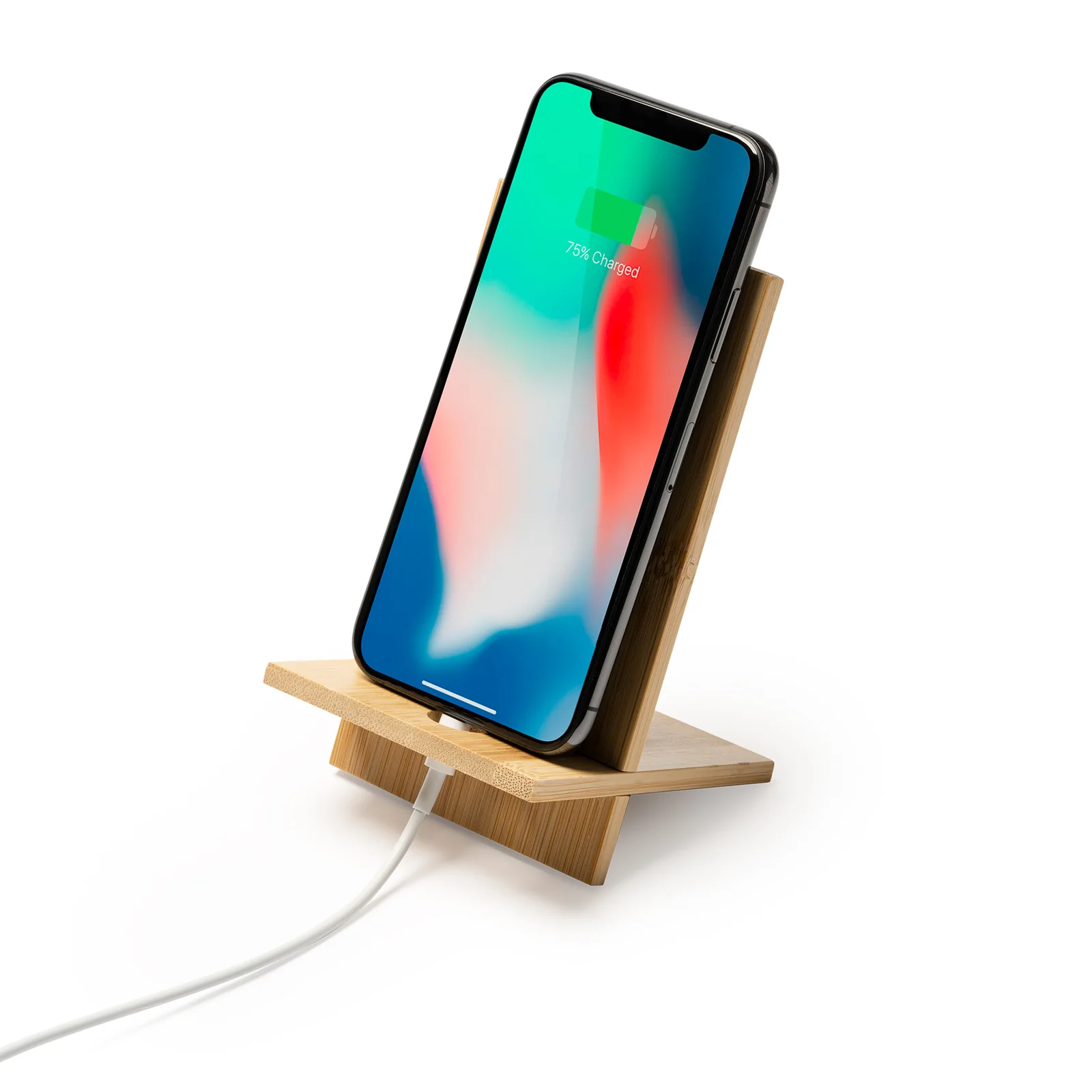 Useful electronicsLYRA bamboo stand, bambooSuitable for the “useful electronics” section; we will confirm branding and availability for the order quantity.Open in the catalog →
We will build a welcome pack for the actual IT team
We do not start with a universal box. First we clarify roles, work format, and cities, then show two–three configurations with products that will actually be used.
The Impulse Media team will handle selection, samples, branding, packaging, and delivery to individual addresses. If needed, we will split the order for office staff, remote employees, and relocation while keeping a consistent style.
First define the work format
Office employees benefit from items that immediately become part of their workspace: a planner, pen, mug or bottle, access pass, and small organizer. In a hybrid format, mobility is added: a compact charger, cable, sleeve, or bag. For a remote team, packaging and delivery become as important a part of the product as the merch itself.
There is no need to simply double the contents. One main item and two supporting pieces work better. For example, the planner addresses the work context, the keyring cable supports mobility, and a personal letter explains the first onboarding step.
| Team format | Main scenario | What to include | What to check |
|---|---|---|---|
| Office | First day at work | Planner, pen, drinkware, access pass | Distribution location and storage |
| Hybrid | Office and travel | Compact kit, cable, bag | Weight and everyday use |
| Remote | Home delivery | Lightweight items, letter, tech accessory | Addresses, packaging, replacements |
| Relocation | Relocation and adjustment | Travel component, bottle, local guide | Country, lead times, and restrictions |
Contents matrix: work, mobility, belonging
Every item should have a function. The work component helps start tasks, the mobile component carries a familiar routine between home and office, and the emotional component connects the employee to the team. This approach avoids a box full of equally unnecessary souvenirs.
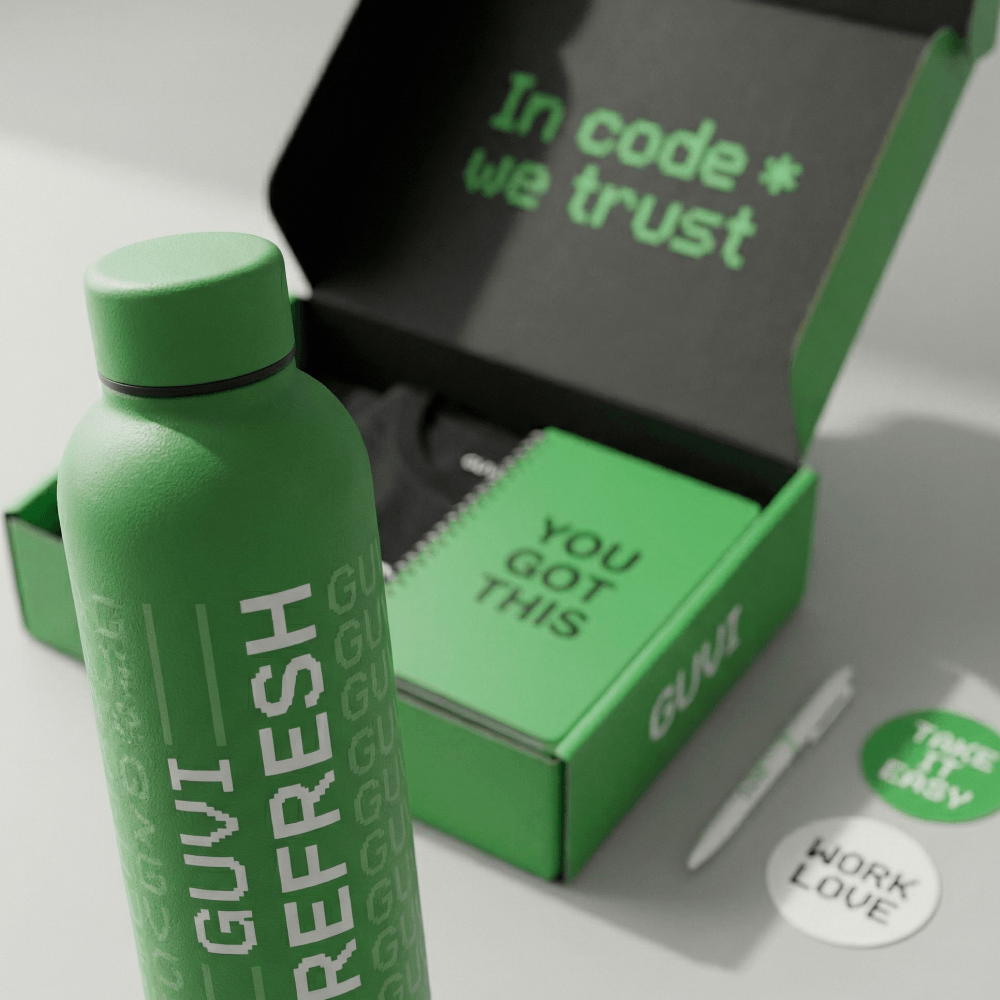
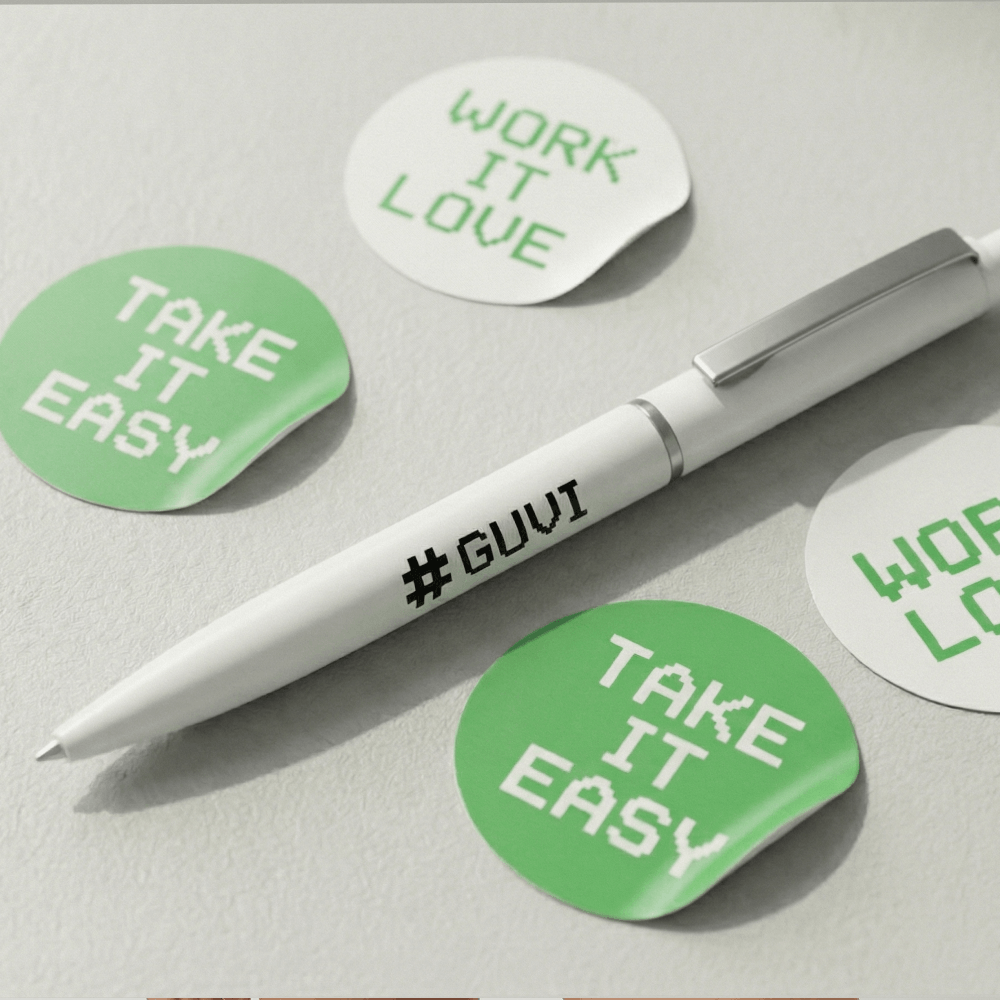
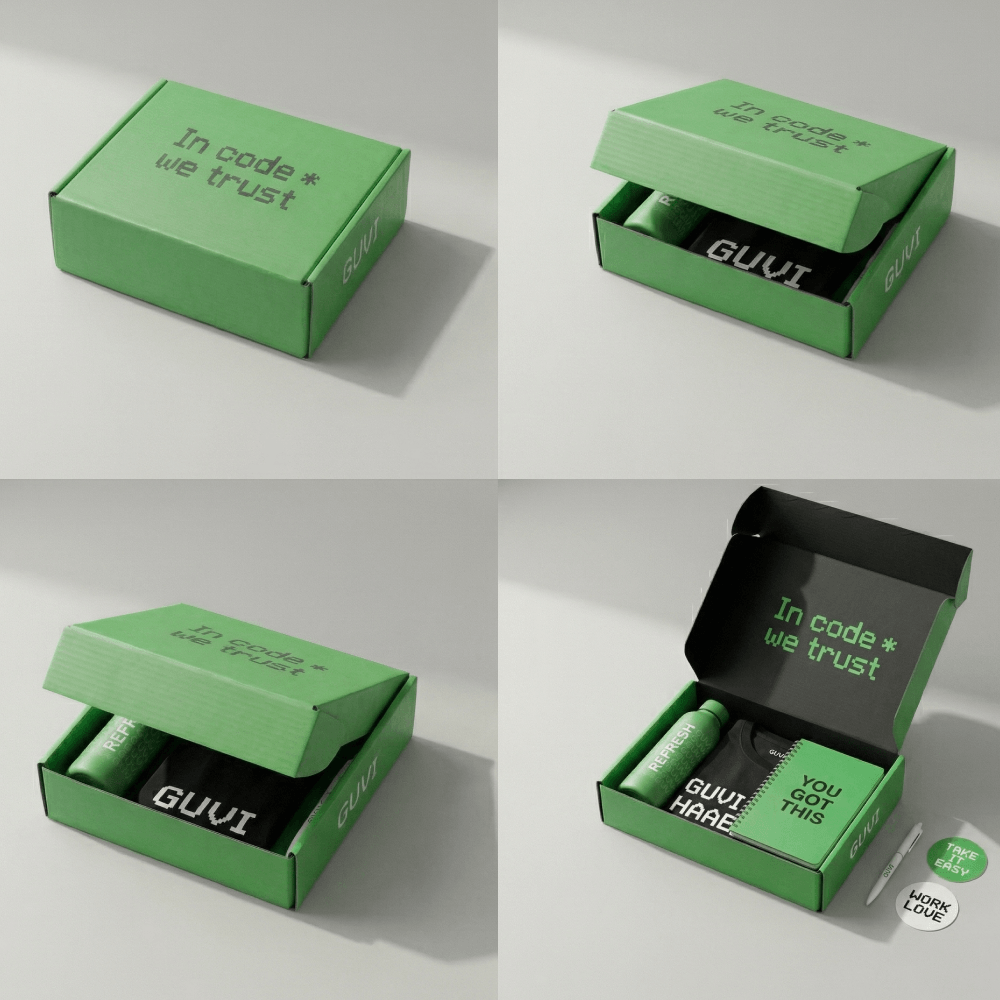
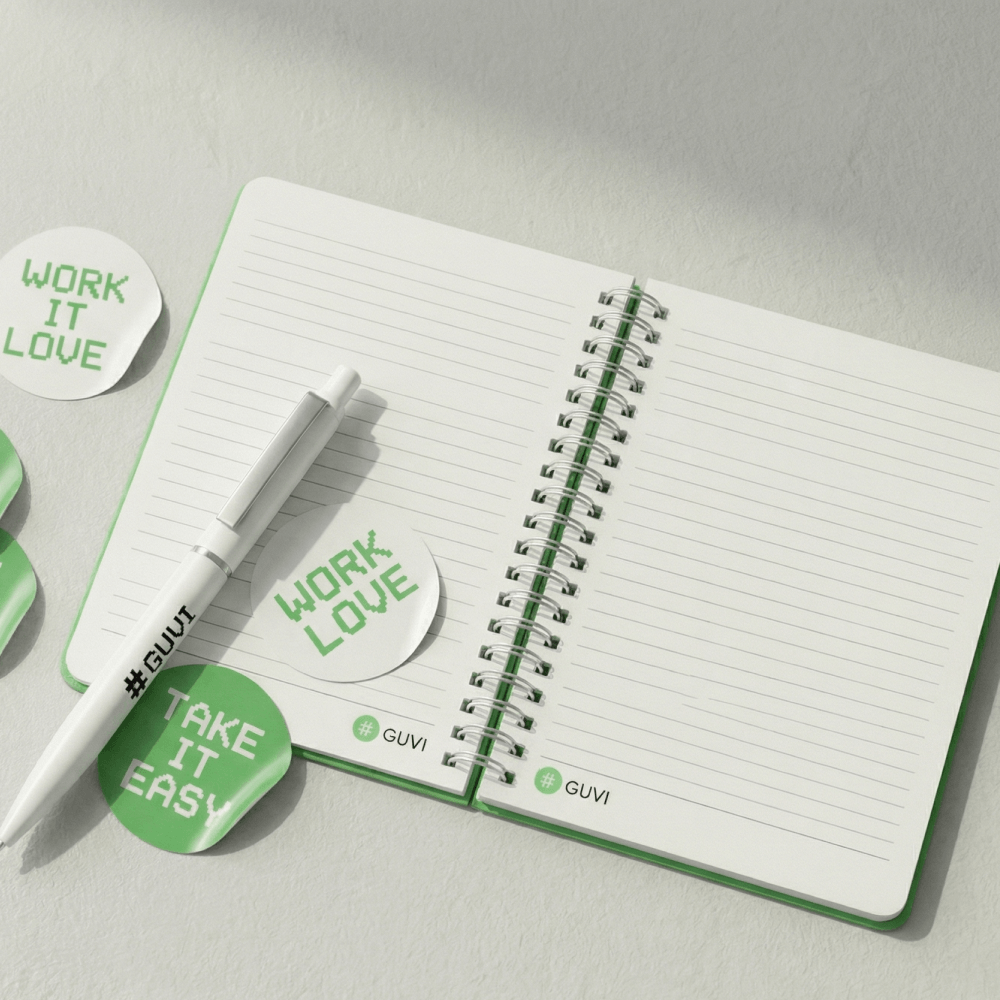
Clothing is appropriate if the company is ready to collect sizes correctly and provide exchanges. If that process is not in place, it is better to put the brand graphics on a bag, throw blanket, or accessory that does not require sizing. In the GUVI case, a shared visual logic connected the T-shirt, bottle, printed materials, and box.
A planner, pen, mat, or desk item.
A cable, charger, bottle, bag, or compact organizer.
Name, role, a manager's letter, or a first-steps card.
GUVI: the kit as part of digital culture
The open box shows how the items work together rather than their quantity: color, graphics, and the first-day experience.
Design without an overpowering logo
Interface metaphors, typography, short internal phrases, and product color codes work well in IT merch. The logo does not have to be the largest element. Use stamping on the planner, wraparound engraving on the bottle, DTF or screen printing on textiles, and tell the story through interior printing in the box.
Before production, it is useful to create master artwork: palette, minimum mark sizes, safe areas, and rules for light and dark substrates. Then a new item can be added to the collection without redesigning the whole system.
- Check brand colors on the actual material, rather than only on screen.
- Agree on one main motif and avoid filling every surface with it.
- Prepare artwork versions for round, flat, and textile items.
- Approve the preproduction sample before launching the full run.
Which technologies suit different items
DTF printing is convenient for detailed graphics on textiles and small runs. UV printing allows work with hard surfaces and color images. Wraparound engraving gives metal drinkware an understated, durable result. The choice depends on the material, area, and how the item will be used, rather than fashion.
For a kit involving several technologies, color must be checked on each item separately. The same green looks different on cardboard, fabric, and metal. The designer's task is to achieve a shared system, rather than an exact match at any cost.
| Application surface | Technique | Strength | Inspection |
|---|---|---|---|
| T-shirt or tote bag | DTF / screen printing | Graphics and color | Washing, texture, size |
| Bottle | UV / wraparound engraving | Large area or subtle mark | Curvature and image join |
| Planner | Stamping / UV | Tactile feel or color | Cover material |
| Box | Digital or offset printing | The full brand story | Color proof and construction |
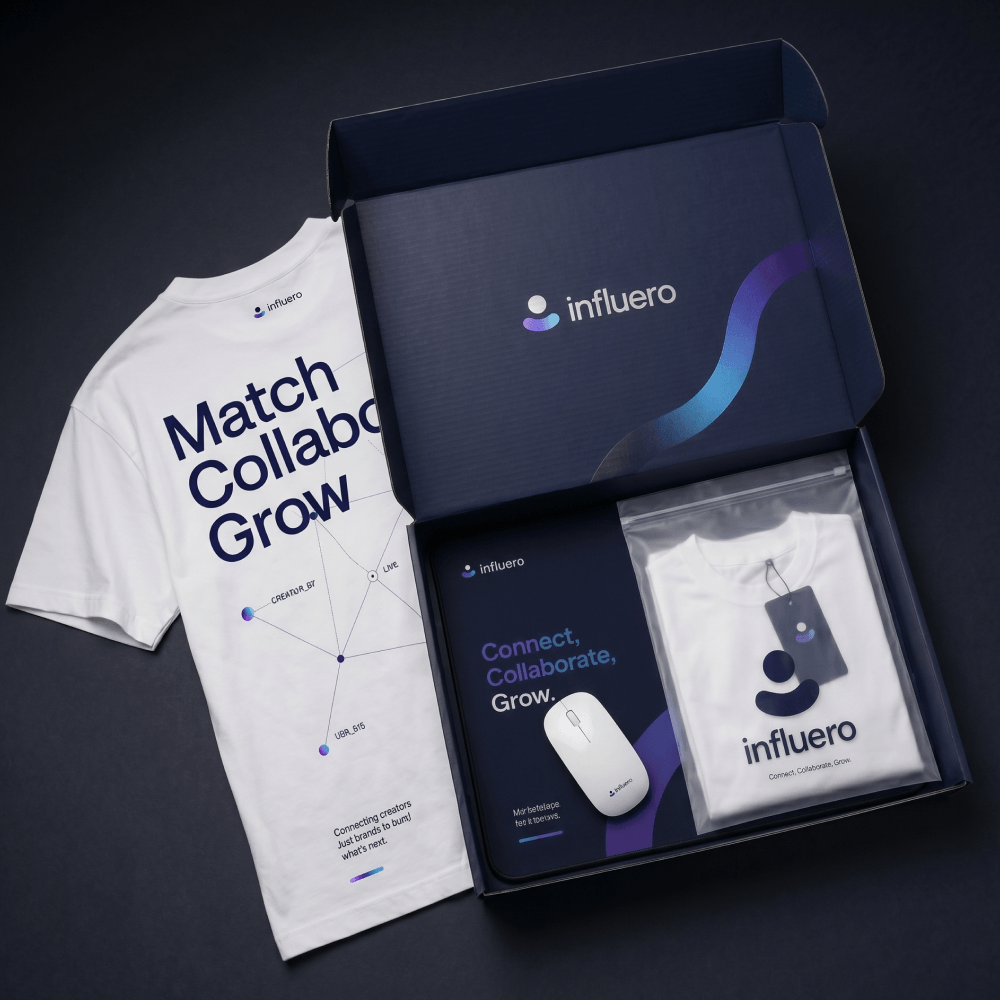
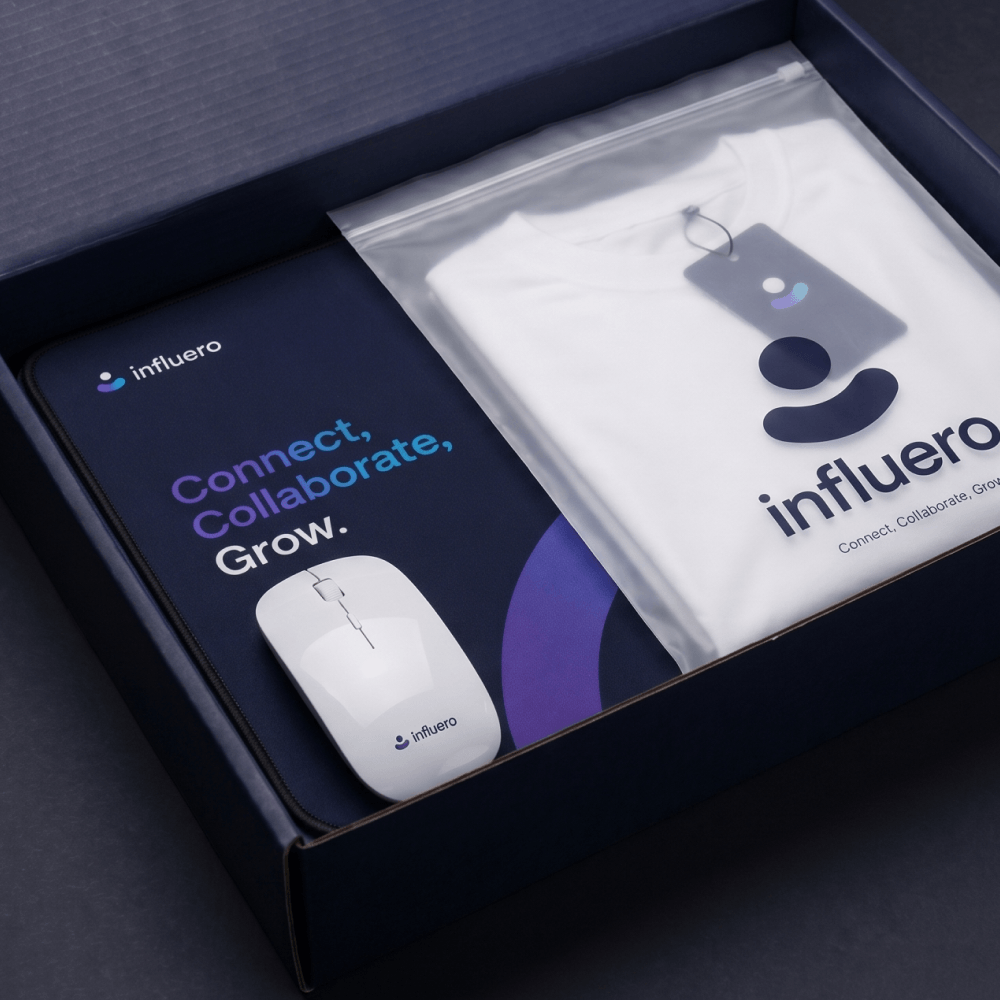
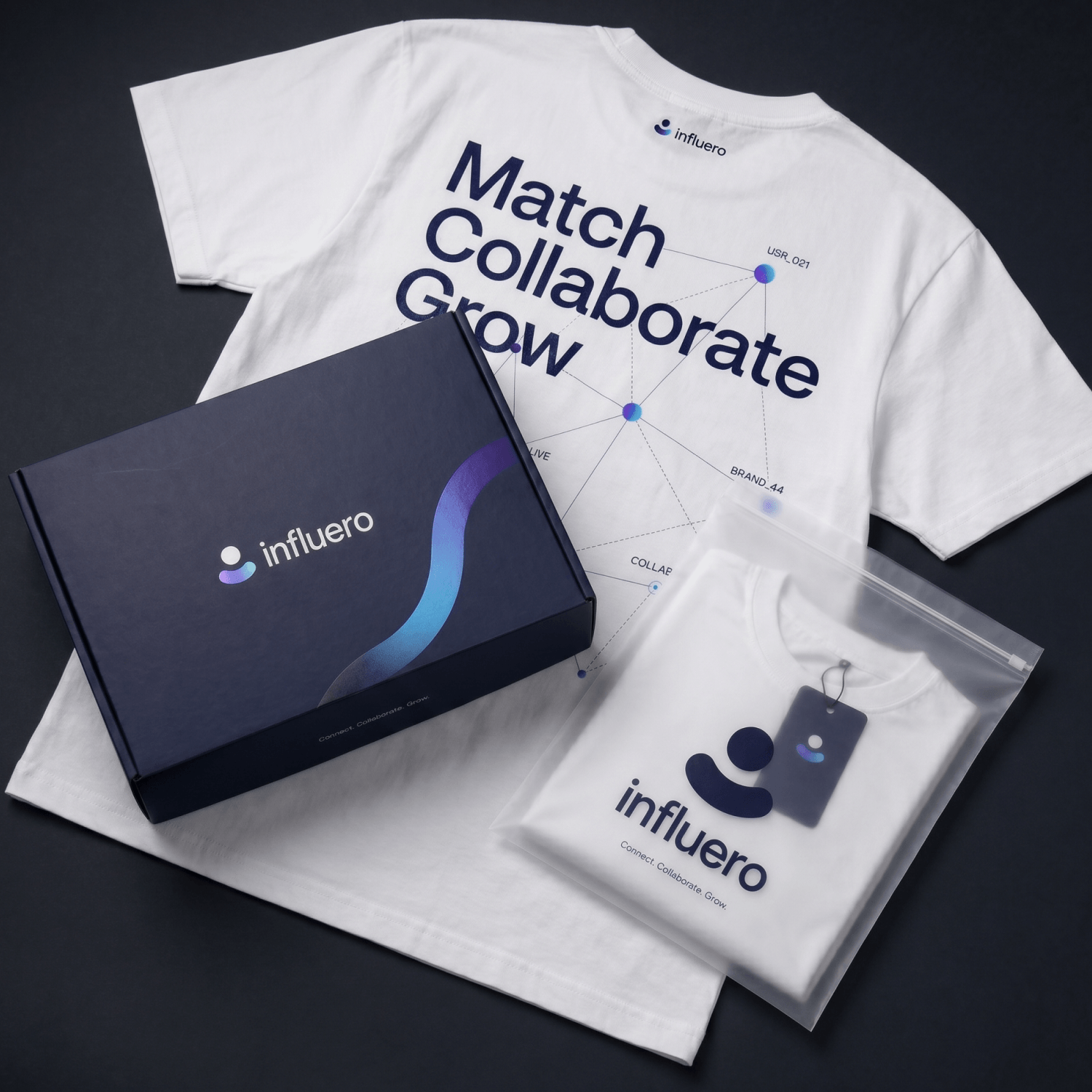
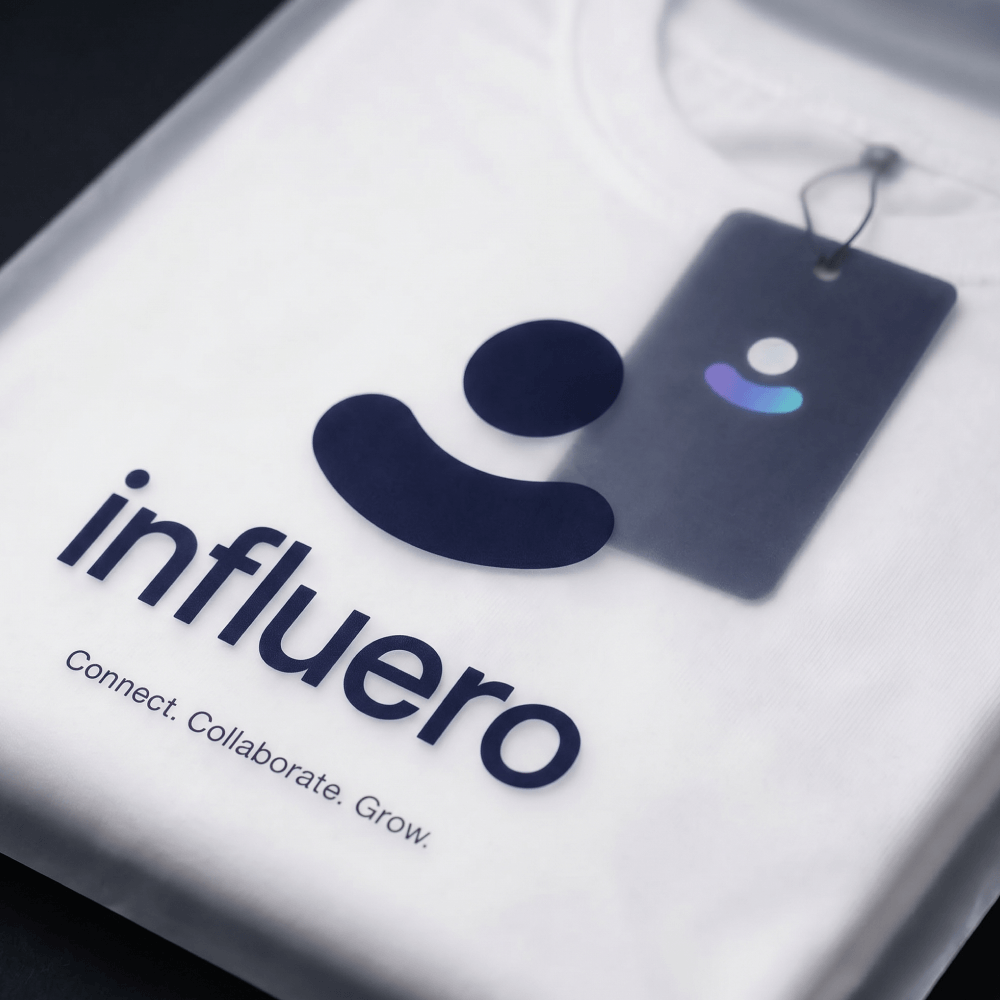
Influero: a workspace instead of a random souvenir
The mouse, mouse pad, T-shirt, and box follow one clear use case: the employee starts using the kit immediately.
Case studies and details of completed projects
Two photos from each project show not only the overall appearance but also the quality of assembly, branding, and packaging.
Case studyGUVI IT ArmeniaThe box, T-shirt, bottle, notebook, and pen are brought together in a single digital concept.
View case study →Case studyInflueroWorkspace kit: T-shirt, mouse, mouse pad, and printed box.
View case study →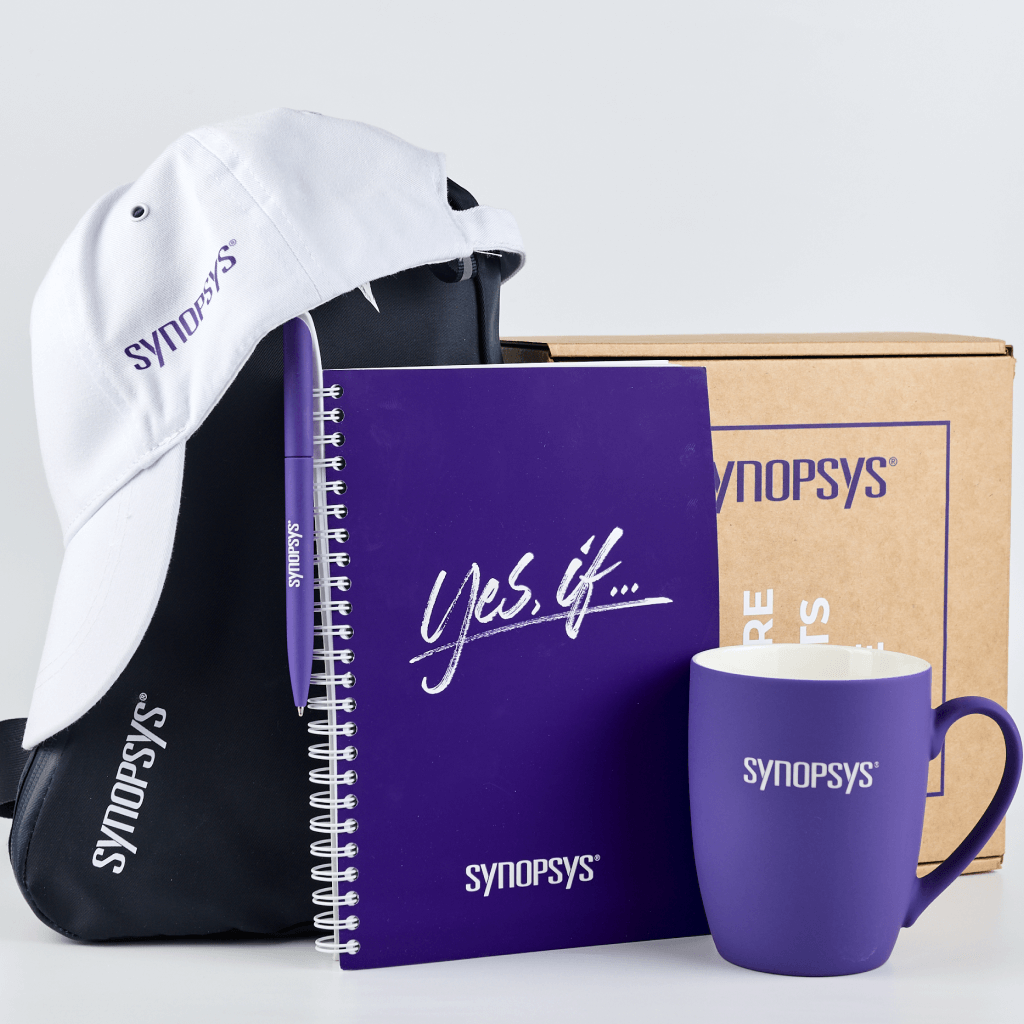
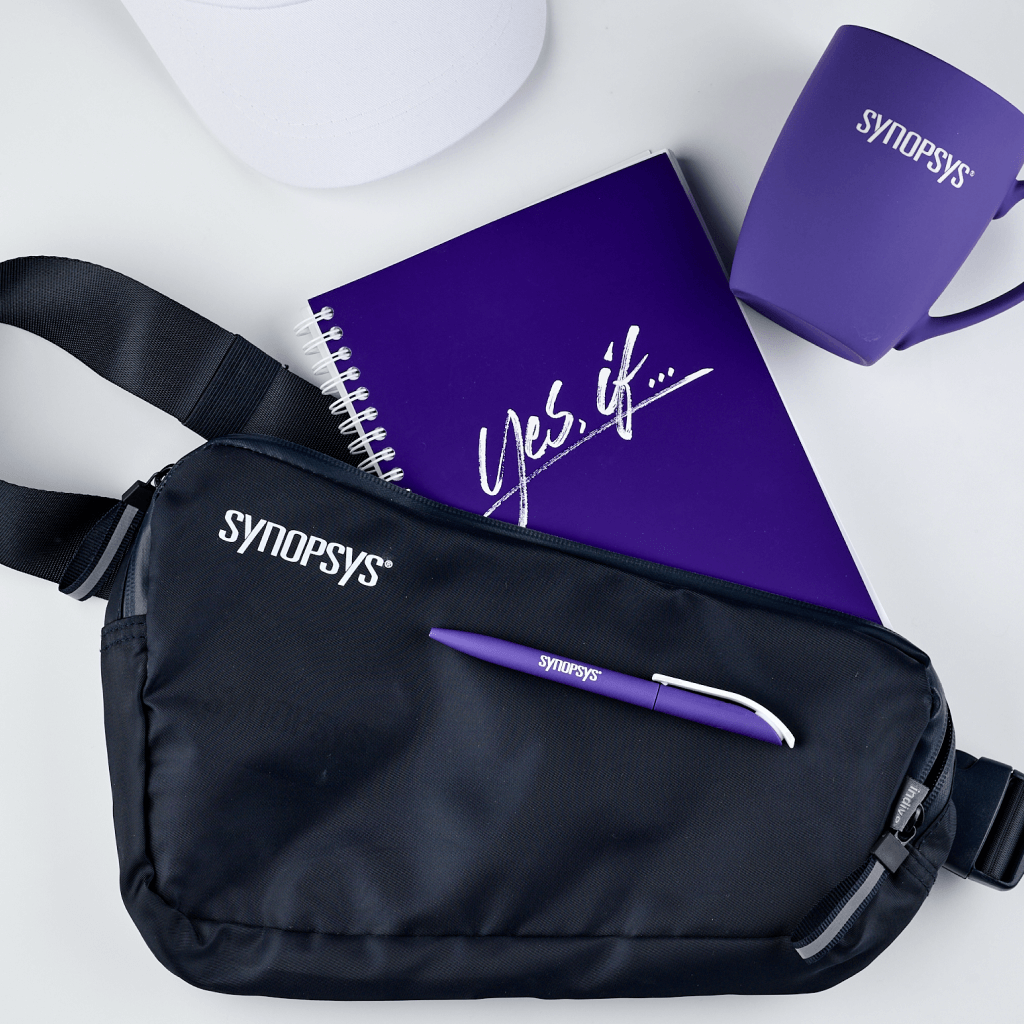 Case studySynopsys
An urban set with a notebook, mug, cap, and waist bag.
View case study →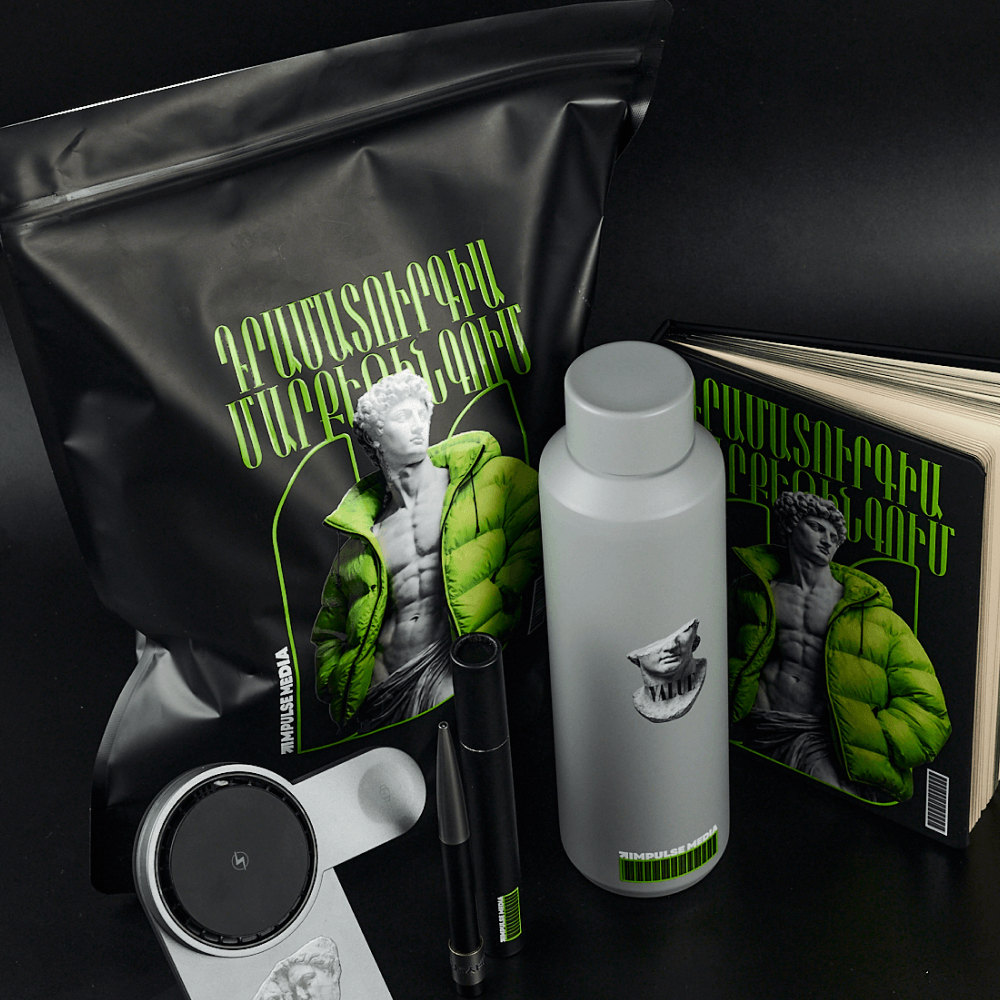
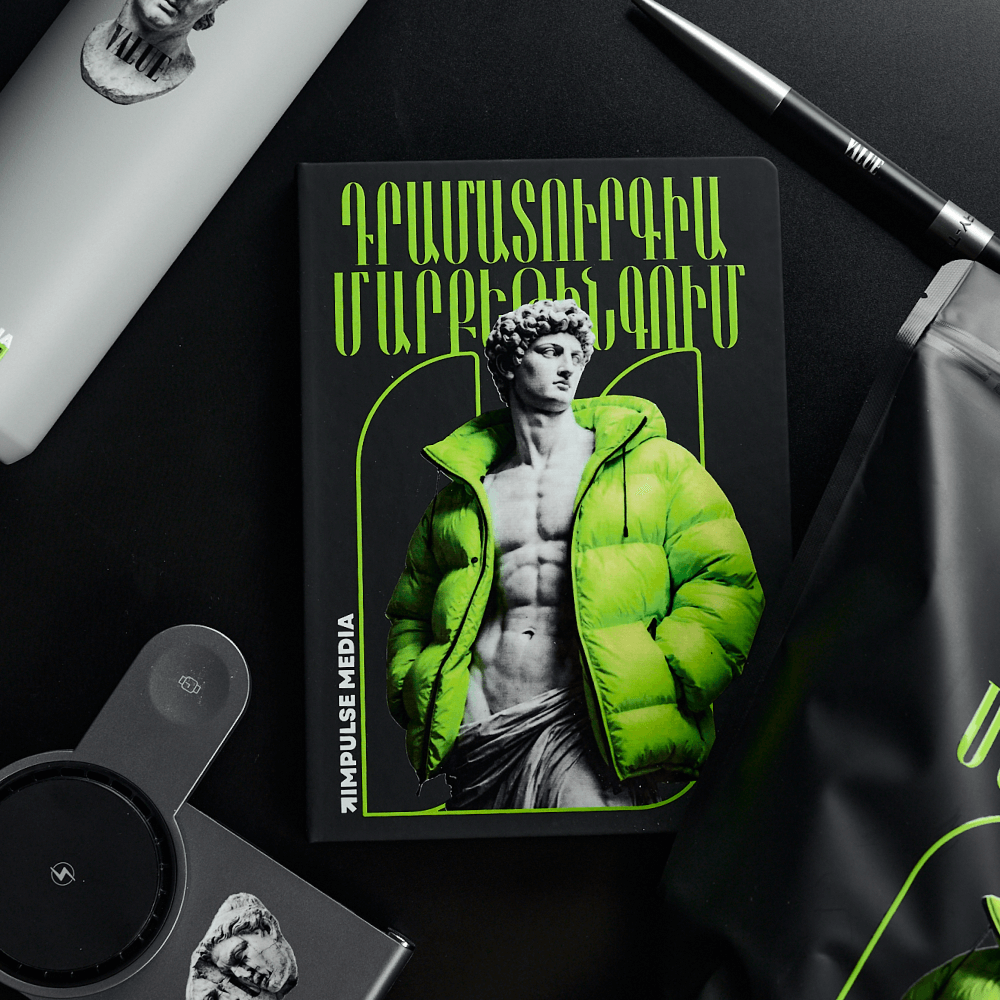 Case studyWelcome kit Impulse Media
The charger, insulated bottle, mat, and planner illustrate how the set is used at work.
View case study →How to launch the project without wasting time
To start, we need the first group's start date, approximate quantity, geography, roles, and list of required items. Then two or three configurations are created: compact, core, and enhanced. This makes it possible to compare different levels of solving the same task, rather than random products.
The schedule separately records supply of base products, branding, packaging production, assembly, inspection, and delivery. It is better to plan the reserve before launch: an extra kit is cheaper than urgently reprinting one item after an employee starts.
- Provide the brand identity and approved logo versions.
- Group employees by office, hybrid, remote, and relocation.
- Collect sizes only when genuinely prepared to handle exchanges.
- Approve the sample and reference configuration.
- Plan a reserve for new starters and damage.
- Verify individual-address delivery with a test shipment.
Moscow, St. Petersburg, other cities, and Yerevan
For major Russian cities, production can be centralized and kits delivered to offices or employees' addresses. For regional destinations, standardizing packaging and labeling in advance matters more. Across a wide geography, each kit receives a clear version code so that the clothing, personal card, and address are not mixed up.
If part of the team is in Yerevan, we can combine a shared product range with local branding and assembly. This reduces unnecessary transport but requires one approved reference sample: color, logo placement, contents, and packaging method must match in both production streams.
Work and mobile additions
First compare four products with one function, then four with a second function. Any item can be replaced without losing the set's logic.
Planners and notebooks
 Planners and notebooksDali squared notebookSuitable for the “planners and notebooks” section; we will confirm branding and availability for the order quantity.Open in the catalog →
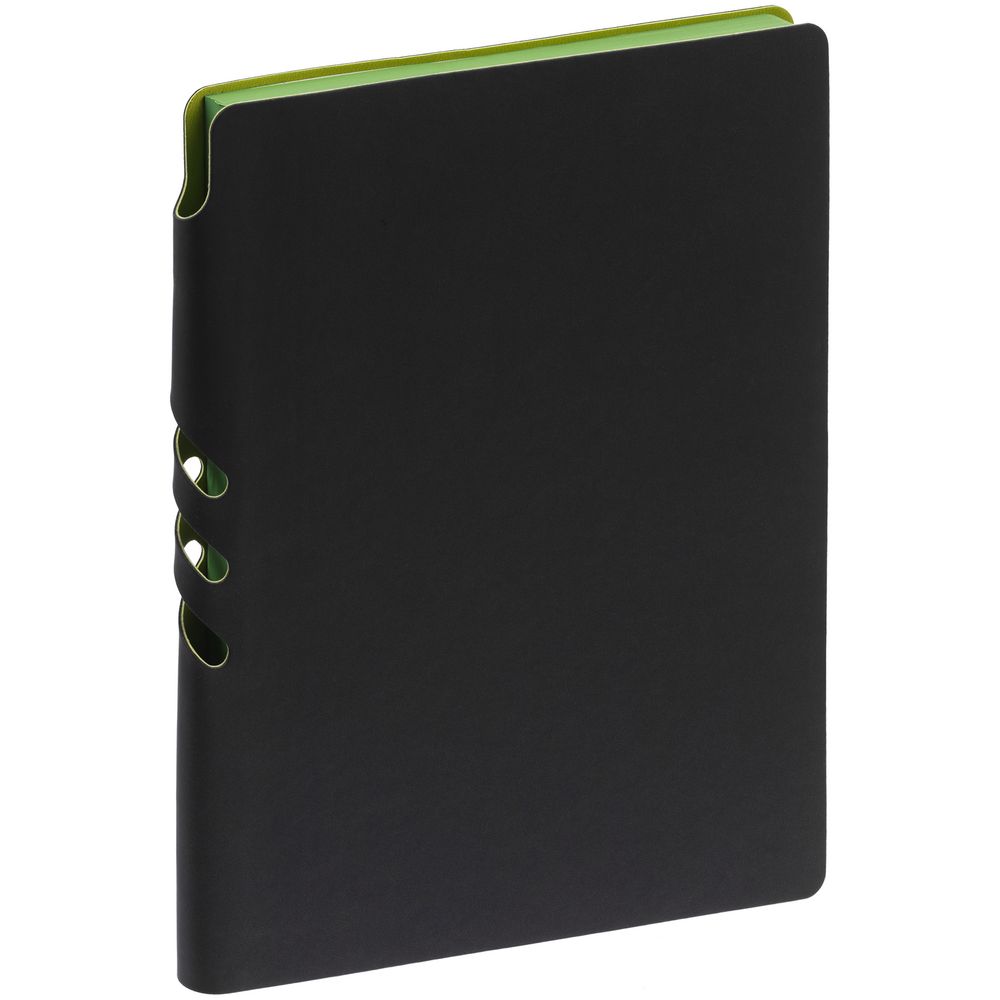 Planners and notebooksFlexpen Black undated planner, black with blueSuitable for the “planners and notebooks” section; we will confirm branding and availability for the order quantity.Open in the catalog →
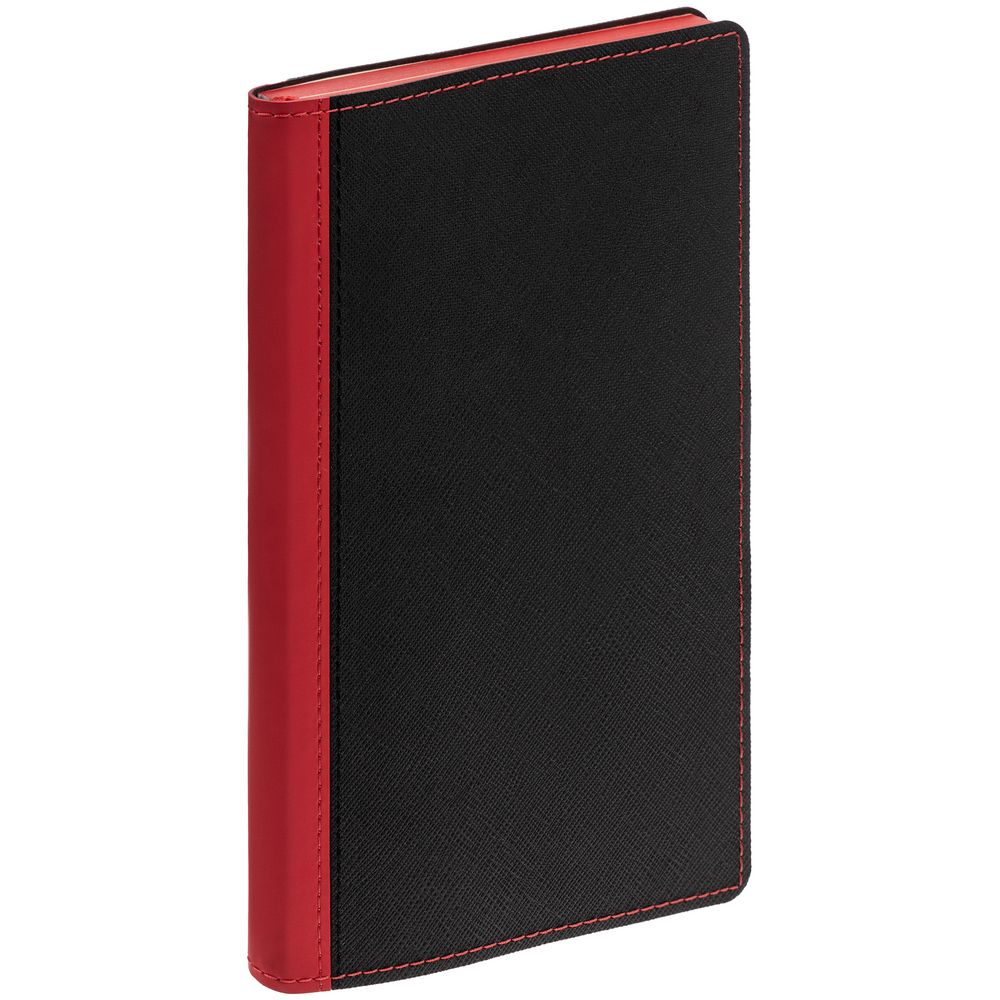 Planners and notebooksNice Twice undated planner, black with redSuitable for the “planners and notebooks” section; we will confirm branding and availability for the order quantity.Open in the catalog →
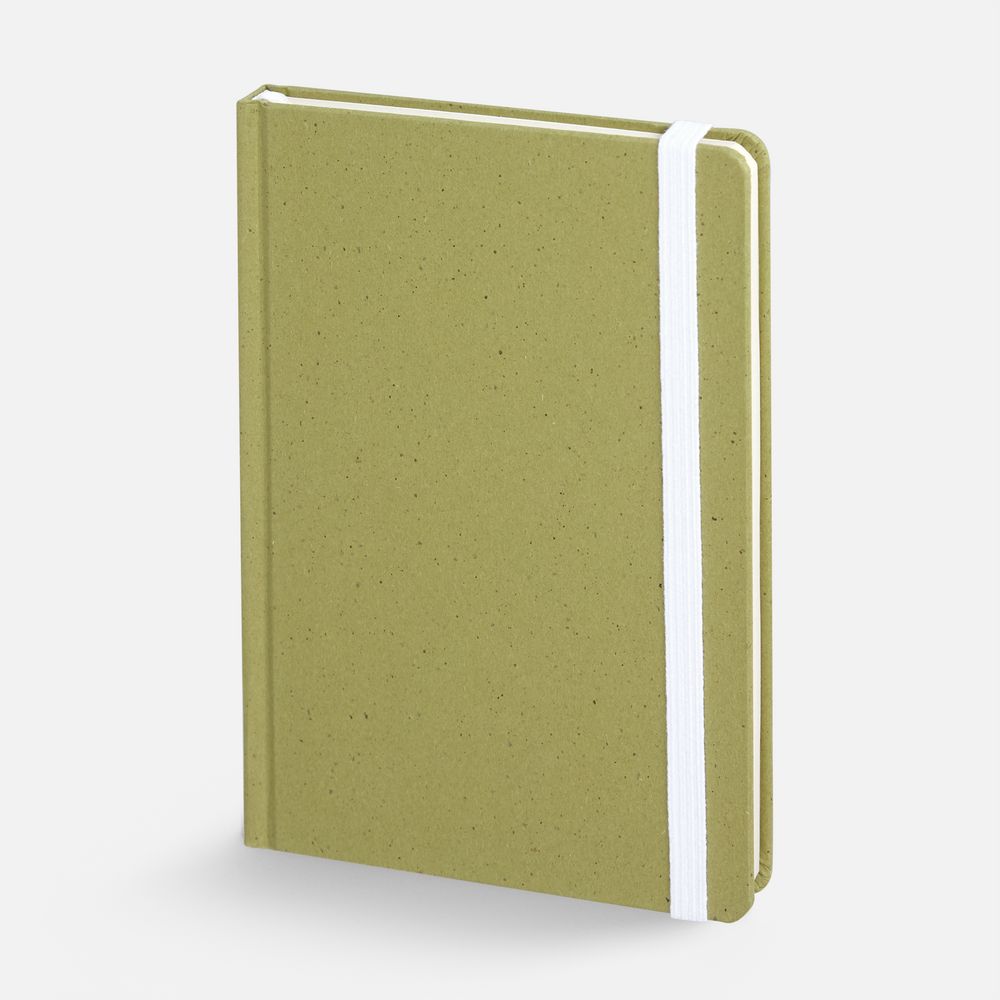 Planners and notebooksLactonica notebookSuitable for the “planners and notebooks” section; we will confirm branding and availability for the order quantity.Open in the catalog →
Water bottles
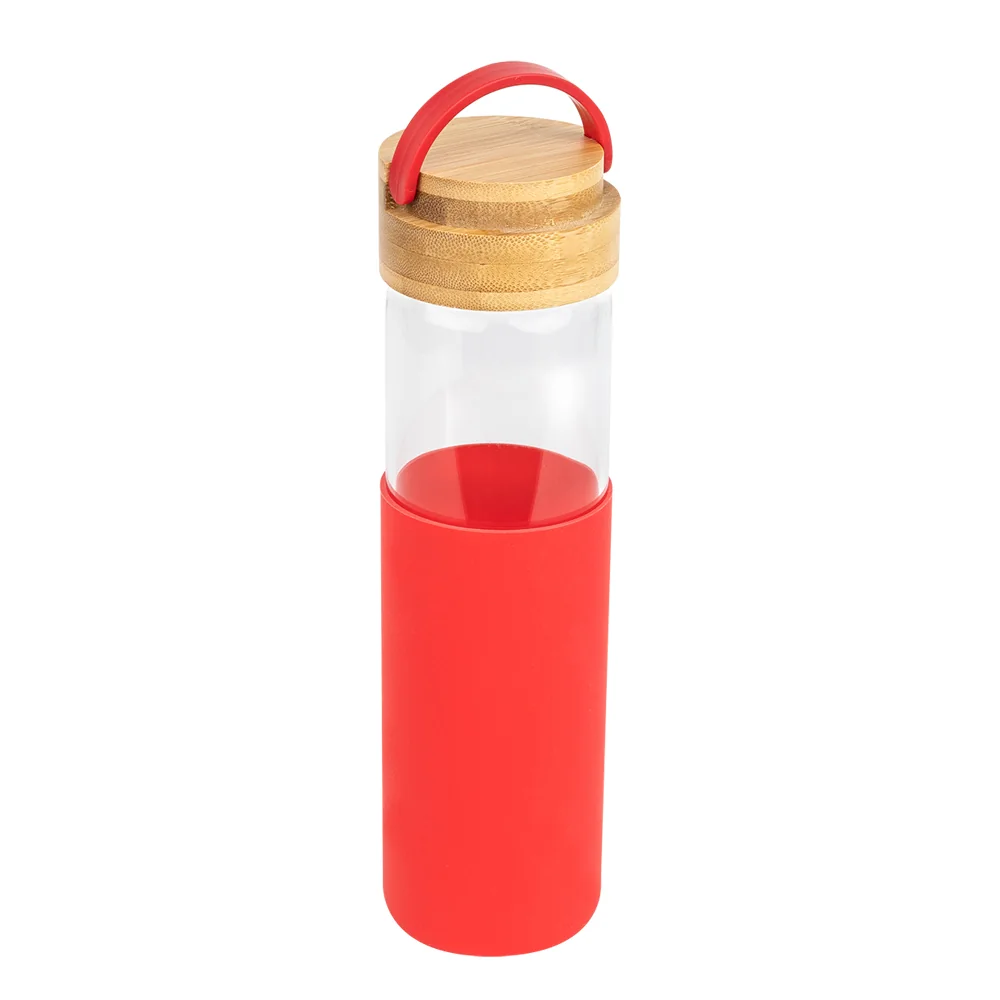 Water bottlesGlass glass bottle with a silicone sleeve and bamboo lid, redSuitable for the “water bottles” section; we will confirm branding and availability for the order quantity.Open in the catalog →
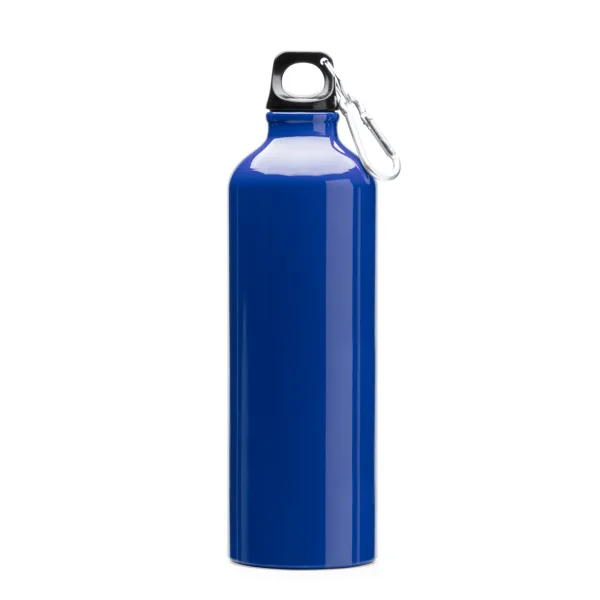 Water bottlesBAOBAB aluminum bottleSuitable for the “water bottles” section; we will confirm branding and availability for the order quantity.Open in the catalog →
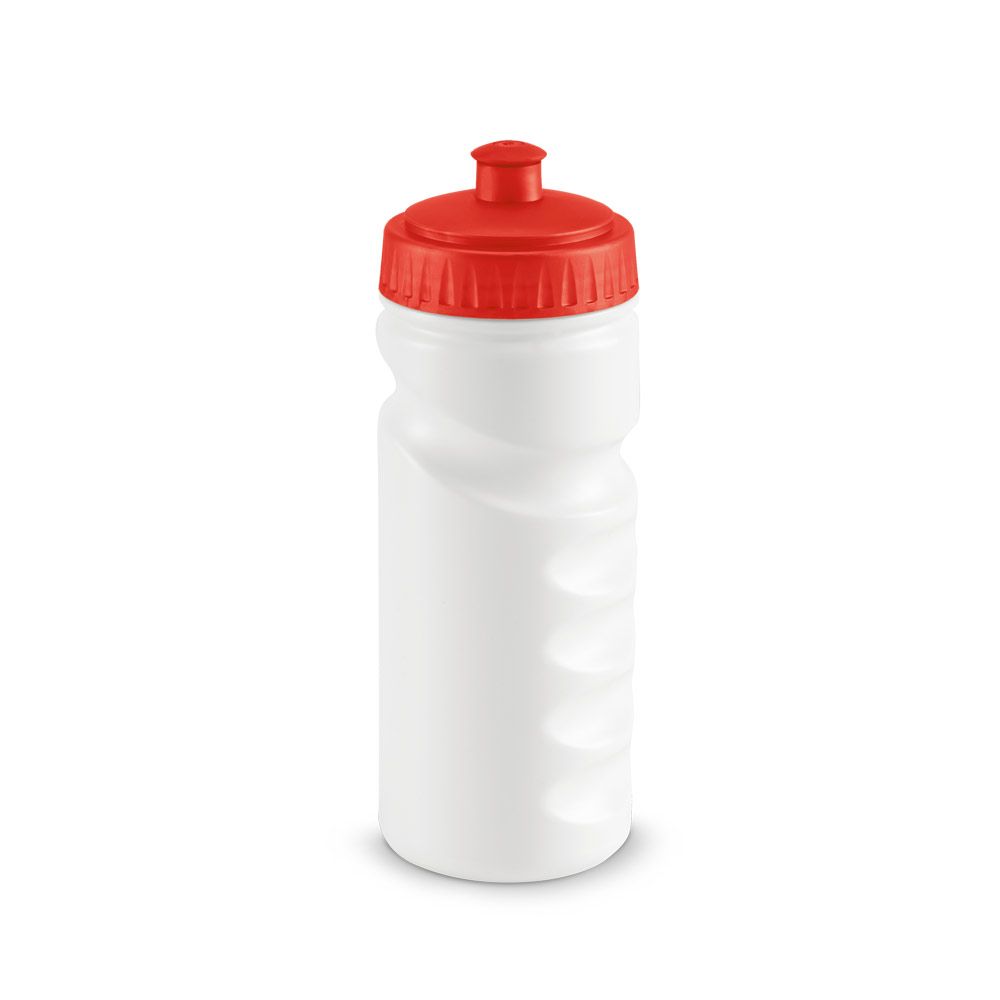 Water bottlesLowry cycling bottleSuitable for the “water bottles” section; we will confirm branding and availability for the order quantity.Open in the catalog →
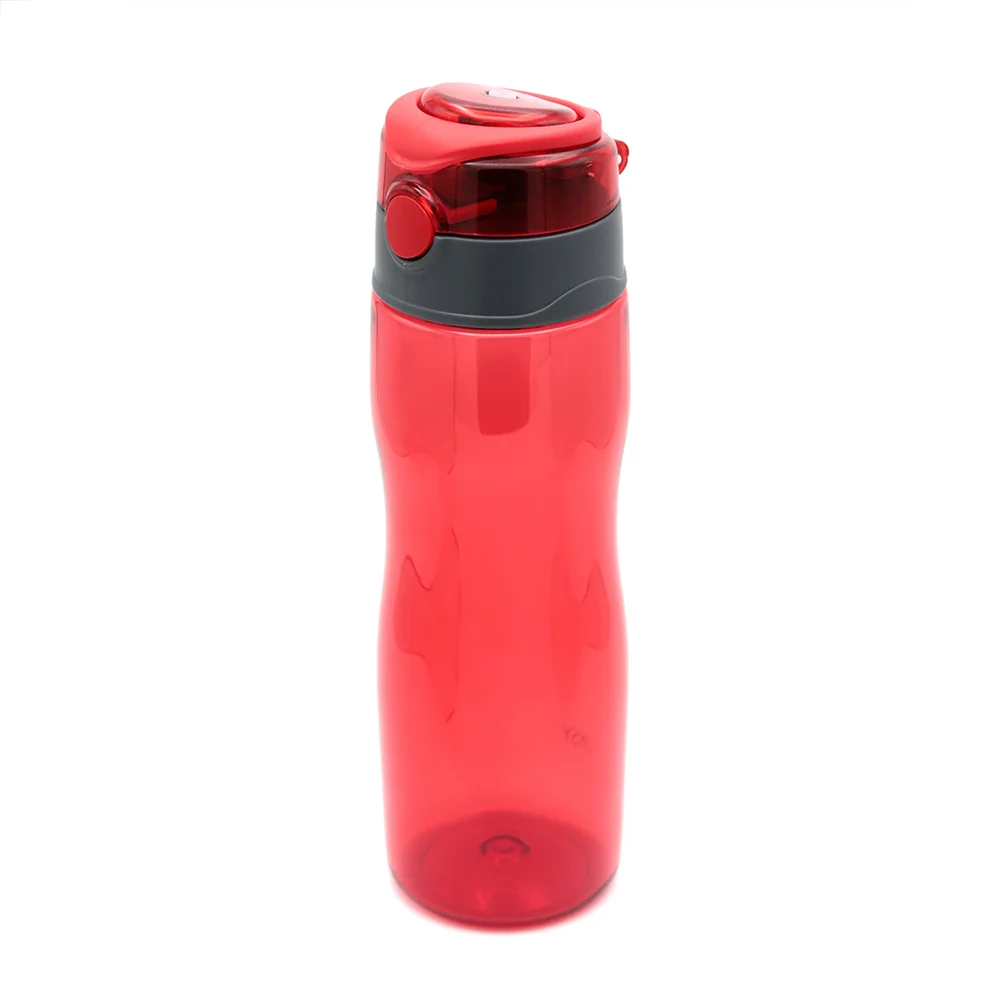 Water bottlesSolada plastic bottle, redSuitable for the “water bottles” section; we will confirm branding and availability for the order quantity.Open in the catalog →
Frequently asked questions
What should go in a developer's kit?
An everyday work item, a compact tech accessory, and concise printed materials. It is better to determine the specific contents by work format rather than by a job title in isolation.
Is clothing needed?
Yes, if sizes are collected correctly and there is a reserve and a clear exchange procedure. Otherwise, it is safer to choose an item that does not require sizing.
How do you assemble a kit for a remote employee?
Reduce weight, remove fragile and difficult-to-ship items, check the address, and make a test shipment.
Can electronics be used?
Yes, after checking compatibility, stated specifications, labeling, and actual availability of the selected batch.
How many configurations should be prepared?
Two or three are usually enough: compact, core, and enhanced. They should address one task at different levels.
When should you start?
The more custom production and individual-address logistics involved, the earlier. The exact schedule is planned backward from the handover date after the contents are confirmed.